
Customer Feedback & Ratings
Collect post-order star ratings and comments automatically. Spot problems early, track satisfaction over time, and act before issues reach Google.
What Is the Feedback System?
After an order is completed, customers see a 1–5 star rating prompt directly on their order confirmation page. No separate survey link, no email required — the feedback widget appears in context, right when the experience is fresh.
Every response is stored against the customer and order. Venue staff can view all feedback in the Admin → Feedback dashboard, see the average score, and read individual comments. Feedback is also shown on the customer's profile page so staff have full context when reaching out.
Why Customer Feedback Matters
Catch Issues Before Google
A customer who leaves 2 stars in your dashboard is a customer who didn't go to Google. Private feedback gives you a chance to fix the problem first.
Track Satisfaction Over Time
See how your average rating trends week by week. Identify whether a menu change, staff change, or operational issue is affecting customer satisfaction.
One Response Per Order
The feedback widget only shows once per order and disappears after submission. No spam, no repeated prompts, no friction.
Tied to Real Orders
Every rating is linked to an actual order — you know exactly what was ordered, at which venue, and by which customer. Context you can act on.
How Customer Feedback Works
Order Completes
When an order status reaches Completed, Delivered, or Picked Up, the star rating widget appears on the customer's order confirmation page.
Customer Rates
The customer taps 1–5 stars and optionally adds a comment. The widget disappears after submission — one response per order, no re-prompting.
Stored Against Customer
The rating is saved against the order and the customer profile. Admins can see it in the Feedback dashboard and on the customer's detail page.
Review in Dashboard
The Feedback dashboard shows average score, rating distribution (1–5 breakdown), and all individual comments sorted by date.
Feedback Features
Star Rating Widget
Inline 1–5 star picker with optional free-text comment, shown on the order confirmation page for completed orders.
- 1–5 star rating
- Optional free-text comment (up to 1000 characters)
- One submission per order (upsert — customers can update)
- Widget hides after submission, no re-prompting
Feedback Dashboard
Admin overview of all feedback for the selected venue with summary statistics.
- Average rating score
- Rating distribution bar chart (1–5 stars)
- Chronological list of all reviews with customer name and order number
- Accessible from Admin → Feedback
Customer Profile Integration
All feedback a customer has left is visible on their admin profile page alongside order history and loyalty data.
- Full feedback history per customer
- Rating shown alongside order context
- Supports follow-up actions (notes, tags)
- No setup required — automatic
Privacy & Security
Feedback is collected per-order and stored internally. Only the customer who placed the order can submit feedback for it.
- Server-side session verification
- One feedback per order (upsert model)
- Internal only — not published publicly
- No third-party survey service required
Use Cases
Daily Quality Check
Review overnight feedback every morning. A drop in average score is an early warning that something changed — packaging, preparation time, or a specific product.
Staff Performance
Dine-in and delivery orders with low ratings often include comments about service. Use feedback as a coaching tool without relying on public reviews.
New Menu Validation
Launched a new dish? Watch the ratings for orders that include it. Early negative feedback lets you adjust before the item becomes a reputation issue.
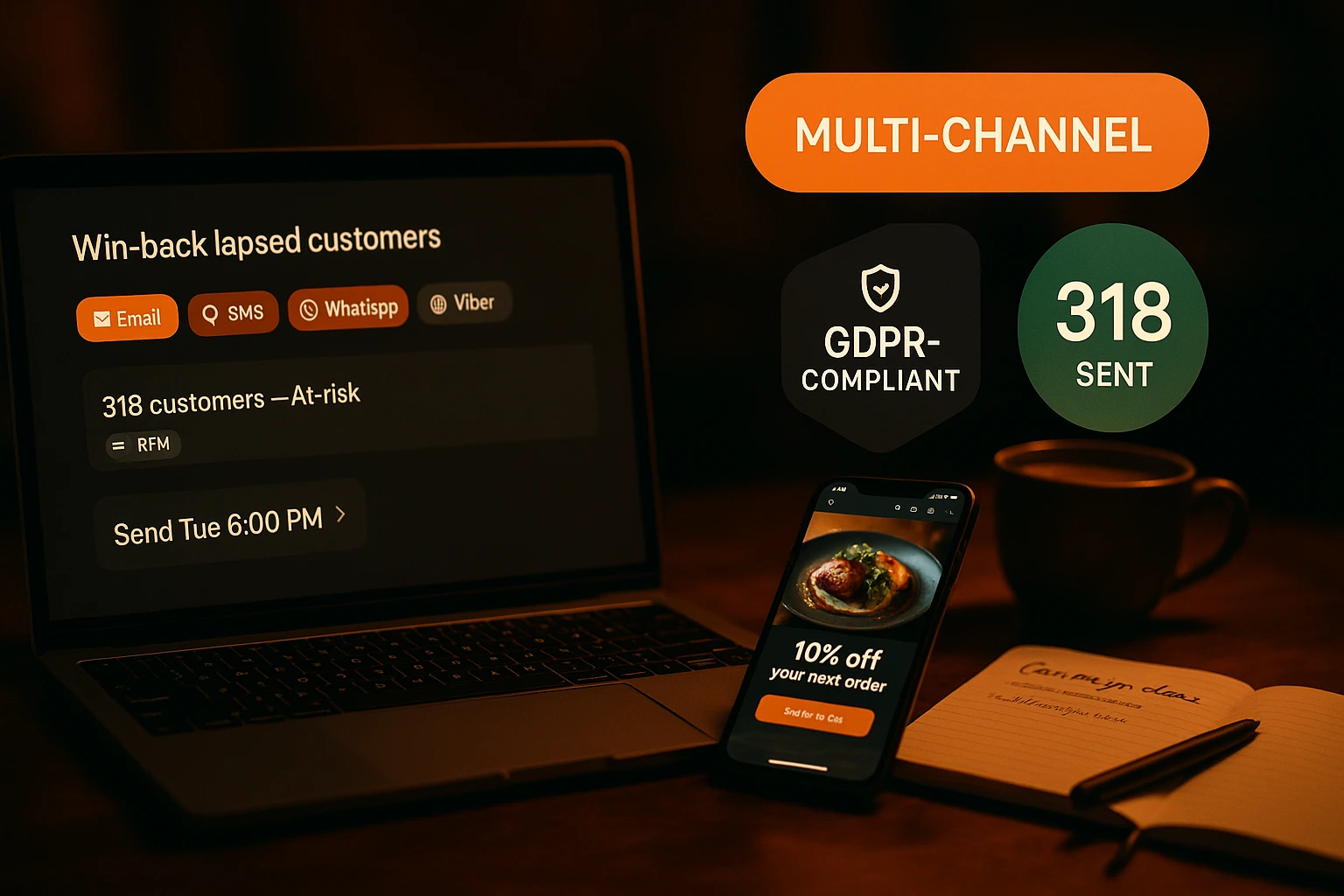
Win-back Context
When a win-back email brings a lapsed customer back, their previous feedback is on their profile. Staff can reference it when the customer reaches out.
Pair With Google Reviews
After a customer leaves 5 stars privately, follow up with a prompt to leave a Google review. The Google Review Prompting feature handles this automatically.
CRM Enrichment
Feedback data enriches the customer profile alongside notes and tags. Build a complete picture of each customer's experience history.
Why Restaurant Feedback Systems Outperform Public Review Platforms
Public review platforms like Google and TripAdvisor are permanent and uncontrollable. A frustrated customer who leaves a 1-star review there cannot be reached privately, and the review stays forever. An integrated feedback system gives customers a private channel to express dissatisfaction — and gives you a chance to respond before the experience becomes a public record. Studies consistently show that customers who receive a personal follow-up after a poor experience are significantly more likely to return than those who are ignored.
The Right Moment for Feedback
Feedback collected immediately after an order is the most accurate and actionable. The customer's experience is fresh, the specific items are known, and the emotional state is still connected to the experience. A feedback email sent three days later — a common approach — suffers from recall bias and lower response rates. The Ordering.Tools feedback widget appears directly on the order confirmation page at the moment of completion, capturing genuine post-experience sentiment while it is still vivid.
Tied to Real Order Data
Unlike anonymous survey tools, every rating in Ordering.Tools is tied to a specific order, customer, and venue. When you see a 2-star review, you know exactly what was ordered, how much was spent, when the order was placed, and whether the customer is a first-timer or a loyal regular. That context transforms feedback from a vague signal into an actionable data point.
From Feedback to Action
The feedback system is the first layer of a CRM loop. A customer leaves 2 stars — you see it in the dashboard, check their order, add an admin note, and tag them for follow-up. If they opted into marketing, you can reach out directly via the Marketing Campaigns module. If they are a loyalty member, you can award bonus points as a goodwill gesture. The feedback dashboard, customer profile, notes, tags, and marketing campaigns are designed to work together as a unified customer management system.
See What Your Customers Really Think
Feedback is collected automatically after every completed order — no setup needed.
Related features
Other tools restaurants use alongside this one.
Tourists scan your QR code and see the menu in their own language. No waiting for staff to explain. No pointing at pictures. They order confidently and spend more. We translate your menu for you.
Learn moreEvery anonymous order is a missed relationship. Customer accounts let you know who orders, what they love, and how to bring them back.
Learn moreMaterialized RFM scores, lifetime stats, normalized tags, append-only notes, allergen + dietary preferences, GDPR consent audit, double opt-in, and global delete with grace period — all built into your ordering platform. No external CDP, no extra subscription.
Learn moreVerify customer phone numbers with a one-time SMS PIN — once per number. Reduce fake orders, improve delivery accuracy, and build a trusted customer base.
Learn more