
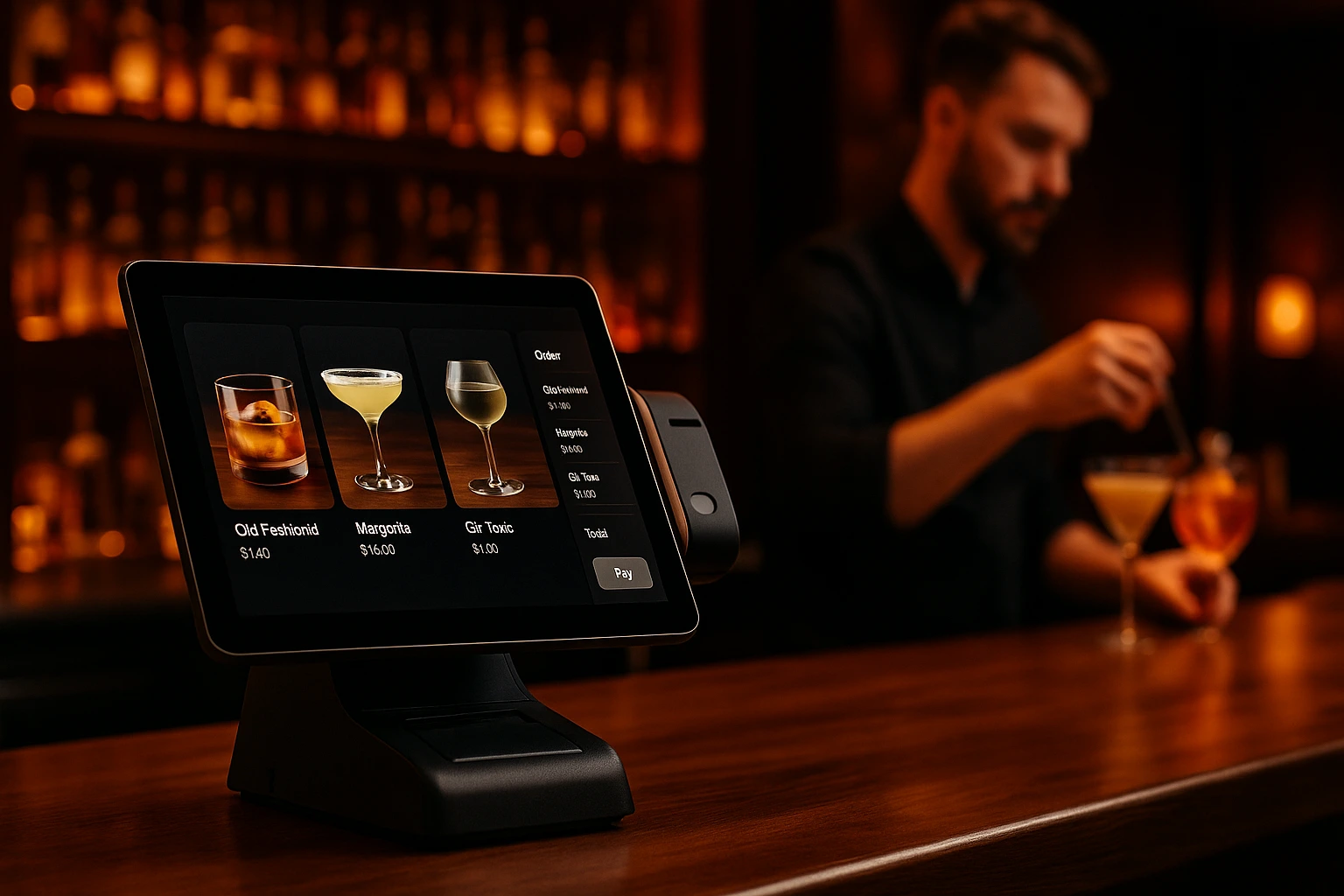
Online Orders, Straight to Your POS
Every online order lands in your POS automatically. No re-typing. No missed items. Your staff works from one screen, whether the order comes from a table or a phone.
One Order Flow, Zero Manual Entry
Your staff already works from the POS. Adding online ordering should not mean adding a second screen, a second workflow, or a second chance for mistakes. With POS integration, every online order appears in your existing system the moment a customer places it.
We connect to three POS systems today: Barsy, Hype and r_keeper. When an order comes in online, it is sent to your POS. Status updates flow back. Your kitchen sees one queue. Your staff does not need to learn anything new.
What This Fixes
No Double Entry
Online orders show up in your POS automatically. Nobody re-types them. Nobody copies from a tablet to the register.
No Missed Orders
Orders arrive in your POS the instant they are placed. No refresh button. No checking a separate app during rush hour.
One Screen for Everything
Dine-in, pickup, delivery, online. All orders go through the same POS your staff already knows.
Fewer Mistakes, Fewer Complaints
Every item, modifier, and special request is transmitted exactly as the customer entered it. No handwriting to decode. No details lost.
Setup Takes Minutes
Enter Your POS Credentials
Go to the Integrations page in your admin panel, pick your POS — Barsy, Hype or r_keeper — and enter the access details it needs.
Get Your Webhook URL
The system generates a unique URL for your venue. Add it to your POS settings so the two systems can talk to each other.
Test the Connection
Hit the test button. You will see immediately if the connection works. If something is wrong, you get a clear error message.
Start Taking Orders
Online orders now flow directly to your POS. Status changes sync back to customers in real time.
What You Get
Barsy, Hype and r_keeper
Orders placed online are sent to your POS. Status updates come back. Products stay mapped between systems. Each POS has its own page with the details.
- Orders arrive in your POS within seconds
- Products are mapped between online menu and POS
- Order status syncs both ways
- Works with your existing Barsy, Hype or r_keeper setup
Secure Communication
Each venue gets a unique webhook URL with a secure token. Order data travels safely between systems.
- One dedicated URL per venue
- Secure authentication tokens
- Copy the webhook URL in one click
- Orders are pushed instantly, not polled
Test Before You Go Live
A built-in test button checks your POS connection before real orders start flowing. No guessing.
- One-click connection test
- Immediate success or failure result
- Clear error messages if something is wrong
- Test as many times as you need
Multiple Integrations Per Venue
Combine POS integration with payment providers or other tools. Turn each one on or off independently.
- Activate only what you need
- Turn integrations on or off any time
- See all integration statuses in one place
- Barsy, Hype and r_keeper supported today
Who This Is For
Already Using Barsy, Hype or r_keeper
You already have a POS. Now online orders appear in it too. Your staff does not change how they work.
Dine-In Plus Online
Table orders go through the POS. Online orders go through the POS. One queue, one kitchen flow.
Multiple Locations
Each location connects to its own POS. Online orders route to the right branch automatically.
Busy Kitchens
Rush hour is not the time for manual data entry. Online orders print from your POS like every other order.
Franchise Operations
Each franchisee keeps their own POS. Headquarters manages the online ordering platform centrally.
Starting with Online Ordering
Keep your POS as the backbone. Add online ordering on top without changing your daily workflow.
Stop Re-Typing Online Orders
The biggest pain of adding online ordering is the extra work. Someone has to read the order from one screen and type it into another. During a busy lunch service, that means delays, typos, and frustrated customers. POS integration removes that step entirely.
Manual Entry Is Where Errors Start
A wrong size. A missing modifier. A price that does not match. Every time a human re-enters an order, there is a chance for error. Those errors turn into wrong dishes, refunds, and bad reviews. Automatic POS integration sends the exact order the customer placed, every time.
Speed Matters at Peak Hours
When your kitchen is at full capacity, every second counts. Waiting for someone to manually enter an online order adds minutes to the process. With direct POS integration, online orders hit the kitchen queue the moment they are confirmed. No bottleneck.
Built to Grow With You
We started with Barsy and have added Hype and r_keeper. As your restaurant grows or your tech stack changes, the integration layer adapts. You will not need to rebuild your online ordering setup.
Connect Your POS Today
Online orders flowing straight to your POS. No extra screens, no extra steps.
Related features
Other tools restaurants use alongside this one.
Orders from your website, QR menus and delivery land in Barsy in about a second. Menu, sold-out dishes, table bills and payments stay in step between Barsy and Ordering.Tools — nothing is entered twice.
Learn moreOrders from your website and QR menus land on your Hype till as new orders, with every item and note. Staff accept them where they already work — and status and sold-out dishes come back on their own.
Learn moreWebsite, QR and delivery orders are created on your r_keeper 7 cash server with the right dish codes. The stop list follows online, and orders opened at the register can come into Ordering.Tools too.
Learn moreGuests pay by card inside your checkout. The money lands in your own Stripe account, and the kitchen sees the order only once Stripe confirms the payment.
Learn more