
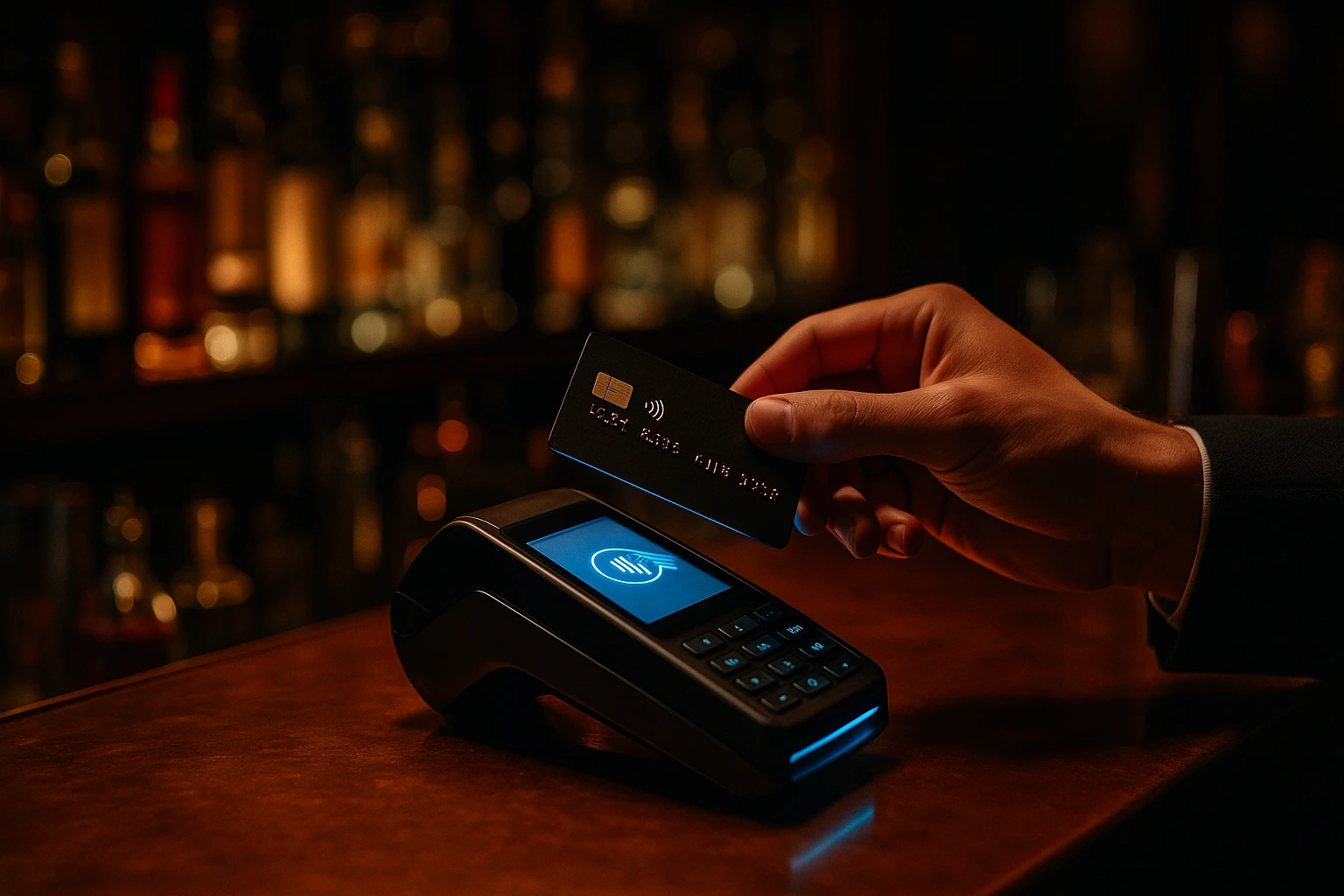
Every Declined Card Is a Lost Customer. Fix That.
Stripe, myPOS, BORICA, Viva.com, DSK Bank, Barsy POS, and cash. When one method fails, customers switch to another -- without losing their order.
Why Orders Disappear at Checkout
A customer fills a cart, picks a delivery time, enters their address -- and the payment fails. Most systems dump them back to the start. They close the tab. You never see that order. This happens more than you think: expired cards, bank declines, 3D Secure timeouts, wrong CVV. Each one is revenue that walked out the door.
Ordering.Tools keeps the order alive. When a card is declined, the customer retries instantly or switches to a different payment method. No re-entering items. No re-filling the address. The order stays in the system until it's paid or explicitly cancelled. You also get five card payment providers -- Stripe, myPOS, BORICA, Viva.com and DSK Bank -- plus Barsy POS, so every customer finds a method that works for them.
More Completed Payments, Fewer Lost Orders
Failed Card, Order Saved
A declined payment does not delete the order. Customers retry the same card or switch to a different provider. The cart, delivery details, and promo codes stay intact.
The Right Provider for Every Market
Stripe for international cards and Apple/Google Pay. BORICA for Bulgarian bank acquiring contracts. myPOS for Eastern Europe. Viva.com or DSK Bank if your merchant account is with them. Each venue enables exactly the providers its customers use.
Trust at Checkout
3D Secure on Stripe. PCI-compliant card handling. Secure redirect flows on myPOS, BORICA, Viva.com and DSK Bank. Customers see familiar, trusted payment screens -- not a generic form.
Independent Setup Per Venue
One location uses Stripe. Another uses BORICA because its bank requires it. A third accepts only cash. Each venue configures its own providers from the same admin panel.
How It Works
Connect Your Provider
Go to Integrations in the admin panel. Link Stripe via one-click OAuth, or enter the credentials for myPOS, BORICA, Viva.com, DSK Bank, or Barsy POS.
Test Before Going Live
Every provider has a test mode. Run a test transaction, verify the webhook fires, confirm the order status updates. Then switch to live.
Customers Choose at Checkout
All active payment methods appear at checkout. The customer picks the one they trust. Card, POS, or cash -- their choice.
Payments Confirm Automatically
Webhooks update order status in real time. When Stripe or BORICA confirms payment, the order moves to confirmed and the kitchen gets notified. No manual reconciliation.
Payment Providers
Stripe Connect
International card payments with the broadest coverage. One-click OAuth setup gets you live in under a minute.
- Visa, Mastercard, Amex -- all major brands
- Apple Pay and Google Pay built in
- 3D Secure for verified transactions
- One-click OAuth or manual API key setup
myPOS and BORICA
Local payment providers trusted by customers in Bulgaria and Eastern Europe. Redirect-based checkout with webhook confirmation.
- myPOS for Eastern European card payments
- BORICA for Bulgarian bank acquiring agreements
- Secure redirect checkout flows
- Automatic webhook order confirmation
Barsy POS Sync
Already using Barsy POS? Online orders land directly in your POS. No double entry, no missed tickets, no extra hardware.
- Orders sync to POS in real time
- Product mapping between systems
- Kitchen sees online and in-house orders together
- Test the connection before going live
Payment Recovery
The order survives a failed payment. Customers retry or pick a different method. You keep the sale instead of losing it.
- Retry the same card after a decline
- Switch to a different payment provider
- Clear error messages explain what went wrong
- Admin can track and manage payment status
Also included
More ways to take the money — and to keep every order right.
Five card gateways to choose from
Stripe, myPOS, BORICA, Viva.com and DSK Bank. Each venue connects its own merchant account, and guests see only the ones you switched on.
Card at the door
Guests can choose to pay by card on delivery or when they collect. The ticket tells the driver to take the terminal. For delivery it is offered only when the courier can take a card, such as your own drivers. Off until you turn it on.
Prices without VAT, tax added at checkout
For venues that price net: switch it on and set one rate. The tax is added to the order total and shown as a percentage and an amount at checkout, on receipts and in emails — never on the menu. Off by default.
Paid orders are never lost
A card order waits until the money is confirmed. If a confirmation goes missing, the platform checks again and moves orders that were paid to the kitchen. An order where money may have moved is never cancelled as abandoned.
Hold now, charge the weighed amount
For dishes sold by weight, the guest's card is held for the top of the range and charged what the portion actually weighed. Works with Stripe, myPOS, BORICA and Viva.com when pre-authorisation is enabled on your account.
Who This Is For
Tourist-Heavy Locations
International visitors expect Stripe, Apple Pay, and Google Pay. Give them the checkout they already trust.
Bulgarian Venues with Bank Acquiring
Your bank contract requires BORICA. No problem. Enable it alongside Stripe or myPOS for full coverage.
Eastern European Restaurants
myPOS is the card terminal your customers already know. The online checkout matches the in-store experience.
Venues Running Barsy POS
Online orders show up in Barsy alongside dine-in tickets. One system for the kitchen, no manual re-entry.
Delivery Operations
Pre-pay by card to reduce no-shows. Or offer cash on delivery for customers who prefer it. Both options at checkout.
Multi-Location Groups
Each venue picks its own providers. The flagship uses Stripe, a franchise uses BORICA, the food truck takes cash only. All managed from one admin.
Stop Losing Orders at the Payment Screen
Checkout is where restaurants lose money. A customer who spent five minutes building an order abandons it because their card was declined, the payment method wasn't available, or the checkout page looked unfamiliar. Ordering.Tools solves this with five card payment providers, automatic retry, and the ability to switch methods without re-creating the order. The result: more orders reach your kitchen.
BORICA: Bulgaria's National Card Processor
BORICA is the electronic payment system operated under the Bulgarian National Bank, used by every major Bulgarian bank. If your acquiring contract requires BORICA processing, Ordering.Tools supports it natively. Customers are redirected to BORICA's secure payment page, and a webhook confirms the transaction back to your order system. No workarounds, no third-party bridges.
Stripe OAuth: Live in Under a Minute
Click 'Connect with Stripe'. Authorize. Done. Stripe Connect via OAuth means no copying API keys, no configuring webhook URLs, no back-and-forth with a developer. For venues that want manual control, API key setup is also available. Either way, you're accepting cards the same day.
Webhooks Handle Everything After the Click
Once a customer clicks 'Pay', webhooks take over. Stripe, myPOS, BORICA, Viva.com and DSK Bank all send payment confirmations back automatically. The order status updates automatically. The kitchen gets notified. The customer gets a confirmation. No one checks a spreadsheet. No one reconciles manually. It just works.
Start Accepting Payments Today
Connect Stripe, myPOS, BORICA, Viva.com, DSK Bank, or Barsy POS. Your first order could arrive in minutes.
Prefer to see it step by step? There is a full tutorial for this feature.
Related features
Other tools restaurants use alongside this one.
Guests pay by card inside your checkout. The money lands in your own Stripe account, and the kitchen sees the order only once Stripe confirms the payment.
Learn moreCard, Apple Pay and Google Pay inside your ordering checkout, paid into your own myPOS account. An order goes to the kitchen only after myPOS confirms the money.
Learn moreTake card payments online through the virtual POS terminal from your bank. We prepare the key and the certificate request, the money goes to your bank account, and the kitchen sees only paid orders.
Learn moreGuests pay for website and QR orders on Viva.com's checkout page — card, Apple Pay, Google Pay and the methods you have switched on. The money goes to your own Viva account, and the kitchen gets the order once it is paid.
Learn moreTake card, Apple Pay and Google Pay payments for website and QR orders on DSK Bank's secure payment page, straight into your own DSK merchant account. Every payment is checked with the bank before the kitchen starts.
Learn more