
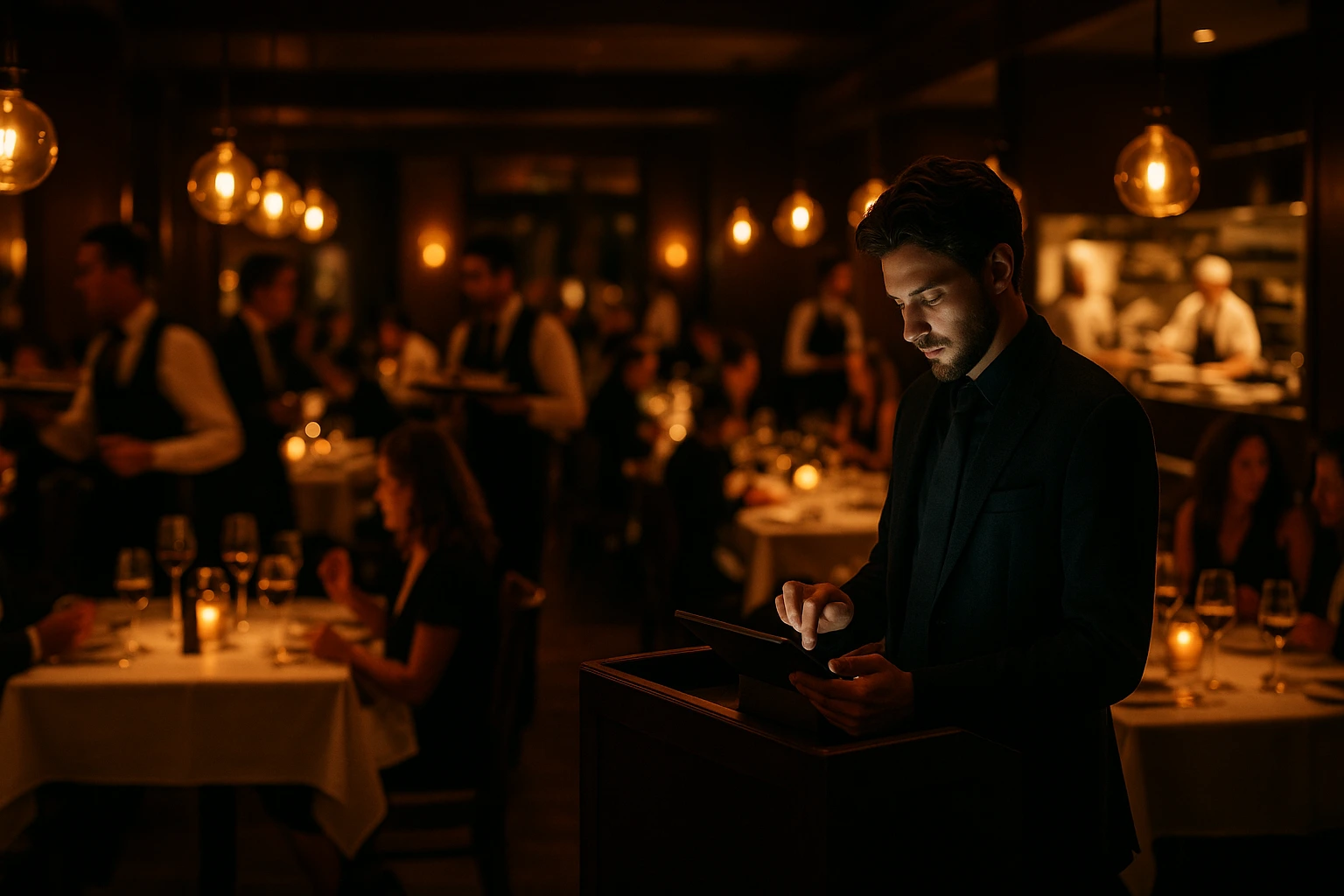
Stop Guessing. Start Seeing Every Order.
Peak hour chaos ends here. Every order visible, every delay flagged, every status update automatic. Your staff stays focused on food, not phone calls.
Get StartedThe Problem With Not Knowing
During a Friday night rush, your phone rings. "Where is my order?" Your staff stops what they're doing, checks the kitchen, calls back. Meanwhile, two more orders pile up. Real-time order tracking eliminates this cycle. Every order has a visible status. Your customers see it on their screen. Your kitchen sees it on the dashboard. Nobody needs to call anyone.
What Changes When You Can See Everything
Fewer Phone Calls
Customers check their own order status instead of calling your staff. Your team stays focused on preparing food, not answering phones.
Nothing Gets Lost
Every order shows on one screen. Pending, confirmed, preparing, ready. If something stalls, you see it before the customer complains.
Customers Stay Calm
When people can see their order moving through each stage, they stop worrying. Fewer complaints, fewer refund requests.
SLA Alerts for Delays
Orders taking too long trigger automatic warnings. You catch problems at 10 minutes, not at 40 when the customer is already angry.
Faster Bottleneck Response
See which orders are stuck and where. Reassign, escalate, or communicate with the customer -- all from one dashboard.
Fewer Mistakes Under Pressure
Clear status tracking means no forgotten orders. Every item moves through a defined flow. Nothing slips through the cracks during rush hour.
How an Order Moves Through Your Kitchen
Order just arrived. Your team gets an instant alert. The clock starts.
Staff accepted the order. The customer sees it on their screen. Kitchen knows what to prepare.
Kitchen is working on it. The customer sees progress. If this stage takes too long, you get a warning.
Food is done. Customer gets notified to pick up or expect delivery.
Order picked up or delivered. Done. Logged with timestamps for your records.
Built for Busy Shifts, Not Just Quiet Ones
Instant Order Alerts
New orders appear on your dashboard the moment they arrive. No refreshing, no checking. Sound and visual alerts so nothing is missed.
- Audio alerts for new orders
- Visual notifications on the KDS screen
- Status change alerts for managers
- Configurable alert rules per venue
Order Timeline With Timestamps
Every status change is logged with the exact time. If a customer asks why their order was late, you have the full history.
- Exact timestamp for every status change
- Visual progress bar per order
- Full history available after completion
- Accountability trail for staff and management
SLA Warnings and Delay Detection
Set time thresholds for each order stage. When an order exceeds the limit, the system flags it. You respond before the customer has to ask.
- Configurable time limits per status
- Automatic delay flags on the dashboard
- Helps identify recurring bottlenecks
- Reduces complaint-driven interruptions
One Dashboard for All Order Types
Dine-in, pickup, and delivery orders on the same screen. Filter by type, sort by urgency, see what needs attention right now.
- Unified view for dine-in, pickup, and delivery
- Real-time sync between admin and customer views
- Filter and sort by order type or status
- Works on desktop, tablet, and phone
Who Needs This Most
Restaurants With Delivery
Customers track their own orders. Your staff stops fielding "where is my food?" calls. Delivery coordination gets simpler.
High-Volume Kitchens
Friday night, 50 active orders, three cooks. One dashboard shows every order status. Nothing gets forgotten.
Multi-Location Operations
Monitor order flow across all your locations from one account. Spot which kitchen is falling behind before it becomes a problem.
Takeout and Pickup
Customers get notified when their food is ready. They show up on time instead of crowding your counter asking "is it done yet?"
Why "Where Is My Order?" Costs You Money
Every phone call about order status takes a staff member away from their actual job. During peak hours, these interruptions stack up. Orders slow down, mistakes increase, and the customer who called is still unhappy. Real-time tracking gives customers the answer before they pick up the phone.
The Real Cost of Delayed Response
A customer waiting 40 minutes without updates is a customer writing a bad review. A customer who sees their order status at every stage is a patient customer. The difference is not faster cooking. The difference is communication. Automated status updates handle that communication for you.
Operational Control, Not Just Visibility
Tracking is not about watching orders. It is about catching problems early. When an order sits in "Preparing" for twice the normal time, you need to know immediately. SLA alerts flag these delays automatically, so you can act before the customer complains.
Better Shifts, Less Firefighting
When your team can see every order status at a glance, they stop guessing priorities. Managers spend less time asking the kitchen for updates. Cooks focus on cooking. The result is a calmer, faster operation -- especially when it matters most.
Take Control of Every Order
Fewer phone calls. Faster response to problems. Your customers informed, your kitchen focused.
Get StartedRelated features
Other tools restaurants use alongside this one.
Every online order prints on your kitchen thermal printer the moment it arrives. Auto-print runs in the background. No tapping screens, no refreshing tabs. Paper does not crash.
Learn moreFewer people carry cash. Digital tipping at checkout gives your team the tips they earn, even when wallets stay in pockets.
Learn moreReplace paper tickets with a real-time digital kitchen display. Set up stations for grill, cold kitchen, bar -- each screen shows only its own orders. Track prep status and get orders out faster.
Learn moreStop selling items you've run out of. Mark menu items unavailable in seconds from the kitchen display, sync stock from your POS, or track batch quantities for pre-portioned items — instantly reflected on your live ordering menu.
Learn morePrefer to see it step by step? There is a full tutorial for this feature.