
Digital Tips for Your Staff
Fewer people carry cash. Digital tipping at checkout gives your team the tips they earn, even when wallets stay in pockets.
The Cash Tip Is Disappearing
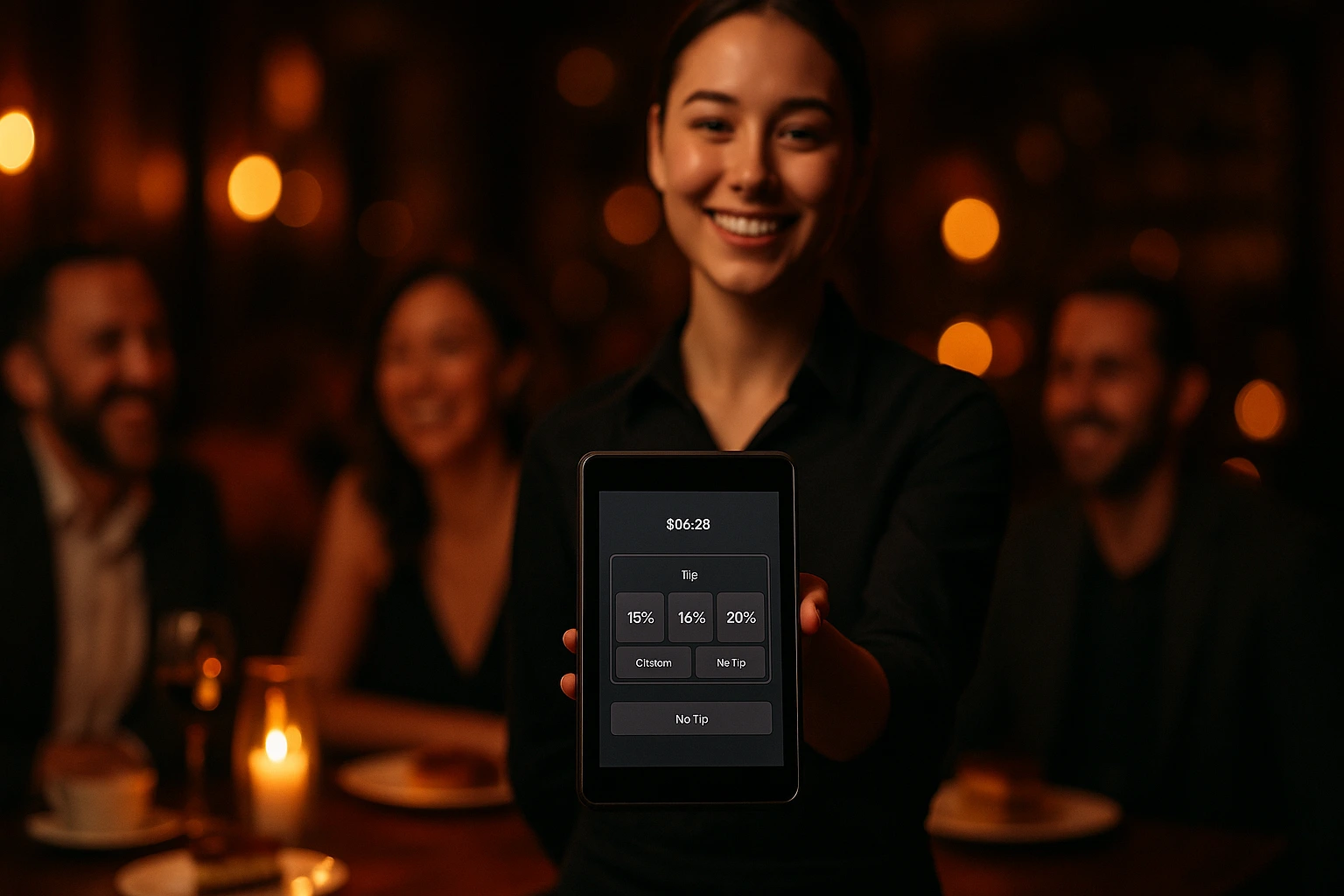
Card payments and mobile ordering mean fewer coins on the table. Your staff still deliver great service, but the tip jar stays empty. Digital tipping fixes this. At checkout, customers see clear options: 10%, 15%, 20%, or a custom amount. One tap, and the tip is added to the order total.
You control where tipping appears. Enable it for dine-in restaurants where tips are expected. Turn it off for quick-service counters where it does not fit. Every venue is different, and the setting reflects that.
Why It Matters for Your Business
Higher Staff Income
When tipping is one tap away, more customers tip. No fumbling for change, no mental math. Your team takes home more at the end of the shift.
Zero Friction at Checkout
Customers choose a percentage or enter a custom amount. It takes two seconds. No awkward conversations, no waiting for change.
Full Transparency
Every tip is recorded. Customers see exactly what they are adding. Staff see exactly what they earned. No ambiguity.
Your Rules, Your Venues
Enable tipping per venue. A fine-dining restaurant and a fast-food counter have different norms. One toggle handles it.
How It Works
Turn On Tipping
One toggle in your venue settings. That is all the setup required.
Customers See Options at Checkout
Quick-select buttons appear: No Tip, 10%, 15%, 20%, or Custom. The calculated amount is shown in real time.
Tip Goes Into the Order
The tip is added to the order total before payment. It shows up in the summary, the confirmation email, and the receipt.
Track Everything in Your Dashboard
See tip amounts per order, tip totals per day, and average tip percentages. All in your admin panel.
What You Get
Quick-Select Percentages
Pre-set buttons remove the guesswork. Customers tap once and move on.
- 10%, 15%, 20% buttons ready at checkout
- Calculated amount updates as items change
- No Tip is always an option, no pressure
- Works on any screen size
Custom Tip Amounts
Some customers want to round up or tip a specific number. A simple input field lets them enter any amount.
- Open field for any amount
- Displayed in the venue currency
- Validates against minimum values
- Order total updates instantly
Built Into the Order Flow
Tips are not a bolt-on. They appear in checkout summaries, order confirmations, admin order views, and customer order history.
- Visible in the checkout summary
- Included in order confirmation emails
- Shown in admin order details
- Part of the customer order history
Tip Reporting
Know how much your staff earned in tips today, this week, or this month. See which order types generate the most tips.
- Tip totals in order reports
- Average tip percentage per venue
- Breakdown by order type
- Track tip trends over time
Where Digital Tipping Works
Dine-In Restaurants
Guests order from the table via QR code and tip before they leave. The server gets credit for their work.
Delivery Orders
Customers tip the driver at checkout. No scrambling for cash at the door.
Cafes and Coffee Shops
Small tips add up. A barista who makes 50 coffees a day earns noticeably more when digital tips are on.
Bar Orders via QR
Customers order drinks from their phone and tip the bartender without flagging them down.
Catering Orders
Large orders deserve recognition. Customers can add a tip for the team that prepared and delivered their event food.
Food Trucks
Most food truck customers pay by card or phone. Digital tipping captures what a tip jar misses.
Cash Is Declining. Tips Should Not Be.
Restaurant ordering is moving online. But when customers pay digitally and there is no prompt, tipping drops. A tip option at checkout restores the habit. One tap replaces the mental math of calculating percentages and finding the right coins.
Staff Who Earn More, Stay Longer
Hospitality has one of the highest turnover rates of any industry. Daily tip income makes a real difference. When staff see consistent tips flowing in through digital orders, they feel valued. That affects retention directly.
Customers Want to Tip. Make It Easy.
Most customers are happy to tip good service. The problem is friction, not generosity. A checkout without a tip option removes the opportunity entirely. Adding clear, optional tip buttons meets the expectation without applying pressure.
Fair and Visible
Every digital tip is logged. Customers see the exact amount on their receipt. Staff see it in the system. Management can review totals. There is no ambiguity about who tipped what, and no cash that goes unaccounted for.
Give Your Staff the Tips They Deserve
Enable digital tipping and let every order be an opportunity to say thanks.
Related features
Other tools restaurants use alongside this one.
Diners scan a QR, save a card on the bill, eat, and walk out. The card auto-charges when the table goes idle — no flagging down a server, no waiting on a check.
Learn moreStop paying 15-30% commission on every delivery order. Define delivery zones on a map, validate addresses at checkout, and set pricing per zone -- so you control the margins, not a third-party platform.
Learn moreManage your own drivers, optimize routes, and track every delivery in real time — directly from Ordering.Tools.
Learn moreReceive orders from Wolt, Glovo, Takeaway, Bolt Food, Foodpanda, and UberEats directly in the Ordering.Tools admin and KDS — same screens, same printers, same notifications as your direct orders.
Learn more