
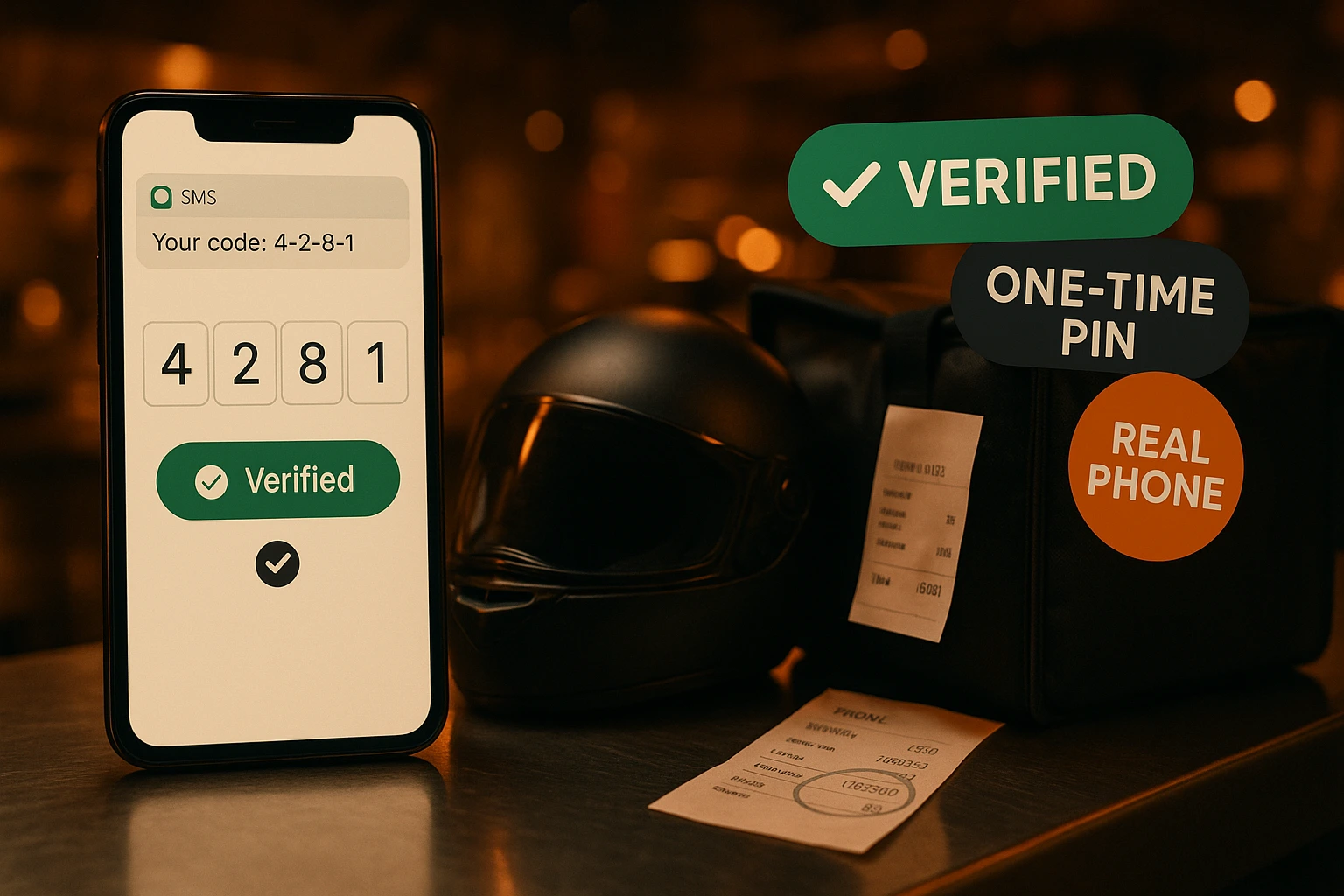
SMS Phone Verification for Online Orders
Verify customer phone numbers with a one-time SMS PIN — once per number. Reduce fake orders, improve delivery accuracy, and build a trusted customer base.
What is SMS Phone Verification?
SMS phone verification confirms that a customer actually owns the phone number they registered with. After registration, a 6-digit PIN is sent to their number. They enter the code once — and the phone is verified forever (unless they change it). No repeat friction for returning customers.
This is an optional feature that venues can enable independently. When enabled, customers can browse, add to cart, and register freely — but must verify their phone number before completing an order. The verification step can be done from the checkout page or from their account profile.
Why Require Phone Verification
Eliminate Fake Orders
Phone verification adds a real-world identity check. Customers can't place orders with a made-up or wrong number — reducing deliberate fake orders and delivery attempts to invalid addresses.
Accurate Delivery Contact
Delivery drivers can actually reach the customer. A verified phone number means the SMS notifications and call-backs go to a real, working number — not one that was typed in incorrectly.
Zero Friction for Returning Customers
Verification happens once. After a customer has verified their phone, they never see the prompt again — even if they switch venues or order again months later. The verified status follows the account.
Venue-Level Control
Phone verification is an opt-in feature per venue. Turn it on in Features Settings when you need it. Venues that don't need it see no change at all — the feature is invisible when disabled.
How Phone Verification Works
Customer Registers or Logs In
Customers register with their phone number as part of the standard registration flow. If phone verification is enabled, they're prompted to verify after registration — but can skip and verify later.
Code Sent by SMS
The customer requests a 6-digit verification code from the checkout page or their account profile. The code is sent via SMS to their registered phone number and is valid for 10 minutes.
Customer Enters the Code
The customer types the 6-digit code directly in the interface. There's no page reload, no redirect — the verification happens inline. Wrong codes and expired codes are clearly indicated.
Phone Marked as Verified
Once the correct code is entered, the phone is permanently verified on the account. Future orders go through without any verification step — the badge turns green in their profile.
Phone Verification Features
One-Time Verification
Customers verify their phone number exactly once. The verified status persists forever — unless the phone number is changed, at which point verification is required again for the new number.
- Verified once, remembered always
- Re-verification on phone number change
- No repeated prompts for verified users
- Verification badge visible in customer profile
Inline Verification at Checkout
When verification is required, customers see a clear inline prompt directly on the checkout page — not a redirect to another page. They can send and enter the code without leaving the checkout flow.
- No redirect — stays on checkout page
- Send code button with 60-second rate limit
- Resend code option if SMS doesn't arrive
- Clear error messages for wrong or expired codes
Verify from Account Profile
Customers who skipped verification at registration can verify later from their account profile page. The phone section shows a clear 'Not verified' badge with a Verify button when the venue requires it.
- Profile shows verified / not verified status
- Same inline code flow from the profile
- Accessible on any device
- Visible only when venue requires verification
Admin Visibility in CRM
In the admin customer detail view, each customer's phone verification status is shown alongside their phone number — a green check for verified, a grey X for unverified. No action required from the admin; it's informational.
- Verified/unverified shown in customer CRM
- Always visible regardless of venue flag
- Helps identify fraud-risk accounts
- Part of the customer detail panel
When to Enable Phone Verification
Delivery-Heavy Venues
Venues with a high delivery volume benefit most — every delivery needs a reachable contact. Verified phones eliminate the 'number was wrong' issue before the driver ever leaves.
High Fake-Order Risk Areas
If you've experienced a pattern of fake or prank orders, phone verification adds a friction layer that deters it — without blocking real customers who verify once.
Loyalty & Personalization Programs
Verified phone numbers anchor a customer's identity more reliably than email alone. They're a prerequisite for SMS campaigns, loyalty tiers, and reliable contact.
Corporate & Group Orders
For venues that accept corporate or group orders where accountability matters, a verified phone ties the order to a real, reachable person — not an anonymous email.
Upscale or Reservation-Linked Venues
Venues that link orders to table reservations often need a verified contact for the diner. SMS verification closes the loop between the reservation phone and the ordering account.
Venues Experiencing Delivery Disputes
If customers dispute deliveries claiming they gave the wrong number, verified phone records provide a clear audit trail — the number on the order is one they personally confirmed.
Prevent Fake Orders with SMS Phone Verification
Phone number verification is one of the simplest and most effective ways to reduce fake and malicious orders in online food delivery. By requiring a one-time SMS PIN before a customer can complete their first order, Ordering.Tools ensures every order is attached to a real, working phone number — without adding ongoing friction for legitimate returning customers.
One-Time Verification, Permanent Trust
Unlike systems that require phone verification on every order, Ordering.Tools phone verification is permanent per account. A customer verifies their number once — and that verification follows them forever. If they update their phone number, they verify the new one. This approach balances security with customer experience: real friction only where it matters.
Visible in Admin CRM, Always
Regardless of whether a venue has phone verification enabled, the admin customer detail view always shows whether a customer's phone is verified. This gives support teams and venue operators instant insight into the quality of their customer data — without forcing the feature on venues that don't need it.
Venue-Level Feature Flag
Phone verification is completely optional. Venues that enable it get the full security flow — checkout blocked until verified, inline code entry, profile verification badge. Venues that leave it off see no change at all. The feature is designed to be zero-impact for venues that don't need it, and high-value for those that do.
Enable Phone Verification for Your Venue
Turn it on in Features Settings — customers verify once and never see the prompt again.
Related features
Other tools restaurants use alongside this one.
Automatically prompt customers for a Google review the moment their order is completed. Boost your online reputation and rank higher in local search — on autopilot.
Learn moreStop hoping customers will remember to leave a review. Every completed order triggers a one-tap rating prompt by email or SMS — happy customers go straight to Google, unhappy ones go privately to your inbox.
Learn moreStop tab-switching between Google, Yelp, Facebook, TripAdvisor, and Foursquare. We pull every review live, you reply once with an AI-drafted response, and never miss the SLA again.
Learn moreReach your customers directly via Email, SMS, WhatsApp, and Viber — with GDPR-compliant consent built into every order.
Learn more