
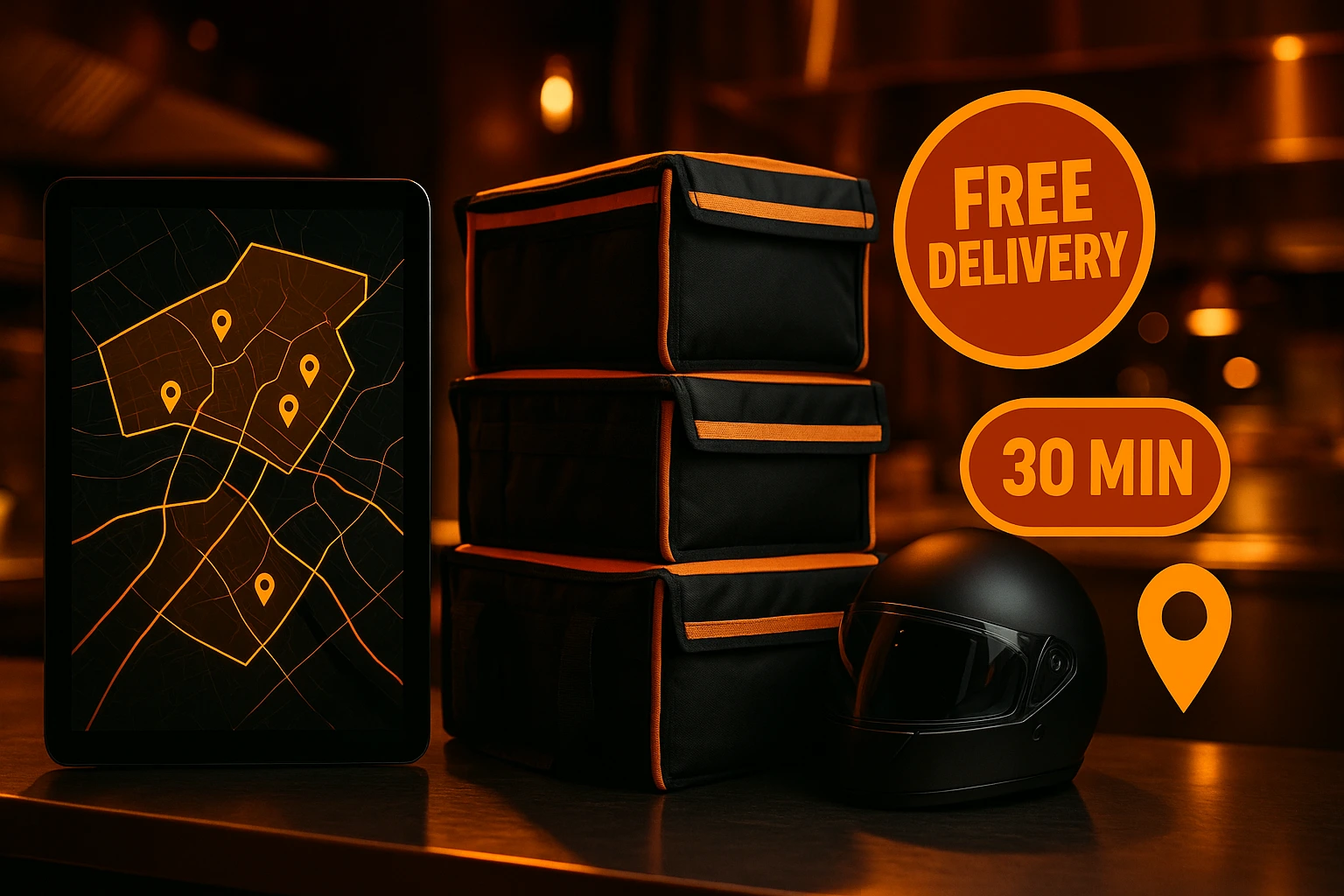
Own Your Delivery. Keep Your Revenue.
Stop paying 15-30% commission on every delivery order. Define delivery zones on a map, validate addresses at checkout, and set pricing per zone -- so you control the margins, not a third-party platform.
What Is Delivery Zone Management?
Every order you send through a delivery platform costs you 15-30% in commission. That is money leaving your business on every single delivery. Ordering.Tools gives you a direct delivery channel with map-based zones, address validation, and per-zone pricing -- all built into your own ordering system.
You draw polygon or circle zones on an interactive map. Each zone belongs to a price group with its own delivery fee, minimum order value, and estimated time. When a customer enters their address at checkout, the system matches it against your zones and shows the fee instantly. Exclusion zones let you block areas that are not reachable -- like gated communities or industrial estates inside a larger delivery region.
Why Restaurants Switch to Direct Delivery
Keep More of Your Revenue
The delivery fee goes to you, not a third-party platform -- no 15-30% marketplace cut on delivery. On 100 orders a month, that is thousands saved.
Price Each Zone Accurately
A delivery 500 metres away should not cost the same as one 8 km out. Set fees per zone so you stay profitable on every delivery.
Own the Customer Relationship
Customers order from your brand, not an aggregator. You get their contact details, order history, and repeat business.
Validate Addresses Before the Order
No more calls to confirm if you deliver somewhere. Customers type their address and see the answer -- and the fee -- before they place the order.
How It Works
Create Price Groups
Set up tiers like 'City Centre' (free delivery), 'Suburbs' (3 EUR), 'Extended' (6 EUR). Each group has its own fee, minimum order, and estimated delivery time.
Draw Zones on the Map
Search for a neighbourhood to auto-draw its boundary, or use polygon and circle tools to draw freehand. Assign each zone to a price group.
Customer Enters Their Address
At checkout, the customer types their address. The system checks it against your zones and shows the delivery fee -- or tells them delivery is not available to that location.
Manage and Deliver
Track every delivery order through the admin panel. Status flows from Confirmed to Preparing to Ready to Out for Delivery to Delivered.
Built for Real Delivery Operations
Map-Based Zone Editor
Draw delivery zones directly on a map. Search by neighbourhood name for instant boundary import, or sketch your own shapes.
- Polygon zones from named boundaries (city, neighbourhood)
- Circle zones for simple radius-based coverage
- Exclusion zones to block unreachable areas inside a larger zone
- Priority ordering when zones overlap
Flexible Price Groups
Group zones by pricing tier. Change a price group once and every zone in that group updates automatically.
- Delivery fee and minimum order per group
- Estimated delivery time per group
- Colour-coded groups visible on the map
- Optional free delivery above a basket amount, plus promo codes on top
Address Validation and Geocoding
Customers get address autocomplete and instant zone matching. No manual checking, no phone calls.
- Address autocomplete at checkout
- Point-in-polygon zone matching in real time
- Nominatim (free) or Google Maps (per-venue key)
- Clear messaging when an address is outside your delivery area
Scheduled Delivery
Let customers schedule delivery orders for a future time slot. You control which hours are available.
- Future date and time selection at checkout
- Respects your operating hours automatically
- Next 7 days of available slots
- Scheduled time visible in the order and in admin
How Restaurants Use Delivery Zones
City Restaurant
Draw a polygon matching your delivery area. Charge a flat fee inside the zone and exclude areas where delivery is not practical. Every order goes through your brand, not a platform.
Multi-Tier Pricing
Inner ring at 2 EUR, suburbs at 5 EUR, extended area at 8 EUR. Each customer sees their exact fee at checkout. You stay profitable at every distance.
Delivery-Only Kitchen
Maximise coverage with a large radius circle. Use price groups to keep margins healthy on distant deliveries while staying competitive nearby.
Catering and Corporate Orders
Draw a polygon over the business district. Schedule delivery slots during lunch hours and set a minimum order that covers your costs.
Free Delivery Promotions
Turn on free delivery above an amount you choose. The cart and checkout show a progress bar with how much more to add -- customers top up their basket to unlock it, and your average order grows.
Blocking Unreachable Areas
Deliver across a city but exclude a no-access area inside it. Draw the city zone, then add an exclusion polygon for the restricted area.
Stop Losing 15-30% on Every Delivery Order
Delivery platforms charge commission on every order and stand between you and your customer. You lose revenue, you lose data, and you lose control of the experience. Direct delivery zones fix this. You define where you deliver, what you charge, and customers order from your own menu -- no middleman.
Per-Zone Pricing That Protects Your Margins
A flat delivery fee does not reflect real costs. Delivering 500 metres away is a fraction of the cost of delivering 8 km out. Price groups let you set the right fee for each zone -- so nearby deliveries stay competitive and distant ones stay profitable.
Address Validation That Prevents Problems
Customers type their address at checkout and see immediately whether you deliver there and what the fee is. No guessing, no abandoned orders, no phone calls. Geocoding is powered by Nominatim (free, no API key) by default, with an option to switch to Google Maps for venues that need it.
Your Delivery Channel. Your Revenue.
When customers order through your own delivery system, you keep the full order value. You build direct relationships. You collect customer data for marketing. And you control the brand experience from menu to doorstep -- instead of handing it to an anonymous app.
Start Delivering on Your Own Terms
Set up delivery zones, define your pricing, and start accepting orders directly -- no third-party middlemen taking a cut of every order.
Prefer to see it step by step? There is a full tutorial for this feature.
Related features
Other tools restaurants use alongside this one.
Connect your PBX to Ordering.Tools and operators see the caller's full history the moment the phone rings — placing the order in seconds.
Learn moreA number that always picks up, a voice menu callers navigate with the keypad, and extensions your team answers on — in the browser, on a desk phone, or on a mobile.
Learn moreEvery order triggers automatic updates across Email, SMS, WhatsApp, Viber, and Push. Customers see exactly where their order is. Your phone stops ringing.
Learn moreReach customers on Viber, the messaging app millions across Bulgaria and the Balkans open every day. Order-status updates arrive from your restaurant's own business name, with no new app for guests to download.
Learn more