
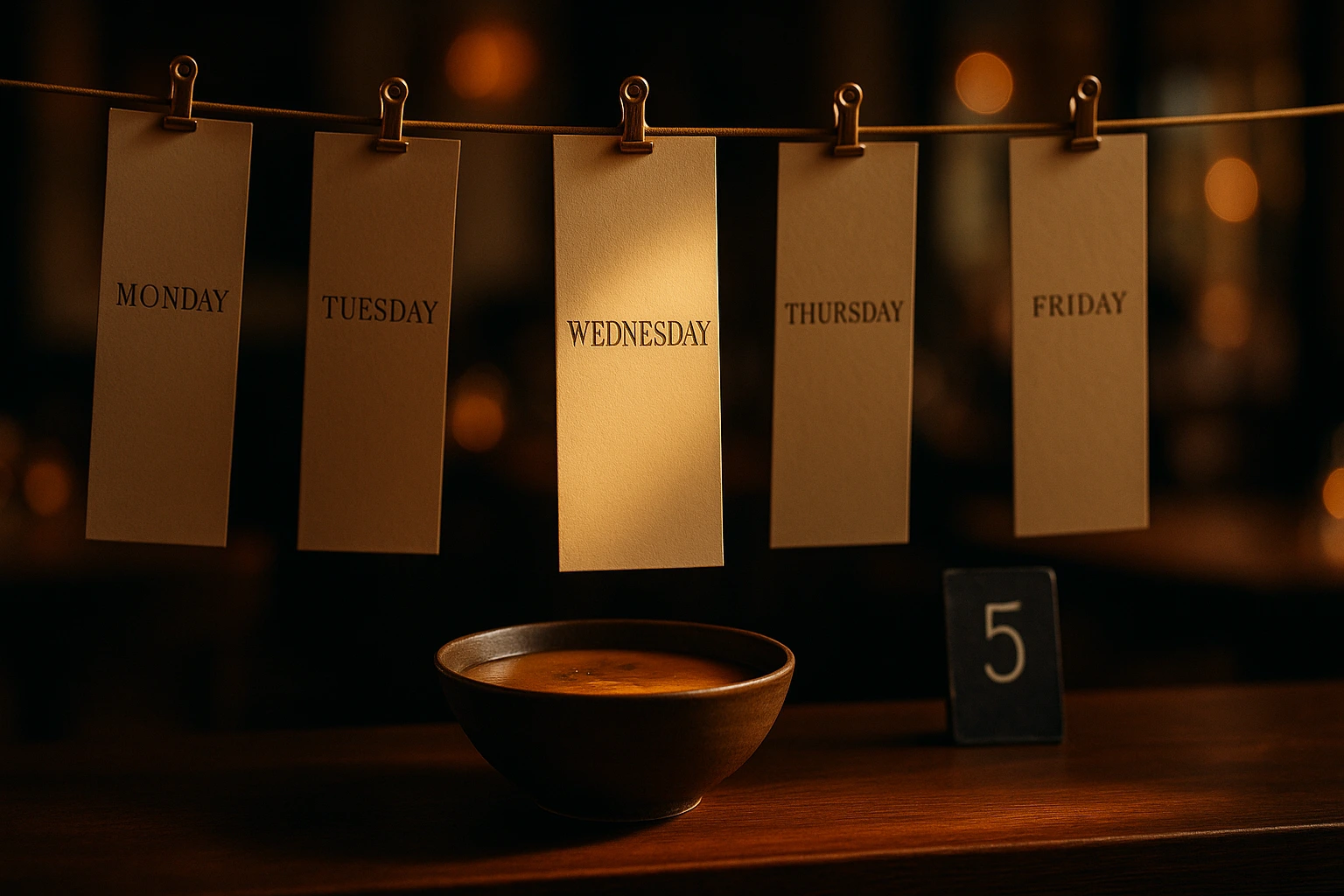
A Lunch Menu That Changes Itself, Every Day
Pick different dishes for Monday through Friday once, or plan a brand-new set every week -- the site shows the right one automatically, no one has to swap anything at noon.
What Is the Lunch Menu Builder?
The lunch menu builder lets you show a different, focused set of dishes for each day of the week instead of your whole catalog all day. Set a time window -- say 12:00 to 15:00 -- and choose exactly which dishes count as today's lunch special. Monday can be bean soup and grilled sausages; Friday can be fish and salad. You decide once and the site does the swapping.
Two modes cover how real kitchens actually plan: repeat the same weekly pattern forever, or plan a genuinely different set of dishes week by week with real dates. If you forget to plan next week, the site simply shows nothing extra that week instead of quietly repeating last week's stale menu.
What This Fixes
No More Manual Swapping at Noon
Someone does not have to remember to update the menu board or the site every single day. The right dishes for today show up on their own.
A Real Daily Special, Not a Static Menu
Instead of one long menu customers scroll through, lunch guests see a short, curated list built for today -- easier to decide, easier to order.
Plan a Week Ahead, Not Just a Day
Set Monday through Friday once and it repeats indefinitely, or plan week by week when your kitchen genuinely changes the lineup that often.
Never Ship a Stale Menu by Accident
If a week goes unplanned, the site shows nothing extra for it instead of quietly repeating an old set of dishes customers already had twice.
How It Works
Turn It On
Flip the Lunch Menu on for your venue from its own settings page -- one switch, nothing else changes until you set it up.
Pick Repeating or Week-by-Week
Choose whether the schedule repeats every week the same way, or whether you will plan a new set of dishes for each week with real dates.
Set the Time and the Dishes, Per Day
For each day, set the start and end time and pick the dishes from your existing menu -- search, add, and reorder them however you like.
Copy a Day to Save Time
Built Monday already? Copy just its hours to every other day, or copy the hours AND the dishes when several days share the same lineup.
What You Get
A Different Lineup for Every Day
Each day of the week gets its own list of dishes, pulled straight from products you already have in your catalog -- nothing new to create.
- Pick dishes from your existing menu, no duplicate products
- Reorder dishes with drag-and-drop
- Search by name while you build the day's list
- Skip a day entirely when the kitchen is closed for lunch
Repeating or Week-by-Week
Most kitchens repeat the same weekly pattern. Some genuinely plan a new set of dishes every week. Both are one switch away.
- Repeating mode: set it once, it runs indefinitely
- Weekly mode: a distinct, dated plan for each week
- Switch modes anytime from the same page
- An unplanned week shows nothing extra -- never a stale repeat
Copy a Day's Setup in One Click
Building five similar weekdays from scratch is slow. Copy one day's hours -- or hours and dishes together -- to every other day instantly.
- Copy just the time window to every day
- Copy the time window and the full dish list together
- Still edit any single day afterward
- Same weekly-hours pattern you already use for opening hours
One Switch, Full Control
A single Active toggle turns the whole feature on or off for the venue -- nothing shows anywhere until you flip it.
- Off by default on every venue
- Turns on instantly, no page reload needed
- Turn it off anytime without losing your setup
- Time windows and dish lists stay saved while it's off
Real Scenarios
The Same Weekday Special, Every Week
A neighbourhood tavern sets Monday to Friday once -- soup, main, salad -- and never touches it again. It just runs.
A Kitchen That Plans Week by Week
A chef who changes the lineup based on what's fresh switches to weekly mode and plans Monday's dishes fresh every Sunday night.
A Slow Week Nobody Got Around To Planning
The chef gets busy and skips planning next week's dishes. The site simply shows the regular menu that week instead of an outdated lunch set.
Different Dishes, Different Days
Bean soup on Monday, fish on Friday. Each day gets exactly the dishes that make sense for it, not a single fixed list all week.
A Short Lunch Window
Lunch only runs 12:00 to 15:00. Outside that window, the regular full menu is what customers see.
Five Similar Days, Built in Minutes
Monday through Friday share the same hours and mostly the same dishes. Build Monday once, copy it across, then adjust the odd day out.
A Lunch Menu That Manages Itself
Restaurants that run a daily lunch special usually manage it by hand -- a chalkboard, a printed insert, a manager updating the website every morning. Miss a day and customers either see yesterday's special or none at all. A lunch menu built into the ordering platform removes that daily task entirely.
Repeating Patterns and Weekly Planning, in One Tool
Some kitchens run the exact same weekly rotation indefinitely. Others plan a genuinely different set of dishes every week based on what's in season or what's left in the walk-in. Both patterns are supported from the same settings page, switchable at any time.
Built From Your Existing Catalog
There is no separate lunch-menu catalog to maintain. Every dish is a product that already exists in your menu -- the lunch menu builder just picks a curated, ordered subset of it for each day and time window.
Never Ship a Stale Menu
Weekly mode is deliberately strict: if a week is not planned, nothing extra shows for it. That is a safety rail, not a bug -- it means customers never see last week's lunch special dressed up as this week's.
Stop Swapping the Menu by Hand
Set your lunch schedule once and let it run itself, day after day.
Prefer to see it step by step? There is a full tutorial for this feature.
Related features
Other tools restaurants use alongside this one.
Most restaurants give discounts and hope for the best. With schedule-based promos, first-order incentives, and usage tracking, every promotion you run has a clear revenue goal.
Learn moreStop relying on staff to switch menus and update hours. Set your schedules once. Breakfast, lunch, happy hour, holidays -- everything activates and deactivates on its own.
Learn moreCustomers with allergies hesitate before ordering. Your staff can't memorize every ingredient. Tag every product with allergens, show dietary badges, and let customers filter the menu themselves. They order with confidence. You avoid risk.
Learn moreOne shareable link. Everyone picks their food. The creator finalizes and each person pays their portion. No more collecting money or guessing what people want.
Learn more