
Waiter Management — Users, Shifts, Sections & Table Assignments
Create waiter accounts per venue, run shifts, group tables into sections, and assign servers to specific tables or entire sections — all in one place, live on every device.
What is Waiter Management in Ordering.Tools?
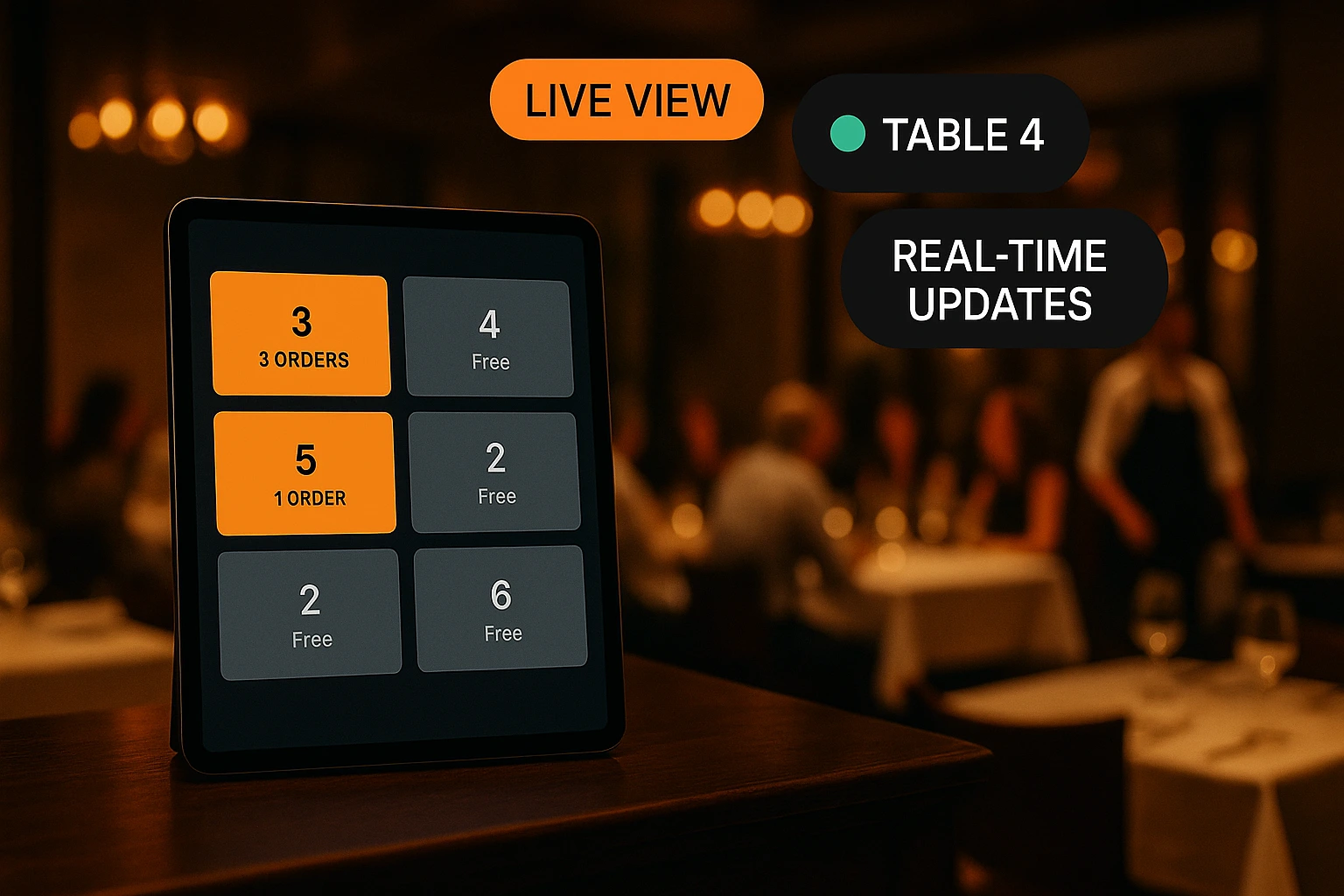
Waiter Management is the complete front-of-house control layer built into Ordering.Tools. You create waiter accounts, scope them to one or more venues, open a shift, group your tables into sections (Patio, Bar, Main Room), and assign each waiter to the tables or sections they cover for that service. Every change pushes live — no refresh, no re-sync, no shouting across the floor.
Unlike a generic user list bolted onto a POS, this is purpose-built for how restaurants actually run a floor. A waiter can work at multiple venues, but only appears on each venue's picker when they have access there. Shifts are per venue, sections replace ad-hoc memory, and assignments follow the waiter — so when an order lands on Table 7, the system already knows whose section it belongs to.
Why Waiter Management Matters on a Busy Floor
One clean waiter list per venue
Create waiters for the venue that needs them. Multi-venue accounts can share staff, but each location's picker only shows people who actually work there — no cross-venue clutter when you open service.
Sections replace the cheat sheet
Group tables into named, color-coded sections once. Every shift after that, you drop a waiter on 'Patio' instead of listing six table numbers out loud at the pre-shift huddle.
Shifts with a real start and end
Open a shift with the team you need, close it with one click. Every order placed during that shift is tied to the waiter who owned the table — no more 'whose order was this?' at closeout.
Live on every screen
Create a section, start a shift, reassign a table — every connected device updates within seconds. Owners, kitchen, and waiters all see the same floor state at the same time.
How Waiter Management Works
Create waiter accounts
In Settings → Waiters, add each server with a username, email, and password. By default they're scoped to the venue you're currently viewing — multi-select additional venues from the same account if the waiter works at more than one location.
Group tables into sections
Open Waiter Admin → Sections and create named, color-coded sections (Patio, Bar, Window, Main Room). Drop tables into each section. A table can only belong to one section at a time, so there's never ambiguity about who owns what.
Start a shift
When service begins, open Waiter Admin → Shifts and start a new one. Only one shift is active per venue — starting a new one automatically closes the previous. The shift carries its own start time, team, and assignment list.
Assign waiters to tables or sections
Drop each waiter on the tables they're covering, or hand them a full section in one click. Every new order routes to the right waiter automatically — and mid-service reassignments update instantly on every device without a reprint.
Waiter Management — Feature Deep Dive
Per-venue waiter accounts
Waiters are scoped by venue access, not by account membership. A multi-venue operator can share staff between locations, but each venue's waiter picker stays clean and relevant to the floor it represents.
- Create a waiter directly from the venue you're viewing
- Multi-select additional venues from the same account
- Edit access at any time — add or remove venues without recreating the user
- Each venue only lists the waiters who actually work there
Sections with color-coded zones
Turn your floor plan into reusable sections — Patio, Bar, Window, Main Room — and reuse them across every shift. One table, one section, zero ambiguity at handover time.
- Name and color-code each section for fast visual scanning
- Drag tables in and out — changes broadcast live to every device
- A table can only belong to one section — no double-booked zones
- Reorder sections by display priority to match the way your team scans the floor
Shifts with assignments baked in
Every shift carries its full assignment list — which waiters are on, which tables they cover, who opened the shift and when. Close the shift and it's archived; open a new one and the floor resets for the next service.
- One active shift per venue — no overlapping service periods
- Starting a new shift auto-closes the previous one
- Effective end time resolved from the shift, linked schedule, or venue working hours
- End-of-shift click closes service cleanly without deleting the record
Bulk and real-time table assignments
Assign a waiter to a single table, a whole section, or swap coverage across multiple shifts at once. Every assignment change pushes live — waiters see their new coverage on their own device within seconds.
- Assign by table, by section, or in bulk across multiple shifts
- Every assignment change pushes via WebSocket — no manual refresh
- Waiters on the floor see their updated coverage instantly
- Assignment history stays attached to each shift for accountability at closeout
Where Waiter Management Makes the Difference
Multi-Section Restaurants
Casual dining venues with patio, indoor, and bar zones assign each waiter to a section once and stop explaining which tables they cover at every pre-shift huddle.
Shift Change Mid-Service
When the evening team takes over, close one shift and open the next. Every table's new owner is clear — no handover confusion at peak hour and no dropped orders.
Multi-Venue Operators
A waiter who works two locations is set up once and appears only on the venues where they actually serve — no cross-venue noise in either manager's picker.
Weekend Patio Rush
Friday night hits and you need to double the patio team. Drop two waiters on the Patio section and every new order routes cleanly to whoever owns the table.
Covering a Sick Colleague
Someone calls in sick ten minutes before service. Reassign their tables to the rest of the team in seconds — live on every device, no reprint needed.
Training a New Waiter
Pair a new hire with a senior waiter on the same section. Orders route to the senior, but the trainee sees everything happening in their section — learning on the real floor, not a mock screen.
Running the Front of House Without the Guesswork
Restaurants lose money on the floor in ways that rarely show up in reports — the wrong waiter running a dessert, a table nobody noticed for ten minutes, a mid-shift handover that drops two orders. Waiter Management in Ordering.Tools closes those gaps. Every table has an owner, every owner has a shift, and every change is live on every screen.
Per-Venue by Default, Multi-Venue When You Need It
Most systems treat staff as global account members — once someone is on the account, they show up in every venue's waiter list. That breaks the moment you run more than one location. In Ordering.Tools, waiters are scoped by venue access: you create them for a specific venue and optionally grant access to others. Each venue's picker only shows people who actually work there, so the manager never scrolls through servers from three other locations to find the one they need.
Sections Are Memory You Don't Have to Hold
Tables change zones mid-week. The patio opens in spring and closes in autumn. A private event takes over the back room. Sections let you encode the current layout once and reuse it every shift. Assign a waiter to a section and you cover six tables in one click. When the layout changes, drag the tables into a new section and every assignment, every shift, and every running order updates with it.
Prefer a Visual Floor Plan? Reservation.Tools Is Fully Integrated
Waiter Management inside Ordering.Tools is built around speed — lists, dropdowns, and one-click bulk actions for operators who just want to open service and go. If you want to see the dining room the way your host sees it — tables laid out spatially, drag-and-drop waiter assignment, combined reservations and ordering — Reservation.Tools gives you that visual layer. It's a companion product, fully integrated with the same waiters, shifts, and sections you manage here. Create a section once, and both tools see it. Start a shift once, and both tools track it. Pick whichever view fits the moment.
Take Control of Your Floor
Create waiters, group tables, run shifts, and assign coverage — all in one place, live on every device. Start with your first venue.
Prefer to see it step by step? There is a full tutorial for this feature.
Related features
Other tools restaurants use alongside this one.
Keep customers informed at every step of their order with automatic SMS messages — no app required, no opt-in friction.
Learn moreGet instant browser alerts for every new order — even when the admin tab is closed or the screen is locked. No app installation required.
Learn moreWatch your site the way you watch your dining room. Who is browsing right now, what is sitting in their carts, when they last added something — and how today is converting, step by step.
Learn morePeak hour chaos ends here. Every order visible, every delay flagged, every status update automatic. Your staff stays focused on food, not phone calls.
Learn more