
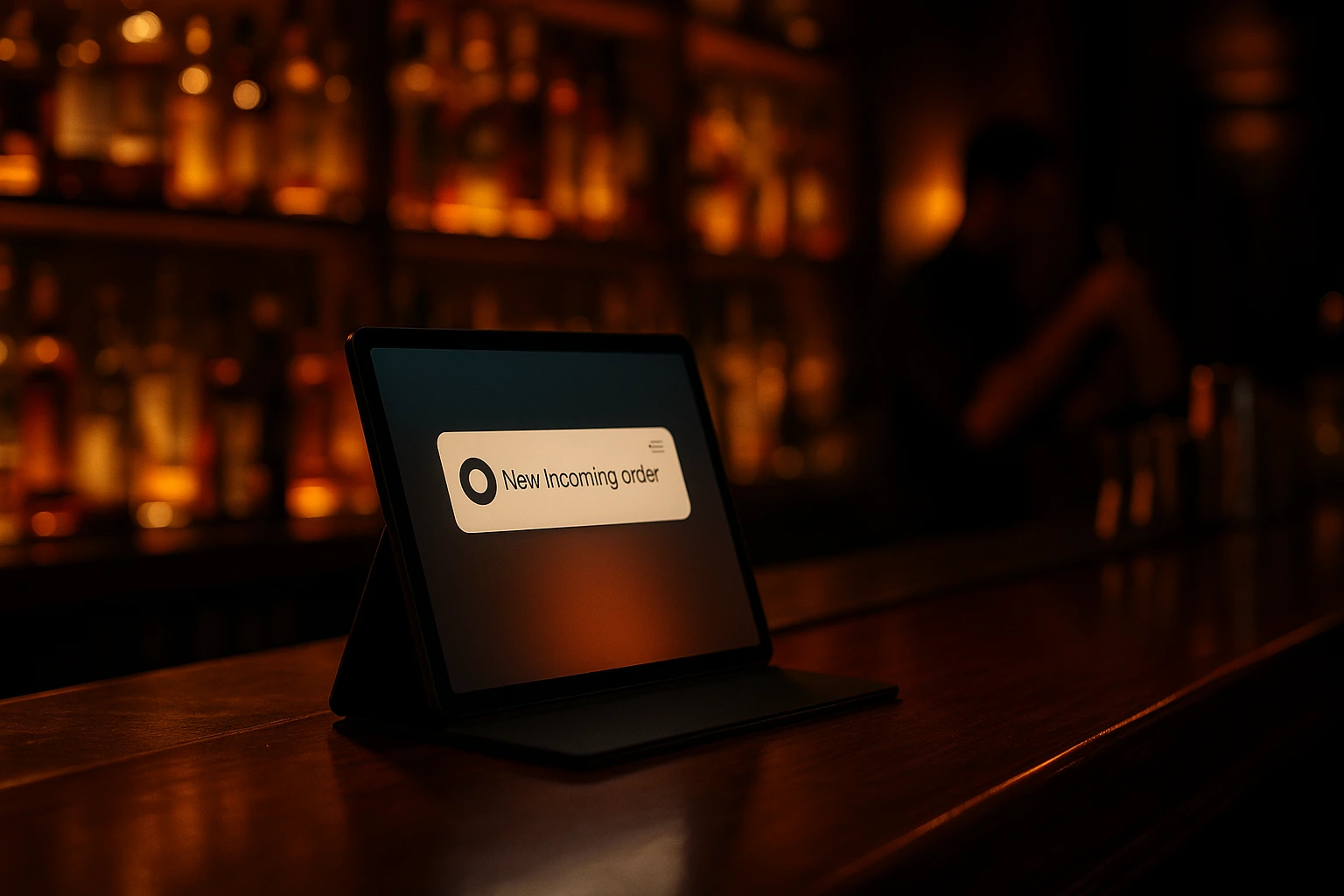
Web Push Notifications for Restaurant Orders
Get instant browser alerts for every new order — even when the admin tab is closed or the screen is locked. No app installation required.
What Are Web Push Notifications?
Web push notifications are browser-level alerts that appear on your desktop or mobile screen the moment a new order arrives. Unlike email or SMS, push notifications are instant — they appear within seconds of a customer placing an order, even if the Ordering.Tools admin tab is closed or in the background.
Powered by Pusher Beams, web push works on Chrome, Edge, Firefox, and Safari (iOS 16.4+). After enabling it in your settings and granting browser permission once, notifications fire automatically for every new order — no ongoing setup required. The alert includes the order number, order type, and a direct link back to the order in your admin panel.
Why Web Push Beats Email for Order Alerts
Sub-Second Delivery
Push notifications arrive in under a second. Email can take minutes. For a busy restaurant, a 5-minute delay on a new order notification can mean late food and unhappy customers.
Works When the Tab Is Closed
The admin dashboard doesn't need to be open. Push notifications fire at the OS level — even on a locked screen.
No App Required
Web push works in the browser. No app store, no installation — just a one-time permission request.
Direct Link to the Order
Each notification is tappable. Clicking it opens the order directly in the admin panel — one tap from alert to action.
How Web Push Notifications Work
Enable Web Push in Settings
Go to Notifications settings in your admin panel and turn on Web Push Notifications for your venue.
Grant Browser Permission
Your browser will ask to allow notifications from Ordering.Tools. Grant permission once — it's remembered for future sessions.
New Order Arrives
A customer places an order. The notification fires within seconds, showing the order number and type on your screen.
Tap to Open
Click or tap the notification to jump directly to that order in the admin panel. Confirm, prepare, and fulfil without searching.
Web Push Features
Instant New Order Alerts
Every new order triggers a push notification to all authorised admin browsers with web push enabled.
- Order number in the notification
- Order type (pickup, delivery, dine-in)
- Direct link to the order on click
- Fires even with the tab closed
Powered by Pusher Beams
Built on Pusher Beams — a dedicated push notification infrastructure with global delivery and high reliability.
- Sub-second delivery via WebSockets
- Authenticated per-venue channels
- Automatic reconnect on network drop
- Works alongside real-time dashboard updates
Multi-Browser, Multi-Device
Enable push on multiple browsers and devices simultaneously — the kitchen tablet, the manager's phone, and the reception PC can all receive alerts at the same time. The Ordering.Tools app for iOS and Android receives the same alerts natively — one setting, every device.
- Chrome, Edge, Firefox support
- Safari support (iOS 16.4+, macOS)
- Multiple devices per venue
- Per-device permission management
Combined with SMS & Email
Web push works alongside SMS and email notifications — each channel reaches a different person or device in your team.
- Web push for admin devices
- SMS for the kitchen manager's phone
- Email for order records
- All three configurable independently
Web Push Use Cases
Solo Owner-Operator
You're in the kitchen and the admin tab is closed. A push notification pops up on your phone the moment a new order arrives — no missed orders.
Front-of-House Manager
The manager's computer stays on the reservation page, not the orders tab. Push notifications alert them to new orders without switching screens.
Night Shift
A single staff member covering late orders gets a push alert on their locked phone when an order comes in — no need to watch the screen.
Multi-Staff Teams
Enable push on every device in the team. When an order arrives, everyone is notified simultaneously — whoever is available acts first.
Delivery Operations
Instant push alerts mean delivery orders are confirmed and dispatched immediately — reducing the window between order placement and driver assignment.
Backup to KDS
Even with a Kitchen Display System, push notifications act as a backup alert — a second confirmation that an order arrived while KDS is loading.
Never Miss a New Order with Instant Browser Push Notifications
Every minute between a customer placing an order and your team seeing it costs money. Email is too slow. Watching a screen all day is exhausting. Web push notifications solve this — they appear on any device within seconds, regardless of what the user is doing, and link directly to the order for immediate action.
Works Without the App Being Open
Unlike in-app alerts that require the admin dashboard to be the active tab, web push operates at the operating system level. The browser can be minimised, the device locked, or the tab closed — the notification still arrives. This makes web push uniquely suited to busy restaurant environments where the admin panel isn't always in the foreground.
Powered by Pusher Beams
Ordering.Tools web push is built on Pusher Beams, a dedicated push notification service with infrastructure specifically designed for real-time delivery. Pusher Beams handles browser registration, channel authentication, and delivery — with the same sub-second performance as the live order dashboard updates.
Part of a Complete Notification Suite
Web push is one channel in Ordering.Tools' notification system. Email notifications keep records. SMS reaches customers and staff by phone. Web push alerts the admin team instantly on their devices. All three channels are configured independently — enabling exactly the right notification for each recipient and scenario.
Never Miss Another New Order
Enable web push notifications and get instant alerts on every device — no app, no app store, just a browser.
Related features
Other tools restaurants use alongside this one.
Keep customers informed at every step of their order with automatic SMS messages — no app required, no opt-in friction.
Learn moreCreate waiter accounts per venue, run shifts, group tables into sections, and assign servers to specific tables or entire sections — all in one place, live on every device.
Learn moreWatch your site the way you watch your dining room. Who is browsing right now, what is sitting in their carts, when they last added something — and how today is converting, step by step.
Learn morePeak hour chaos ends here. Every order visible, every delay flagged, every status update automatic. Your staff stays focused on food, not phone calls.
Learn more