
Your POS and Your Online Orders Should Not Be Strangers: Why Double Entry Is Killing Your Evenings
An online order beeps and someone retypes it into the POS by hand — during the rush, with mistakes. Here is what unsynced systems really cost, what a two-way POS integration actually does, and how to roll one out without breaking service.
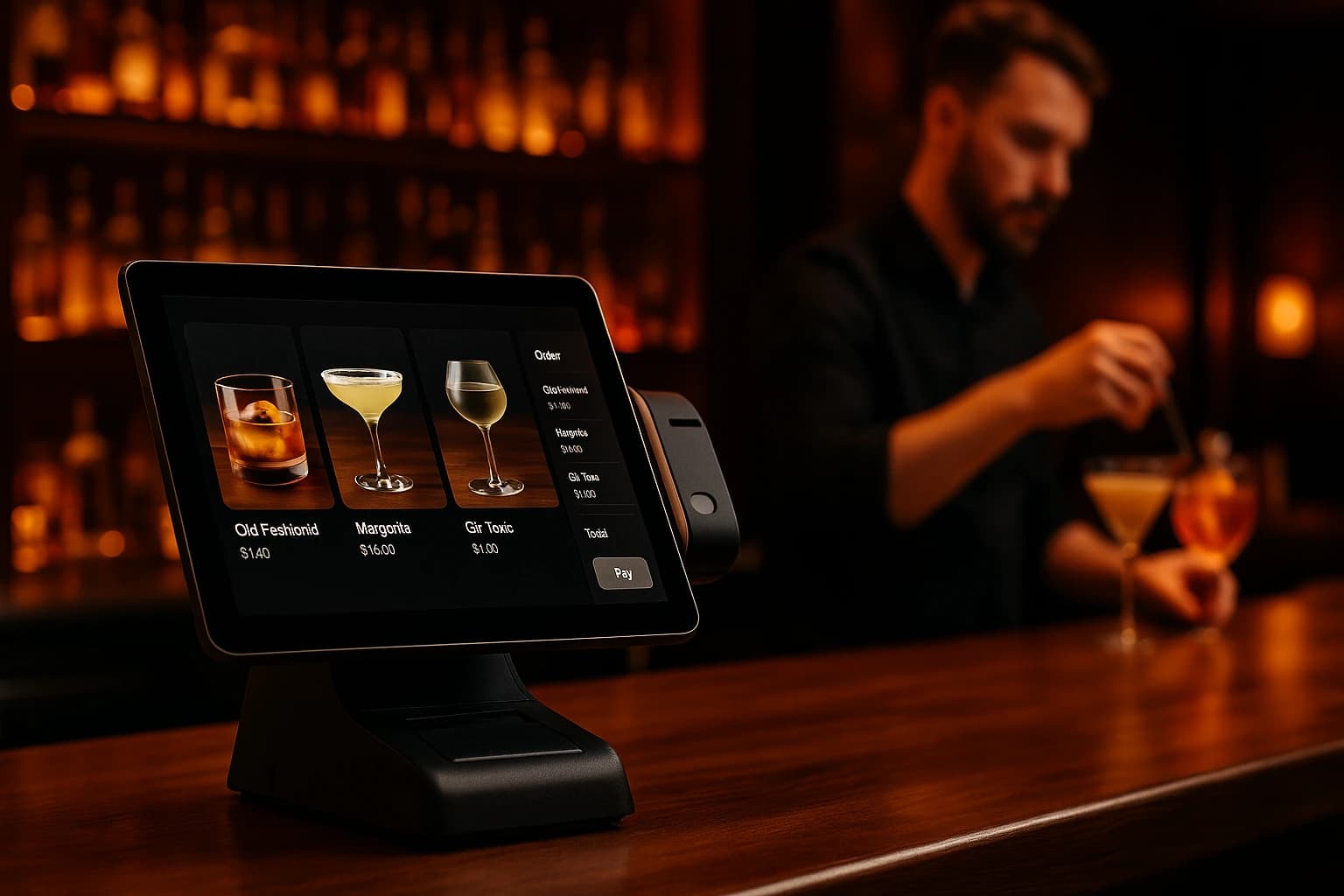
It is 19:40 on a Friday and the tablet on the counter chimes with a new online order. Someone — usually whoever is closest — reads it off one screen and types it into the POS on another. Two salads, one without onion, a burger with the sauce on the side, mains after the starters. Then the next chime. During the rush this happens again and again, and every retype is done in a hurry, from memory, by a person who has three other jobs at that exact moment.
The reverse problem is quieter but just as expensive. You raised the price of the steak on Tuesday — in the POS. The online menu never heard about it, so the website has been cheerfully selling Tuesday's price all week. Or the dish of the day ran out at 20:15, the POS knows, and the online menu keeps taking orders for it until each one is fixed with an awkward phone call. Your POS and your online orders are running the same restaurant — and they are strangers.
The Real Bill for Two Systems That Do Not Talk
Retyping looks free because nobody sends you an invoice for it. It is not free. Every online order costs someone minutes at the exact moment minutes are scarcest, and manual copying under pressure produces exactly the mistakes you would predict: the missing modifier, the wrong table, the quantity that became one instead of two. The customer blames the restaurant, not the workflow.
- •Retyping time — every online order is handled twice, always during service, never during the quiet afternoon
- •Stale prices — a price changed in the POS keeps selling at the old price online until someone remembers the second system
- •Selling what ran out — the POS knows an item is finished; the online menu keeps accepting orders for it
- •End-of-day mismatch — two systems, two totals, and half an hour of hunting for the difference after close
The last one deserves its own mention. When online orders live in one system and the POS lives in another, the evening ends with two numbers that should match and rarely do. Was that card order entered twice? Was the cancelled delivery taken out of both systems or just one? Reconciling by hand is slow, and it is always done at midnight by the most tired person in the building.
A manually retyped order is entered at the busiest moment of the shift, by whoever happened to be free, from a screen they are reading sideways. The surprise is not that mistakes happen. The surprise is how many evenings a restaurant spends absorbing them before deciding this is a software problem, not a staff problem.
What a Proper Two-Way Integration Actually Does
The menu lives in one place
With a real integration, products, categories and prices synchronise between the online menu and the POS — and you decide the direction. You can declare the POS the source of truth and pull everything from it, push from the online side instead, or let each change flow to the other system as it happens. Edit a price once and both systems agree by themselves. Each direction is a separate switch, so nothing moves that you did not turn on.
Online orders land in the POS by themselves
A confirmed online order is created in the POS automatically — no chime, no retyping, no sideways reading. Status flows back the other way too: when the POS marks the order done, the online side and the customer's tracker follow. And an order placed from a QR code at a table can join that table's open bill instead of starting a stray new one, so the bill the waiter sees is the whole truth.
Sold out in the POS means gone online
When the POS marks an item as finished, the integration switches it off on the online menu as soon as the POS reports the change. Nobody orders the dish that ran out at 20:15, so nobody has to make the apology call at 20:40. When it comes back, it comes back online the same way — without anyone remembering a second system.
Payments and bills reconcile
Bills and their payments can mirror between the two systems as well: a payment recorded on the online side is registered in the POS, and open POS documents can be brought across the other way. The point is a single end of day — one set of totals, agreed by both systems, instead of a midnight hunt for the missing thirty euros.
What to Ask Your POS Vendor Before You Integrate
Not every POS can do this, and the gap is rarely visible in a sales call. Four questions settle it. Does the POS have a documented API that can receive orders and expose the catalog? Can it announce changes on its own — a webhook that fires when a price changes or an item sells out — rather than waiting to be asked? Do items and categories have stable identifiers, so the two catalogs can be linked item by item instead of matched by name and hope? And can each sync direction be controlled separately, so you can start with receiving before you push anything? Ordering.Tools integrates with POS systems that clear this bar, including Barsy, a cloud POS used widely across Bulgaria — and the integration is built per direction, so a cautious start is a supported configuration, not a workaround.
Before switching on any catalog sync, link the items you already have on both sides. Matching the existing menu first — item to item, category to category — is what keeps the first synchronisation from creating a duplicate of your entire menu. Do the mapping once, calmly, before the data starts to move.
A Realistic Rollout: Menu First, Orders Second
Do not switch everything on in one afternoon. Start with the menu, one way only: pull the catalog from the POS into the online menu and let the POS remain the single place your team edits. Run a week like that. You will see prices and descriptions stay aligned without anyone touching the second system, and you will find the mapping gaps while they are still cheap to fix.
Then add orders: new online orders start landing in the POS by themselves, and statuses flow back. Give that its own week. Availability sync comes next, so stock-outs stop selling online. Payment and bill mirroring goes last — it is the layer you want on top of a menu and an order flow you already trust. Each step is a separate switch, each one is reversible, and at no point does your team run two systems by hand.
Where to Start
If you already have a POS you like, keep it — this is about connecting it, not replacing it. The POS Integrations feature page shows what synchronises and in which directions, and the Barsy POS Integration feature page walks through the setup for Barsy venues step by step. If your orders also arrive from delivery marketplaces, the Marketplace Orders feature page covers bringing those into the same flow, so one screen ends up holding everything. And if you are still choosing the POS itself, our guide to choosing a restaurant POS covers what to test before you sign — with integration capability near the top of the list.
Try Ordering.Tools for Free
Set up your digital menu in under 2 minutes. No credit card required.