
Restaurant Website Builder: From Empty Domain to Taking Orders
Agency quotes are slow and expensive, and generic builders do not understand menus, hours or orders. Here is how a restaurant website builder actually works — sections fed by your live menu, AI generation from your venue's own data, your own domain, and ordering built in.
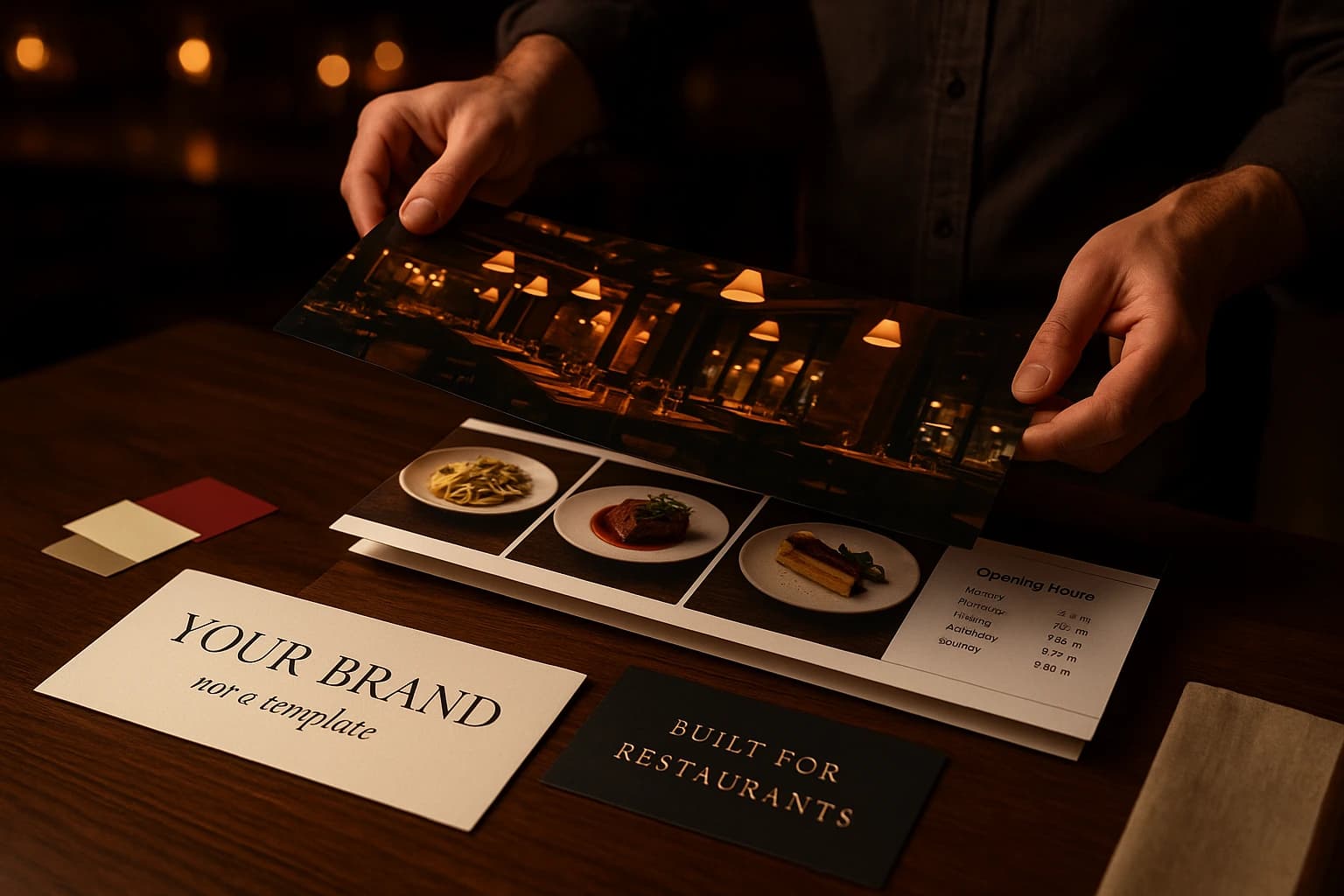
Ask an agency for a restaurant website and you get a timeline in months, a number that makes you wince, and a fee every time the menu changes. Try a generic builder and you get the opposite problem: an empty canvas that does not know what a menu is, what hours mean, or how to take an order. Many venues do neither, and live off a social media page instead.
A social page is better than nothing, but you do not control it. The feed decides who sees your posts, and there is no address of your own to print on a box or a business card. The third path: a website builder made for restaurants, where the menu, hours, ordering and reservations are not bolted on but are the material the site is built from.
Why a Restaurant Website Is Not a Generic Small-Business Site
For a lawyer or a plumber, a website is a brochure. For a restaurant it is a shop. The menu is your product catalog — dozens of items with prices, photos, options and allergens, changing week to week. The hours decide whether a visitor can act right now. Ordering and booking are the point of the visit. And anywhere tourists go, a meaningful share of your visitors do not read your language.
Generic builders treat all of that as content to be typed in. So the menu becomes a PDF or a screenshot, prices drift out of date the first week, the order button is a link out to some other system, and the second language never happens. The site launches, decays, and within a year it is quietly worse than no site at all.
What to Look For in a Builder Made for Restaurants
The menu is data, not decoration
Your dishes should live in one catalog that feeds everything — the ordering menu, the homepage highlights, the category pages. Add a dish once and it appears everywhere; change a price once and no page shows the old one. If a builder asks you to retype the menu into a text block, it has already failed.
Ordering and reservations built in, not linked out
The order button should add to a cart on your own site, not bounce the visitor to a different domain with a different look. Same for reservations: the booking form belongs on the page, not behind a link. Every hop loses people, and every detour through a third party costs you the customer relationship.
Every language your guests actually speak
Multilingual should mean the whole site — dish names, buttons, hours, FAQ — not a machine-translated banner. Each language should be a first-class version of the content, so a foreign guest and a local read an equally good page.
Your own domain and a structure search engines can read
The site should answer on your domain, with real HTML that Google can index: dish names as text, one clear heading per page, meta titles and descriptions per language. A menu locked inside images is invisible to search; a proper web page is how people find your dishes.
- •Does the menu feed the website automatically, or will I be retyping it?
- •Can a visitor order and book a table without leaving the site?
- •Does every page exist in every language I serve?
- •Will it run on my own domain?
- •Can I change the look without breaking the layout on phones?
- •What happens to the site when I change a price at six on a Friday evening?
How the Ordering.Tools Builder Works: Strips, Not a Blank Canvas
A page is an ordered stack of full-width sections — strips. A strip type is a layout: a hero, a collection of items, text beside a picture, a row of buttons, a contact block with a map, a reservation form, an FAQ. What a strip shows is a setting; the only thing you rearrange is the order. There is no free-form canvas — which is exactly why every page stays correct on a phone.
The collection strip is the workhorse, and its content comes from data you already maintain. Point it at a category of dishes, at everything currently discounted, at your photo gallery, your upcoming events, the branches of your chain, or your best public reviews — four stars and up, with text. Show it as a grid, a slider or a mosaic. Because the source is live, a dish added to the catalog appears on the site without anyone editing the page.
The add-to-cart card on a builder page is not a lookalike — it is the same dish card the ordering menu uses, with its variant picker, allergen badges and discounted price. There is one product card in the platform, and the website shows the real one.
Look and feel is a set of controls, not a template swap: background and text colours, body and heading fonts — including uploaded custom fonts for a licensed typeface — button shape, type scale, content width, navigation and footer styles. Four style presets cover the common directions, from classic serif to minimal, and none of them ever overrides your brand colours. Every control has a platform default, so you can stop adjusting at any point.
Start With AI, Finish With Your Own Taste
You do not have to start from a blank page at all. Describe your restaurant in one or two sentences and the generator writes the whole marketing layer — hero, tagline, about text, SEO metadata and an FAQ — in every language your venue has enabled, from the data it already holds: your name, cuisine, address, top dishes and opening hours.
Nothing is published on your behalf. The result appears as a side-by-side preview against what is there now; you apply the sections you like, skip the rest, and every applied generation can be rolled back later. Not happy with one section? Regenerate just that one — warmer or sharper in tone.
The generator is deliberately hard to impress: it refuses to invent awards, statistics or claims that were not in your brief. A website that promises more than the venue delivers is a problem you would otherwise discover in a bad review.
When a Custom Agency Site Still Makes Sense
An honest note: a builder is not the answer to everything. If your brand needs fully bespoke art direction — illustration, animation, a site built like an editorial magazine — an agency will take you places a section-based builder will not, and for a flagship fine-dining brand that can be worth the money and the wait.
The practical test is the menu. If the agency site will carry your menu and your ordering, ask who updates it and what each change costs; many venues pair an agency-built brand site with platform-hosted ordering pages linked from it. If the answer is 'you, through us, billed by the hour', you have found the real cost of the quote.
Where to Start
Start with the homepage. Switch it to the strip layout — every page type comes with a preset — point a collection at your strongest category, run one AI generation to fill the hero, about and FAQ, and set fonts and colours once. The site is live on your platform subdomain immediately, and answers on your own domain as soon as you point the DNS.
The Website Builder feature page walks through the strip types and the look-and-feel controls in detail, and the Branded Pages feature page shows what your menu and ordering pages look like out of the box. Once the site is up, our checklist of restaurant website must-haves for 2026 is the audit to run against it — mobile speed, an indexable menu, visible hours — so the site does the one job it exists for: taking orders.
Try Ordering.Tools for Free
Set up your digital menu in under 2 minutes. No credit card required.