
Happy Hour and Time-Based Menus: Make Your Dead Hours Earn
Between 15:00 and 18:00 the kitchen is staffed, the rent is running, and the room is empty — yet your online menu looks the same as at peak. Here is how scheduled menus and promos put time to work: lunch that appears at 11:30, happy hour that ends itself, and holiday hours set weeks ahead.
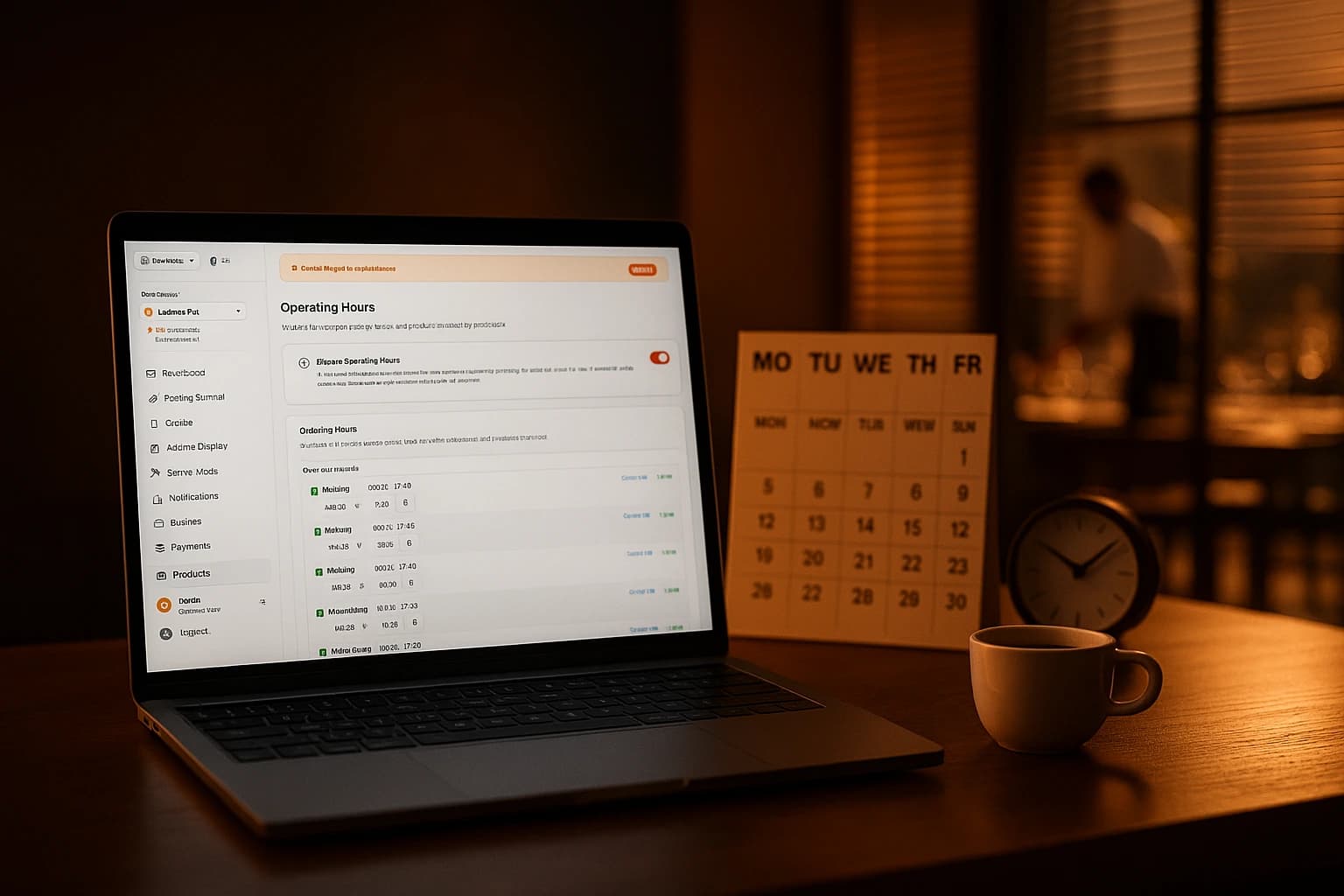
Between three and six in the afternoon, most restaurants are a strange sight. The kitchen is staffed. The rent is running. The lights are on. And the room is nearly empty. Meanwhile, the menu your customers see online looks exactly the way it looks at eight in the evening — same items, same offers, same everything. The quietest hours of the day are being sold with the same pitch as the busiest ones.
Owners program a lot into their menus: photos, descriptions, categories, prices. Almost nobody programs time. Yet time is the dimension that decides whether a given hour makes money or burns it. A menu that cannot tell 15:00 from 20:00 treats a dead Tuesday afternoon and a packed Saturday night as the same event. They are not the same event, and they should not get the same menu.
The One Dimension Your Menu Never Learned
Your costs do not keep business hours. The rent covers the empty afternoon as fully as it covers the dinner rush, and a cook standing in a quiet kitchen costs the same per hour as one working a full line. The only variable is revenue — and revenue follows what you offer, and when you offer it. An offer that exists only during the slow hours is the one lever that points demand exactly where you need it.
In most venues today, the schedule is a person. Someone has to remember to hide the breakfast items, push the lunch specials, start the afternoon offer and end it again. On a calm Monday, they remember. On a chaotic Friday, they do not — and the promo that should have died at six is still alive at nine, or the lunch menu never went up at all. Staff memory is the least reliable scheduler you could pick, and it is the one almost everyone uses.
Programming the Day, Meal by Meal
The mechanics are simple. You create named schedules — Lunch 11:30 to 15:00, Happy Hour 16:00 to 18:00, Late Night from 22:00 — and attach them to individual products, whole categories, or promo codes. Whatever carries a schedule appears when the window opens and disappears when it closes. A schedule is defined once and reused everywhere it applies, so a change to your lunch hours is one edit, not ten.
A lunch menu that keeps its own hours
Attach a schedule to your lunch category and it shows up at 11:30 and leaves at 15:00, every day, without anyone touching anything. Customers browsing at 13:00 see it as a normal part of the menu. Customers browsing at 19:00 do not see it at all — not greyed out, not marked unavailable, simply not there. The menu at any moment shows only what the kitchen is actually prepared to make at that moment.
Every venue with an unscheduled lunch special knows the 19:00 order: a customer finds the lunch offer online in the evening, orders it, pays the lunch price, and the argument happens at pickup. When the item is only visible during lunch, that order can never be placed — and the argument never happens.
Breakfast gone by noon
The same rule works in the morning. Breakfast items carry a schedule that ends at noon, and at 12:01 they are gone. Nobody orders eggs at 16:00 and forces the kitchen into an awkward choice between refusing an order and cooking off-menu. The cutoff is exact, it is the same every day, and it does not depend on whoever happens to be near the till.
A late-night menu the kitchen can actually deliver
Late evening is the reverse problem: you are open, but the full menu is a promise a reduced crew cannot keep. Give a small set of products a late-night schedule and after 22:00 customers see a shorter menu — the grill items and the salads a two-person kitchen produces well, instead of forty dishes that are now a gamble. Fewer refusals, fewer waits, and no dish going out badly because the one cook was doing five things at once.
Happy Hour on a Schedule, Not on Memory
Promotions attach to schedules exactly the way products do. Link a drinks discount to a weekday 16:00 to 18:00 schedule and it activates and deactivates on its own — as an automatic discount the customer sees applied on the eligible items, or as a code that simply does not work outside the window. Nobody announces it, nobody ends it, and it cannot be forgotten in either direction.
Days of the week are part of the same lever. A weekday-only rule keeps the offer out of your busy weekend, when it would discount orders you were getting anyway. The reverse works too: a brunch category that exists only on Saturday and Sunday mornings, while weekday visitors see the regular lunch instead. Slow days get an offer; strong days keep their full margin.
A discount that ends on time is a campaign. A discount nobody turns off is your new price. Every "temporary" offer that lives past its window trains customers to wait for it — and quietly resets what they think your food is worth. A schedule with a hard stop is margin protection, not admin work.
Holidays and Exceptions, Set Weeks Ahead
Regular weekly hours cover the normal weeks. For everything else there are special hours: mark a single date or a whole range as closed — Christmas, a renovation, a private event — and the override takes priority over the regular schedule. Customers see that you are closed instead of placing orders nobody will cook, and you set it the moment you decide the dates, not in a scramble the night before.
Seasonal offers get the same treatment through validity dates. A winter menu can carry a start and an end date: it appears on the first day, runs its season, and vanishes on the last — instead of surviving into spring because deleting it was never anyone's job.
The Operational Win: Nobody Has to Remember
The point of all of this is not the features. It is that every transition now happens on time, every day, with no human step in between. Split shifts work too — open for lunch, closed mid-afternoon, back for dinner — with multiple time slots in the same day. The 11:30 menu swap that used to depend on who was working now happens at 11:30 whether the shift is calm or on fire.
It holds at the ordering end as well. Customers only see what is available right now, and scheduled orders for later only offer time slots that are actually valid. Channels can differ, too: delivery can close at 22:00 while dine-in runs to 23:00, and checkout enforces each window on its own.
Where to Start
- •Give your lunch category a schedule — 11:30 to 15:00 — and let it manage its own appearances from tomorrow.
- •Put a noon cutoff on breakfast items so they leave the menu by themselves.
- •Create one happy hour promo, link it to a weekday afternoon schedule, and check the redemption count after a week.
- •Enter your next holiday closure now, while nobody is busy — it will apply itself on the day.
- •Give any seasonal special a start and end date so it exits on time instead of lingering into the wrong season.
Then watch a week of orders. You will see whether the afternoon offer actually pulls orders into the dead window, whether the late-night menu cut your refusals, and whether anything you scheduled needs different hours. Adjusting a schedule is one edit — which is exactly why it is worth experimenting with.
The Schedule Management feature page walks through default hours, named schedules and special-day overrides screen by screen. The Promotions and Discounts feature page covers the offer side — discount types, usage limits and schedule-based activation. And once your menu knows what time it is, our guide on optimizing your menu for more sales covers what to put in front of customers during the hours you have just reclaimed.
Try Ordering.Tools for Free
Set up your digital menu in under 2 minutes. No credit card required.