
Gift Cards for Your Restaurant
Issue a gift card for any amount in seconds. It arrives by e-mail in your branding, the guest spends it at your online checkout — all at once or over several orders — and you always see how much is still outstanding.
What are Ordering.Tools gift cards?
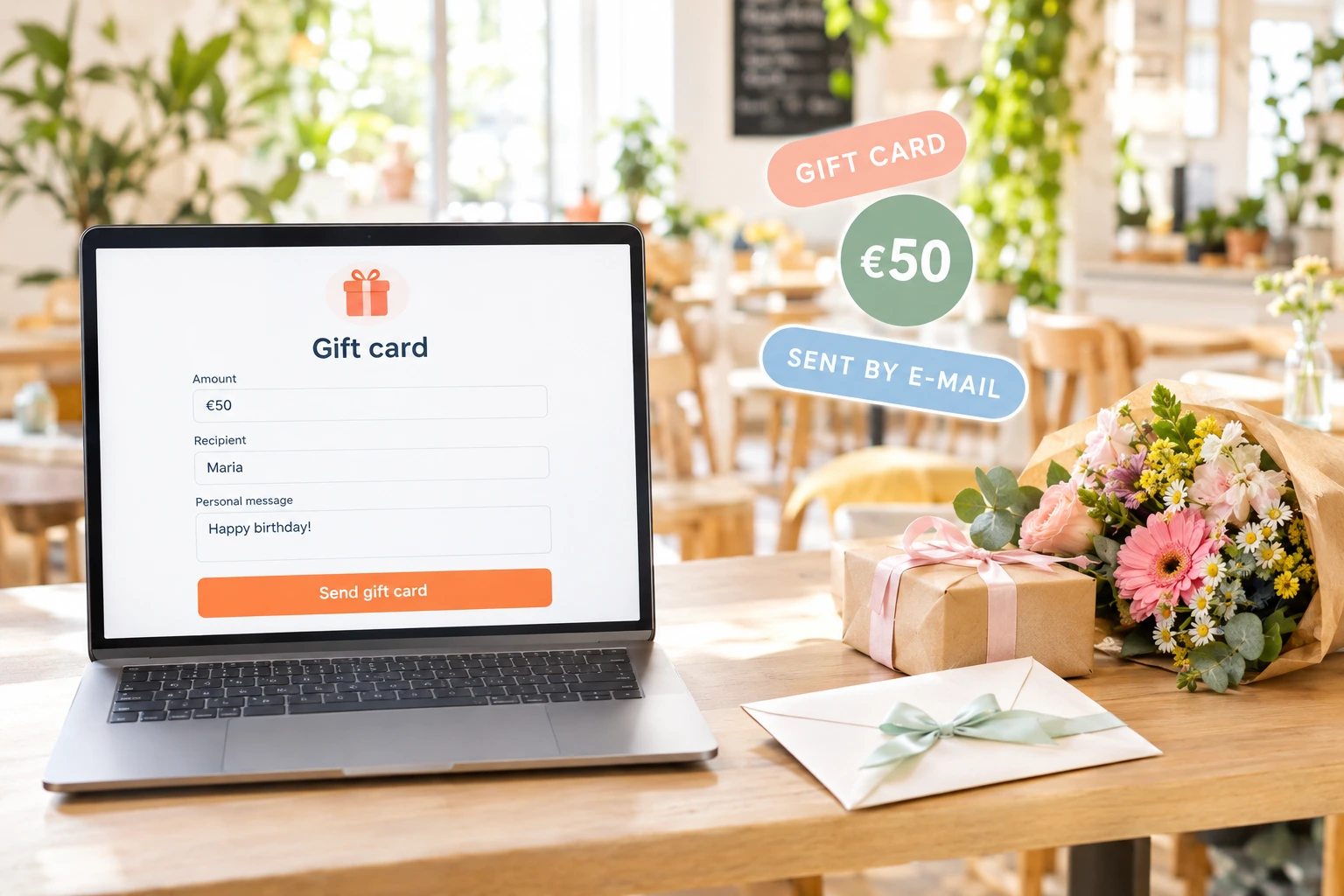
A gift card is prepaid money for your restaurant. You take the payment the way you already do — at the till, by bank transfer, on a company invoice — and then issue the card in the admin panel: the amount, the recipient, an optional personal message and an optional expiry date. The recipient gets an e-mail with a personal code, in your logo and colours and in your venue's language.
The guest types the code at your online checkout and the balance comes off the order. Whatever is not spent stays on the card for next time, and every use is recorded against the order it paid for. Because a gift card is money already paid, it is handled as a payment, not as a discount: it comes off the total after any tax, and the fiscal receipt registers it as a payment.
Why issue gift cards through Ordering.Tools
Money now, the meal later
A gift card is paid for when it is given and spent on a later visit — revenue in the weeks when people are looking for presents, and a guest who comes to you to use it.
Issued in seconds, in your branding
Amount, the recipient's e-mail and name, who it is from, a personal message and an optional expiry date — the card is created and e-mailed straight away, with your logo and colours.
Spent in parts, never lost
The guest applies the code at checkout. If the order costs less than the balance, the rest stays on the card; if it costs more, the difference is paid the usual way.
Counted as a payment
A gift card is a tender, not a price cut. Where you add tax on top of your prices, the tax is worked out on the whole order before the card comes off, and the fiscal receipt records the card as a payment — so your books match what the guest really paid.
How it works
Switch gift cards on
Turn gift cards on for your venue under Settings → Features. Until you do, guests see no gift card field and nothing changes at checkout.
Issue a card
Take the payment however suits you, then issue the card on the Gift Cards screen: any amount, the recipient's e-mail and name, who it is from, a message and, if you want one, an expiry date.
The recipient gets an e-mail
A branded e-mail carries the code, the balance, your message and the expiry date, in your venue's language. The code is easy to read and type — no mixing up 0 and O, or 1 and I.
Spent at checkout
The guest enters the code at your online checkout; the balance is checked and comes off the order. Your call-centre staff can also apply a caller's cards with one click while taking a phone order.
Gift card features built for restaurants
One screen for every card
Every card you have issued in one list — code, recipient, balance, status and expiry — with the totals that matter at the top.
- Issued, total value, redeemed and outstanding at a glance
- Search by code, e-mail or name; filter by status
- Each card's redemptions, with the order each one paid for
- Cancel a card to void its balance — reinstate it if it was a mistake
A checkout that understands cards
The gift card field sits next to the promo code at your online checkout, and the balance is checked on the server before anything is taken off.
- Partial use — the remaining balance stays on the card
- Expired, cancelled and used-up cards refused with a clear message
- A club card code typed into the field is recognised and applied as the club card
- Code checks are rate-limited, so codes cannot be guessed
Right on the receipt and in the books
A gift card is money the guest paid in advance, so it is treated as a payment everywhere it appears.
- Comes off after tax when you add tax on top of your prices
- Registered as a payment on the fiscal receipt — a voucher by default
- Its own line on the order e-mail and the printed receipt
- Counts as one discount if you allow only one per order
Works across your group
In a restaurant group, cards issued by the main restaurant are accepted for its branches' orders — and a code from any other restaurant on the platform is treated as if it did not exist.
- Issued once at the main restaurant, spent at any branch
- Another business's codes are never accepted
- Issue and manage cards from the admin panel, the API or MCP
- The gift card e-mail goes out in your venue's language
Also included: a free gift above an order value
Not a gift card, but often asked about alongside it — a free product the guest picks once the order reaches an amount you set.
Reach the amount, pick a gift
Set a threshold and a short list of products. When the order reaches it, the guest picks one of them for free; until then, the cart shows how much is still missing.
Only where and when you want it
Limit the offer to delivery, pickup or table orders, to dates or to a schedule — and choose whether the amount is measured before or after discounts.
A real line on the order
The gift is an ordinary zero-price line, so the kitchen, your stock and your POS all see it.
Gift card use cases
Holiday presents
A guest asks for a present at the till in December: you take the payment, issue the card, and it is in the recipient's inbox before the guest has left.
Corporate gifts
A company buys cards for its team on one invoice. You issue one card per person, each with their own name and message.
A goodwill gesture
Something went wrong with an order? Send a card with a balance and a personal note — the guest has a reason to come back.
Prizes and partnerships
Raffles, radio giveaways, local partners: the cards are issued by your venue, and an expiry date closes the campaign when you want it to end.
Restaurant groups
Issue at the main restaurant, accept at every branch — one set of gift cards for the whole group.
Phone orders
Regulars who order by phone don't have to read out a code: the call-centre screen offers the cards addressed to their e-mail.
Gift cards that behave like money, not like a discount
A gift card and a discount voucher are often treated as the same thing, but they are not. A gift card has already been paid for; its balance belongs to the holder until it is spent. Ordering.Tools keeps that distinction everywhere: the card is a payment against the order total, not a cut in the price of the food.
Partial balances, traced to the order
Guests rarely spend a card's exact value in one visit. The remaining balance stays on the card, every redemption is recorded with the order that used it, and the card's status moves from active to partially used to fully used on its own. Open any card and you see where its money went.
Know what you still owe
Every unspent balance is money you owe in food. The Gift Cards screen keeps the outstanding total next to what has been issued and redeemed, so the figure is there when you plan stock, close the month or talk to your accountant.
Your branding, your language
The gift card e-mail goes out under your venue's name, with your logo and colours, in your venue's language — English, Bulgarian, Greek or Turkish. It carries the code, the balance, the giver's message and the expiry date, if you set one.
Gift card questions
Can guests buy a gift card on my website?
Gift cards are issued from your admin panel. You take the payment the way you already do — at the till, by bank transfer or on an invoice — and issue the card; it reaches the recipient by e-mail straight away.
Can a gift card pay for part of an order?
Yes. If the order costs less than the balance, the rest stays on the card for next time. If it costs more, the guest pays the difference the usual way.
Do gift cards expire?
Only if you set an expiry date when you issue the card. You can change or remove the date later; once it has passed, the card is refused at checkout.
How does a gift card appear on the fiscal receipt?
As a payment, not a discount. On a fiscal receipt printed through Ordering.Tools the dishes are at their full price and the card is registered as a payment — a voucher by default — next to whatever the guest paid on top.
Can I cancel a gift card?
Yes. Cancelling voids the remaining balance. If you cancelled by mistake, you can reinstate the card; a card that was used up or has expired keeps that status, because it records what happened to the money.
Can a gift card be combined with a promo code?
By default, yes. If your venue allows only one discount per order, a gift card counts as one choice — the guest uses either the card or the promo code, and the checkout says so before they pay.
Issue your first gift card today
Switch gift cards on, issue a card and watch it arrive — then use it on a test order and see the balance change.
Related features
Other tools restaurants use alongside this one.
Most restaurants give discounts and hope for the best. With schedule-based promos, first-order incentives, and usage tracking, every promotion you run has a clear revenue goal.
Learn moreCustomers earn a percentage of every order back as real money in their wallet, ready to spend on the next visit. Set it up in 60 seconds, switch it off any time.
Learn moreThe BC-50 at your pass prints the kitchen ticket and, when you choose, the fiscal receipt for the same order. One receipt per order, built from what the guest actually paid — nobody re-types the order at the till.
Learn moreFish, meat, salads, prepared food by the kilo. The customer orders roughly how much they want, your kitchen weighs the real portion, and only that amount is charged. No phone calls, no rounding, no arguments at the door.
Learn more