
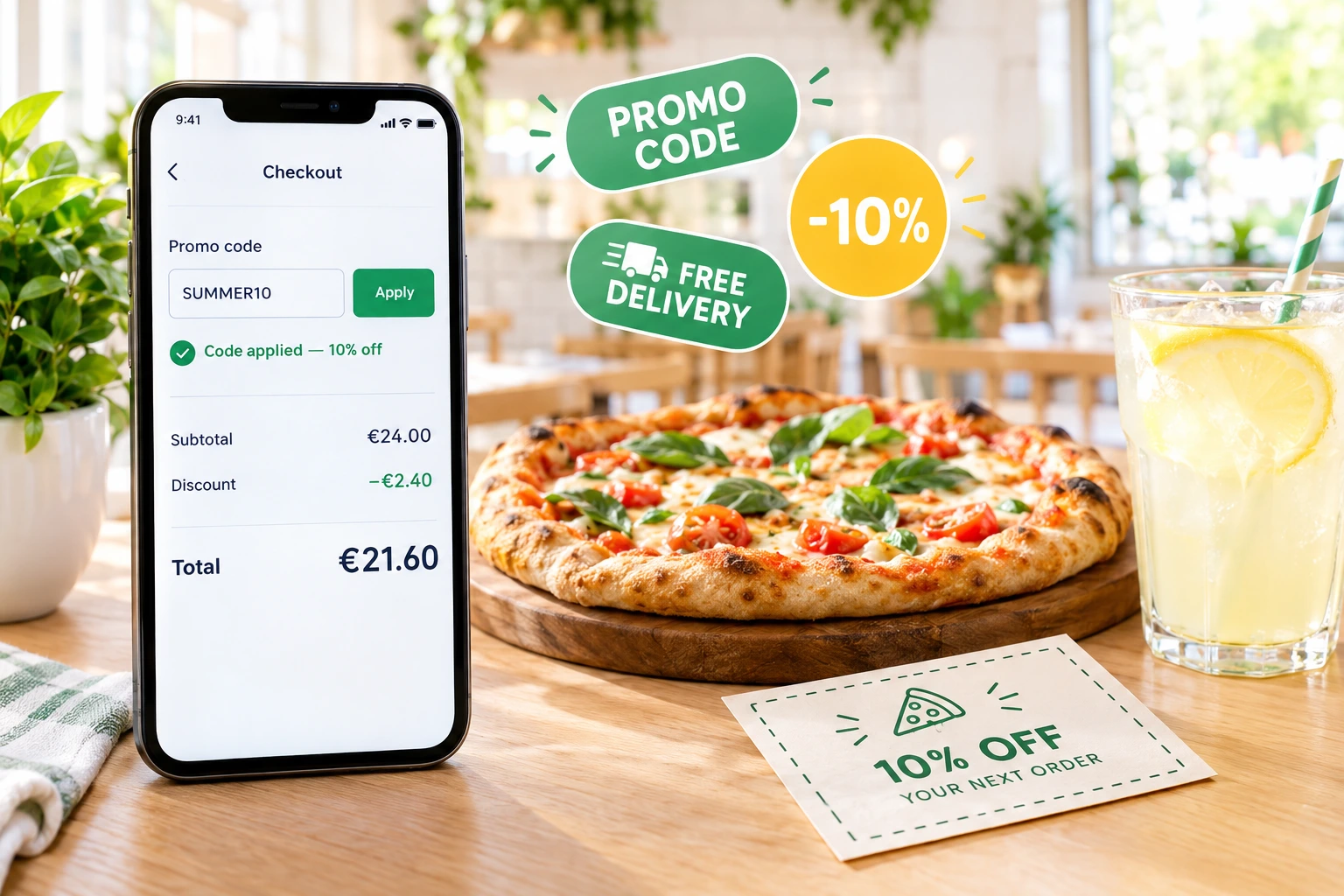
Promo Codes With Rules You Control
Create codes your guests type at checkout — a percentage, a fixed amount or free delivery — and decide who can use them, on which dishes, for which order type and until when.
What a Promo Code Does in Ordering.Tools
A promo code is a word your guest types at checkout, such as SUMMER20 or WELCOME. Ordering.Tools checks it against the basket straight away and shows the discount as its own line before the guest pays. You set the value — a percentage, a fixed amount, or free delivery, alone or together with a discount — and every condition the code has to meet.
The check does not stop in the browser. When the order is placed, the server validates the code again against the same rules, so a code that has expired, run out or no longer fits the basket never reaches the bill. The code and the discount then appear on the order page and in the order e-mail.
Why Restaurants Use Promo Codes
Every Code Has a Purpose
A welcome code for first orders, a code for one flyer, a code for regulars who went quiet. Each one has its own rules and its own numbers.
Your Margin Stays Protected
A minimum order, a use limit, chosen dishes only, one order type. A code gives exactly what you decided and nothing more.
Guests Know Why a Code Fails
Expired, minimum not reached, not valid for delivery, not a first order — the checkout tells the guest the reason in their own language instead of a generic error.
You See What Each Code Brought In
Orders, revenue, discount given, average order value and first-time versus returning guests — per code and for any date range.
How It Works
Create the Code
Under Promotions, type the code, add a description in each of your languages and choose a percentage, a fixed amount or free delivery.
Add the Conditions
Minimum order, valid from and until, a total number of uses, first order only, a customer segment, chosen dishes or categories, and the order types it works for.
Share It
Mark it as public to list it on your menu, put it on a promo banner that copies the code with one tap, or send it in an e-mail campaign.
Check the Results
Open the code’s analytics, pick a date range and export its orders to CSV. Duplicate a code that worked — the copy starts switched off so you can adjust it first.
Everything a Code Can Do
Three Ways to Give a Discount
Pick the value that fits the campaign.
- A percentage off the basket, or only off the dishes the code covers
- A fixed amount off, never more than the goods it applies to
- Free delivery, on its own or on top of a discount
- Codes are not case-sensitive: summer20 and SUMMER20 are the same code
Conditions That Decide Who Gets It
Every condition is checked when the code is applied and again when the order is placed.
- A minimum order value, measured on the basket
- Valid-from and valid-until dates, plus a total use limit
- First order only — at your restaurant or group, recognised by account, phone or e-mail
- Customer segments for signed-in guests: new, active, repeat (3+ orders) or inactive
Dish, Category and Order-Type Targeting
A code can be about one part of the menu and one way of ordering.
- Limit it to chosen dishes, whole categories, or both
- The discount is calculated only on the matching lines
- Pickup, delivery, table orders — in any combination
- A code with nothing matching in the basket is refused with a clear reason
One Discount or Several — Your Rule
Decide once, for the whole venue, how a code combines with your other offers.
- Add up: a code, cashback, a gift card and your automatic promotions all count
- One per order: the guest uses exactly one kind of discount
- In one-per-order mode a typed code replaces the automatic promotion, and the checkout shows the new total before payment
- Combinations your venue does not allow are greyed out, with an explanation
Also Included With Promo Codes
Ways to put a code in front of the right guest.
Public Codes on the Menu
Mark a code as public and it appears in the active promotions strip at the top of your menu — up to five codes, each with a copy button and badges for free delivery and first-order codes.
Personal Codes
Some codes belong to one guest — a birthday offer or a goodwill voucher after a complaint. Only that guest can redeem it, and it is listed under “My offers” in their account.
Countdown for Ending Codes
Switch on the offer countdown and a public code, or a code already applied in the basket, that ends within 72 hours shows a ticking “Ends in” timer.
Codes Restaurants Actually Run
Welcome Code for First Orders
WELCOME10 for 10% off, first order only. A guest who has ordered from you before — even without an account — is recognised by the phone or e-mail at checkout and the code is refused.
One Code per Source
A separate code for a flyer, a local newspaper ad and a food blogger. Each code’s analytics shows what that source brought in on its own.
Free Delivery Above a Minimum
A code with free delivery and a minimum order. Guests below the minimum see exactly why it does not apply yet and add a dish to reach it.
Push One Category
20% off desserts only. Without a dessert in the basket the code is refused, and the discount never touches the main courses.
Win Back Quiet Guests
A code limited to guests whose last order was more than 90 days ago, sent in a marketing campaign. Only signed-in guests in that segment can use it.
One Code for the Whole Group
Create the code on the main restaurant and it works at every branch, even though each order is written against the branch that cooks it.
Restaurant Promo Codes That Enforce Their Own Rules
A promo code is the simplest marketing tool a restaurant has — and the easiest one to lose money on. A code shared once can travel far, and a discount without conditions lands on orders that would have come anyway. In Ordering.Tools you attach the conditions when you create the code, so the code enforces them itself.
Checked Twice: in the Basket and When the Order Is Placed
The checkout applies the code as soon as it is entered and shows the discount as a line. When the guest places the order, the server checks the code again — dates, uses, minimum, first order, segment, dishes and order type. What the guest saw is what is charged, and a code that stopped being valid in the meantime is not applied.
First-Order Codes That Really Mean First Order
A first-order code is checked against the guest’s earlier orders at your restaurant or your group — by account and by the phone or e-mail entered at checkout. Unpaid baskets and cancelled orders do not count as earlier orders. Orders at other restaurants on the platform are never looked at.
One Field for Every Kind of Code
Guests do not need to know what kind of code they are holding. The same checkout field accepts a promo code, a gift card code or a club card code, recognises which one it is and applies it the right way.
Questions About Promo Codes
Can I limit a code to one use per guest?
A code has a total use limit rather than a per-guest one. To stop repeat use by the same guest, make it first-order only. Codes that belong to one guest — a birthday offer or a goodwill voucher — can only be redeemed by that guest.
Can a code give a free dish?
Not as a code: a code takes off a percentage or a fixed amount, or waives the delivery fee. For “a free drink above 20 €”, use Gift with purchase — once the basket reaches the threshold, the guest picks one gift from a list you choose.
Does a code work together with my automatic promotions?
That is one setting for the whole venue, under Settings → Offers & countdown. By default everything adds up. In “one discount per order” mode a typed code replaces the automatic promotion, and the guest sees the new total before paying.
What happens when a code reaches its use limit or end date?
It stops being accepted, and the checkout tells the guest why. A public code also leaves the promotions strip on your menu once its end date has passed.
Can I make a code valid for delivery orders only?
Yes. Tick the order types the code is valid for — pickup, delivery, table orders. On any other order type it is refused with a clear message.
Do codes work at every branch of a group?
A code created on the main restaurant also works at its branches. A branch can have its own codes as well.
Create Your First Promo Code
Set the value, add the conditions and share it — the checkout does the checking.
Related features
Other tools restaurants use alongside this one.
Most restaurants give discounts and hope for the best. With schedule-based promos, first-order incentives, and usage tracking, every promotion you run has a clear revenue goal.
Learn moreMaterialized RFM scores, lifetime stats, normalized tags, append-only notes, allergen + dietary preferences, GDPR consent audit, double opt-in, and global delete with grace period — all built into your ordering platform. No external CDP, no extra subscription.
Learn moreReach your customers directly via Email, SMS, WhatsApp, and Viber — with GDPR-compliant consent built into every order.
Learn moreGuests scan, browse, and order from their phone. Your staff stays focused on service instead of taking orders. Tables turn faster. Mistakes drop.
Learn more