
Automatic Loyalty Rewards for Restaurants
Reward a guest's first order, their tenth, or the moment their spend passes a milestone — automatically. Add a birthday email with a personal discount code, and let your loyalty programme say thank you while you run the kitchen.
What are loyalty automations?
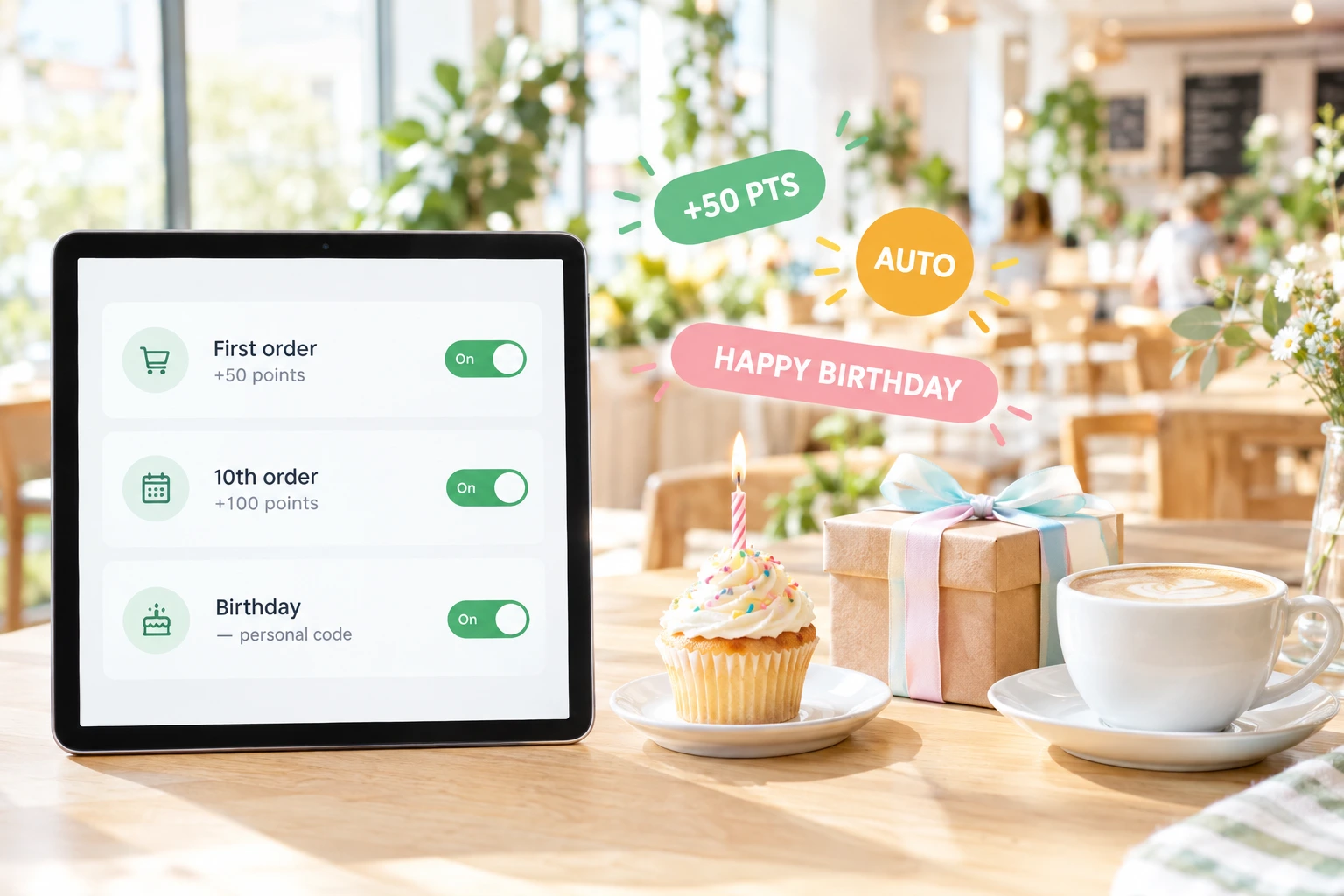
An automation is a rule that hands out a reward when a guest does something you care about. In Ordering.Tools you can award bonus points for a guest's first completed order, when their number of completed orders reaches a milestone, or when their total spend at your venue passes an amount you set.
Birthdays are covered too. The day before a guest's birthday, Ordering.Tools can send them a greeting email with a personal, single-use percentage code that stays valid for the number of days you choose. On the birthday itself, each loyalty tier can multiply the points the guest earns.
Why automate loyalty rewards
Nothing to remember
Rules are checked on every completed order. Nobody on your team has to notice that today is a guest's tenth order.
Limits you control
Decide how many times a rule may reward the same guest — once by default — and the minimum number of days between two rewards.
Personal birthday codes
Each birthday code belongs to one guest, works once and ends on a clear date, so it is not passed around.
One set of rules for every channel
Points rules run on completed orders from your website, QR table ordering, pickup and delivery alike.
How It Works
Create a rule
In Loyalty → Automations, choose the trigger — first order, order milestone or spend milestone — and enter the number of orders or the amount.
Set the reward and the limits
Enter the bonus points, how many times one guest can receive them and, if you want, a cooldown in days.
Orders trigger it
When a loyalty member's order is completed and earns points, every active rule is checked and the bonus is added to their balance with an entry in their points history.
Turn on the birthday offer
In the offers settings, choose the birthday discount percentage and how many days the code stays valid. Guests with a date of birth on file and email consent for your venue receive it the day before their birthday.
Loyalty Automation Features
Milestone rewards
Three triggers that run on completed orders.
- First order — a welcome bonus for a new loyalty member
- Order milestone — when completed orders reach the number you set
- Spend milestone — when total spend at your venue reaches your amount
- Bonus points added with a clear entry in the guest's points history
Firing limits
Every rule logs who it rewarded and when, and checks that log before it rewards the same guest again.
- Maximum rewards per guest — one by default, or unlimited
- Cooldown in days between two rewards to the same guest
- Pause a rule without deleting it
- Change points or thresholds at any time
Birthday email with a personal code
Sent the day before the birthday to guests who agreed to receive your emails.
- Single-use percentage code that only that guest can use
- Valid from the day before the birthday for the number of days you choose — seven by default
- Written in your venue's main language
- One email per guest per year; unsubscribes are respected
Birthday points multiplier
Each loyalty tier can set its own birthday multiplier for points.
- Applies to orders completed on the guest's birthday
- The birthday is read on your venue's own calendar
- A different multiplier for each tier
- Works on top of the tier's normal points multiplier
Works well alongside automations
Other ways Ordering.Tools helps you keep guests coming back.
Loyalty challenges
Give guests a goal — five orders this month or a new dish to try — with bonus points when they reach it.
Email automations
A welcome email after a first order, abandoned-cart reminders, and emails to guests who have not ordered for 45, 90 or 180 days.
Promotions and promo codes
Run promo codes, automatic promotions and time-limited offers next to your loyalty rewards.
Loyalty Automation Use Cases
Welcome a new member
A first-order bonus gives new members points to spend on their next visit.
Celebrate the tenth order
An order milestone at ten rewards the guests who keep coming back.
Thank your biggest spenders
A spend milestone rewards guests whose total at your venue passes the amount you set.
A birthday treat
A personal birthday code gives guests a reason to celebrate with you, with a validity window that fits a week of plans.
Better birthdays for top tiers
Give Gold members double points on their birthday and keep the standard rate for everyone else.
A repeat bonus for regulars
Set an order milestone with no limit and a 30-day cooldown: a guest past the milestone collects the bonus at most once a month.
Loyalty That Runs Itself
A loyalty programme works best when rewards arrive at the right moment. Automations make that moment the trigger — the first order, the tenth, the spend milestone, the birthday — so nobody has to check a spreadsheet or remember a regular's history.
Personal birthday offers, done properly
The birthday code is created for one guest, works once and has a clear end date, shown in the email and listed on the guest's offers page. It goes only to guests who gave your venue email consent and have not unsubscribed, in your venue's main language.
Limits that protect your margin
Every rule has a maximum number of rewards per guest and an optional cooldown, and every reward is logged. A milestone pays out the way you planned, not every time an order is completed.
Part of one loyalty programme
Automations add points to the same balance as your earning rules, tiers and challenges, and guests spend them on the rewards you define. One programme, one balance, one history.
Questions about loyalty automations
Which events can trigger an automatic reward?
A guest joining your loyalty programme, their first completed order, reaching a number of completed orders or a total spend at your venue, their birthday, the anniversary of joining, and a set number of days without an order. The reward is bonus points or one of your loyalty rewards; a birthday rule gives points, because the birthday email offer already brings its own code. Birthday, anniversary and inactivity rules are checked every morning on your venue's own calendar, once per guest per occasion.
Can the same guest be rewarded more than once?
Only if you allow it. Each rule has a maximum number of rewards per guest — one by default — and an optional cooldown in days between rewards.
Where does the date of birth come from?
From the guest themselves — they can enter it in their account settings — or from the date your team saves on the customer record, or brought in with a guest import.
Who receives the birthday email?
Guests with a date of birth and an email address who have given your venue consent to marketing emails and have not unsubscribed. It is sent once a year, the day before the birthday.
How long is the birthday code valid?
From the day before the birthday for the number of days you set — seven by default — on your venue's own clock. The code works once and only for that guest.
Do I have to give a discount on birthdays?
No. Without a percentage the email is a greeting only. With a percentage set, each guest receives their own code.
Let Your Loyalty Programme Say Thank You
Set up a first-order bonus and a birthday offer in a few minutes, then let completed orders do the rest.
Related features
Other tools restaurants use alongside this one.
Turn one-time diners into regulars with points, tiers, vouchers, and loyalty cards — all built into your ordering flow.
Learn moreReach your customers directly via Email, SMS, WhatsApp, and Viber — with GDPR-compliant consent built into every order.
Learn moreMost restaurants give discounts and hope for the best. With schedule-based promos, first-order incentives, and usage tracking, every promotion you run has a clear revenue goal.
Learn moreStop tab-switching between Google, Yelp, Facebook, TripAdvisor, and Foursquare. We pull every review live, you reply once with an AI-drafted response, and never miss the SLA again.
Learn more