
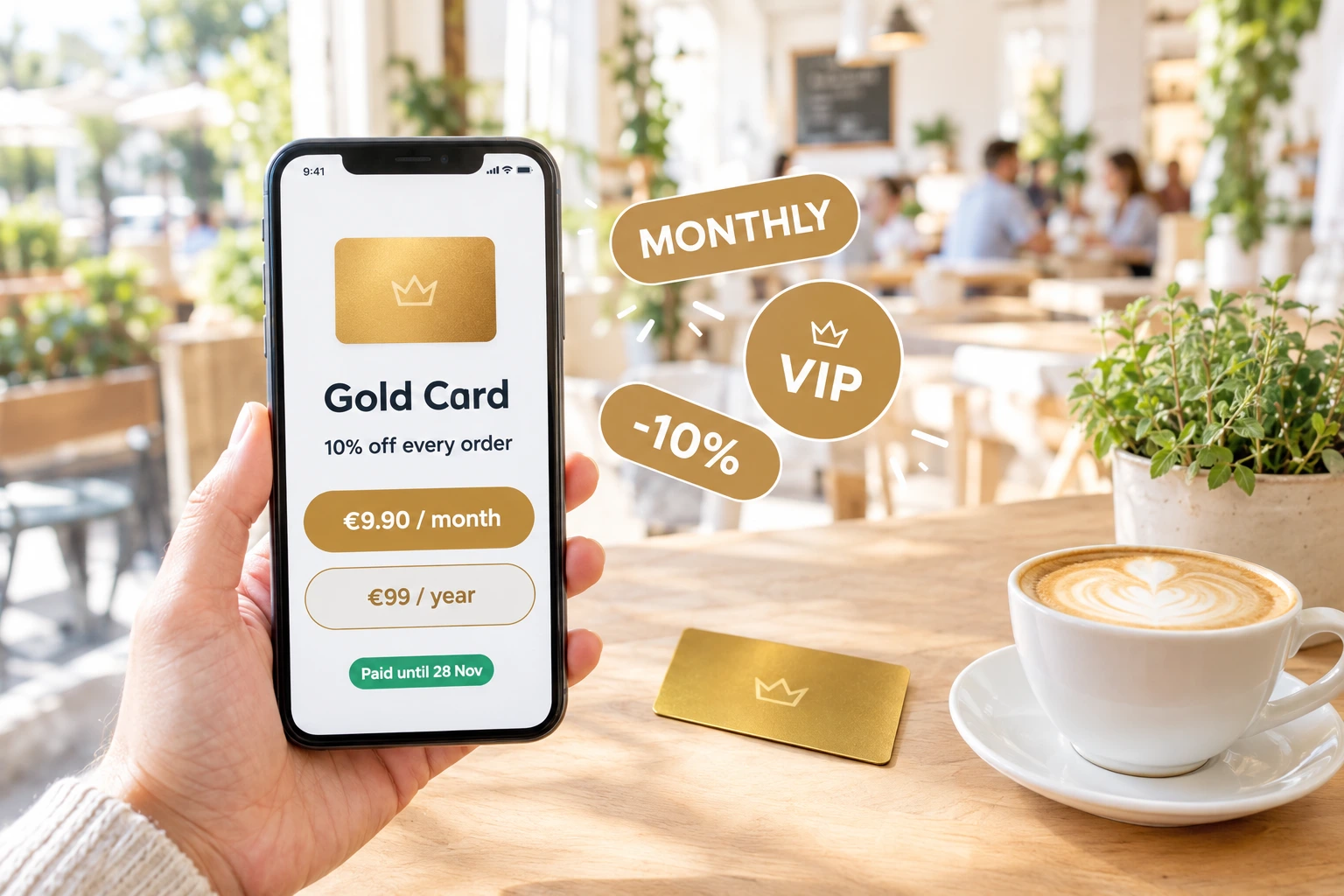
Sell Your Restaurant's Club Card as a Monthly or Annual Subscription
Guests buy your VIP card online for a month or a year, pay with the card methods you already use, and get their discount on every order straight away. Each payment adds its months to the same card.
What is a paid club card?
A paid club card is your restaurant's VIP discount card, sold as a subscription instead of handed out. You choose the tiers — Silver, Gold, whatever fits your venue — the discount each one gives, and its price per month and per year. Guests buy it on your own website with their account, pay online, and the card is theirs at once: in their profile, as a personal discount code, and on their phone's wallet.
Every payment adds its months to the card instead of starting over, so a guest who extends early never loses a day. Monthly and annual payments mix freely. You see every paying guest, every payment and its provider reference, and you can add a month paid at the till in one click — the same arithmetic as an online purchase.
Why sell the card instead of giving it away
Recurring Revenue, Paid Up Front
The card earns before the guest orders anything. A monthly or annual fee is income you can plan around, separate from what each visit brings in.
Guests Who Have Paid Come Back
A guest who paid for a month of discount has a reason to use it. The card turns occasional visitors into regulars who choose your venue first.
Your Rules for Every Tier
Each tier has its own discount — on every order, or a different percent for table, pickup and delivery, and only in the hours you choose. Sell monthly, annually, or both.
No Extra App, No Extra Terminal
Guests pay with the online card methods your venue already has. The card lives in their account and on their phone's wallet, and the sale reaches your till like any other.
How It Works
Set the Tiers and Prices
In your card programme, give each tier a monthly and/or an annual price and switch on "sell paid cards on the website". The discount rules are the ones you already set for the tier.
Guests Buy on Your Website
Your /card page lists the tiers on sale with their discount in plain words and their price. A signed-in guest picks a month or a year and pays at the same checkout as an order.
The Card Is Theirs at Once
When the payment is confirmed by the provider, the card is issued or extended. The guest gets a receipt naming your company, sees "paid until" in their profile, and their personal discount code works on their next order.
Reminders and Renewal
Before the card ends the guest gets an e-mail reminder with a link to extend it. Where your card payments run through Stripe, a guest can also choose to renew automatically — and turn that off any time.
Built for Restaurants That Want Regulars
Months That Add Up
Every payment adds its months from the day the run started, on your venue's own calendar. Extending early never shortens the card; a lapse starts a new run from the day of payment.
- Monthly and annual terms on the same card
- The card ends at the end of the venue's day, never mid-service
- Short or failed payments add nothing
- Add a month paid at the till, with the same rules
A Card That Belongs to the Guest
A paid card is tied to the guest's own account. Its discount code is personal — online it works only in their session — so it cannot be passed around or posted on a forum.
- Shown in the guest's profile with "paid until" and every payment
- Personal discount code, not a shared promo
- Works in the Apple Wallet and Google Wallet card
- Per-order-type discounts and hours from the tier
Payments You Already Trust
The card is paid through the same payment engine as your online orders, with the providers you switch on for subscriptions. Money counts only when the provider itself confirms it.
- Viva.com, myPOS, BORICA, DSK Bank and Stripe
- Choose per provider which purchases it takes
- Receipt e-mail in the guest's language
- Optional automatic renewal through Stripe, with the guest's consent
Everything Visible to the Venue
A dedicated screen lists every paid card, its state and its purchases with the provider reference to match your statement. Commission on card sales is its own line on your billing.
- Active, lapsed and switched-off cards at a glance
- "+ month paid at the till" in one click
- The sale reaches your POS (Barsy) when the tier is linked to an article
- Terms-of-sale section added to your terms automatically
Also included
The small things that make a paid card feel like a real membership.
Renewal reminders
An e-mail 7 days and 1 day before the card ends — and 30 days before after an annual purchase — with a link straight to extending it.
Automatic renewal through Stripe
Where card payments run through Stripe, a guest can tick "renew automatically" at checkout. Each charge is announced a week ahead, and the guest can turn it off on their card page at any time.
Edit with a warning, never lose a sale
Changing a paid tier tells you how many paying guests see the change at once. A tier that was ever sold cannot be deleted — its purchases are your sales record.
Who It's For
Neighbourhood Restaurants
Regulars who eat with you every week pay for a month of discount and make your venue their default lunch and dinner.
Coffee Shops and Bakeries
A monthly card with a discount on every order rewards the daily visit and gives you a steady income line.
Delivery-First Kitchens
Give card holders a bigger discount on delivery or pickup than at the table — the tier sets a percent per order type.
Lunch Venues
Limit the discount to lunch hours with a schedule on the tier, so the card fills the quiet midday hours.
Premium Dining Clubs
Sell an annual membership tier with a stronger discount to your most loyal guests, alongside a monthly tier for everyone else.
Restaurant Groups
A group's programme is authored once on the main restaurant; branches sell it on their own pages with their own payments.
A Restaurant Membership Card Guests Pay For
A paid club card — a restaurant membership, a VIP subscription — gives your best guests a discount in exchange for a monthly or annual fee. The guest commits to your venue; you get income before the first order and a group of regulars you can count on.
Monthly or Annual, Your Choice
Each tier can be sold for a month, a year, or both. A guest who buys a year and later adds a month simply has thirteen months; nothing is lost when someone extends early.
Paid Online, Confirmed by the Provider
The purchase uses your venue's own online card providers. A card is issued or extended only when the provider confirms the full amount — a short or failed payment adds nothing.
Clear Terms for the Guest
The receipt names your company as the seller, and your venue's terms gain a section on paid cards, including the guest's right of withdrawal, whenever you sell them.
Questions about paid club cards
Can a guest buy the card without an account?
No. A paid card is personal, so the guest signs in or creates an account first. The card, its "paid until" date and every payment are then in their profile.
What happens if the guest pays again before the card ends?
The new months are added to the end of the current period. Extending early never shortens the card.
Which payment methods can guests use?
The online card providers your venue has switched on for subscriptions — Viva.com, myPOS, BORICA, DSK Bank or Stripe. Automatic renewal is available only through Stripe.
Can the card renew automatically?
Yes, through Stripe, when the guest ticks the box at checkout. Each renewal is announced by e-mail a week before, and the guest can switch it off at any time. If the bank declines, the guest gets a link to extend by hand.
Do refunds go through the platform?
No. The venue handles a withdrawal or a refund at its own till, as the seller named on the receipt.
How do I switch paid cards on for my venue?
Paid club cards are activated per venue by our team. Once switched on, you set the prices on your card programme screen and turn on selling on your website.
Start Selling Your Club Card
Paid club cards are switched on per venue on request. Tell us which venue and we will set it up with you.
Related features
Other tools restaurants use alongside this one.
Turn one-time diners into regulars with points, tiers, vouchers, and loyalty cards — all built into your ordering flow.
Learn moreA club card your guests keep on their phone, not in a drawer. Their discount, their cashback balance and your photo — and the card updates itself every time something changes.
Learn moreCustomers earn a percentage of every order back as real money in their wallet, ready to spend on the next visit. Set it up in 60 seconds, switch it off any time.
Learn moreStack full-width sections, drag them into the order you want, and publish. Every section is built for restaurants: menu sliders, offer carousels, photo mosaics, location cards, opening hours, reservation forms. Your fonts, your colours, your brand — running on the same platform that takes your orders.
Learn more