
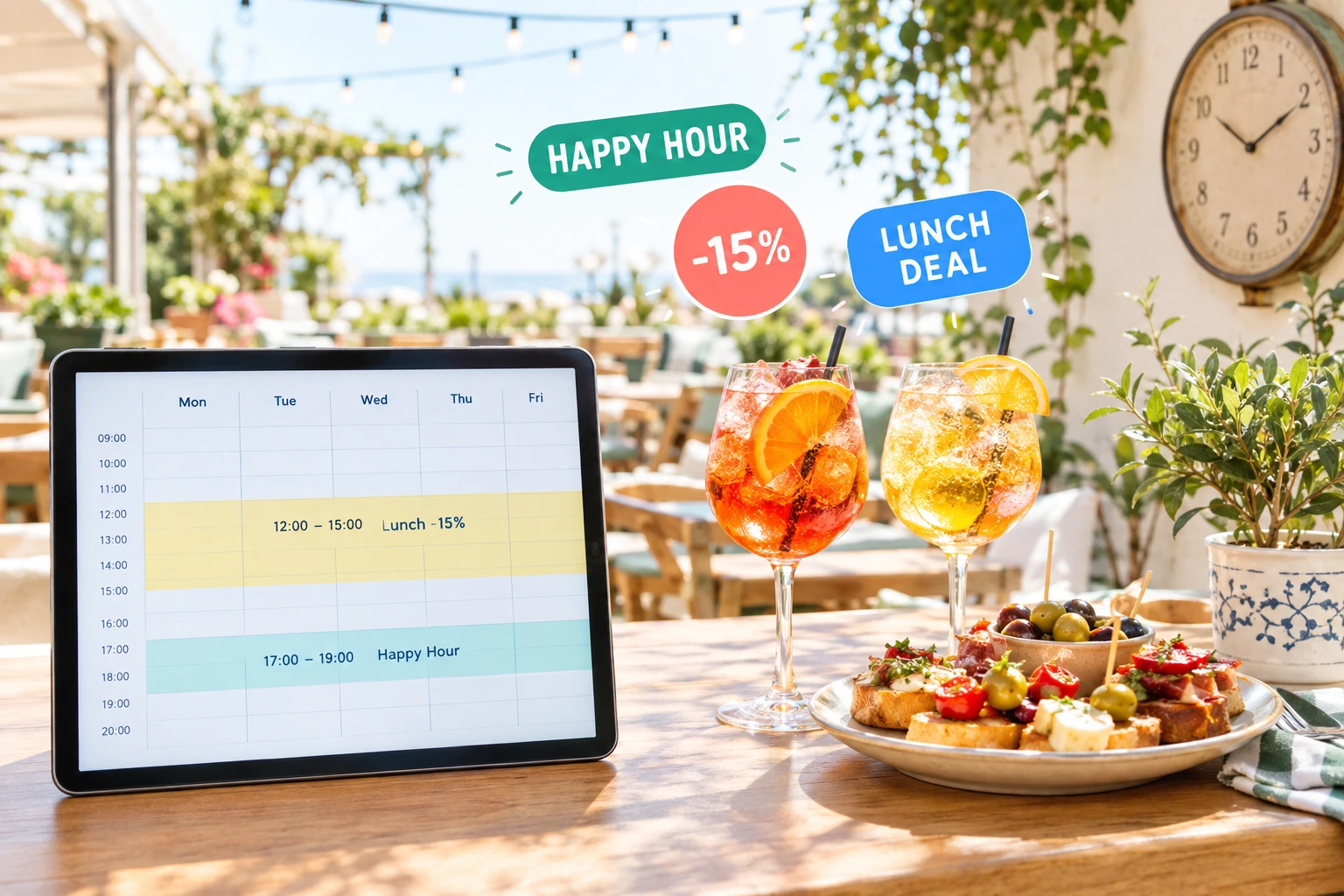
Happy Hour, Lunch Deals and Channel Discounts
Tie a promotion to the hours it should run and to the way guests order. Cheaper pickup, a lunchtime discount, drinks off in the early evening — on and off by themselves.
Promotions That Follow the Clock and the Channel
In Ordering.Tools a promotion can be attached to a schedule from Operating Hours: the days of the week, one or more time windows per day, dates when it should not run, and the period it is valid for. Outside those hours the promotion simply is not there — the menu shows normal prices and a code is refused as “not valid at this time”.
Separately, every promotion can be limited to order types: pickup, delivery or orders at the table. Combine the two and you get offers like “−15% on pickup, weekdays 11:30–14:30” without anyone switching them on and off.
What Timed and Channel Offers Do for You
Fill the Quiet Hours
Put the discount where the kitchen has room: early afternoon, early evening, the first hour after opening.
Steer Guests to the Channel You Prefer
Make pickup cheaper than delivery and show it on the Pickup button before the guest decides.
Nobody Has to Remember
The schedule switches the offer on and off on your restaurant’s own clock, every day.
One Schedule, Many Uses
The same Happy Hour schedule can drive a promo code, an automatic promotion and the banner that announces them.
How It Works
Build the Schedule
In Operating Hours, create a named schedule: the days, the time windows — several per day if needed — and any dates it should skip.
Attach It to a Promotion
Choose the schedule on a promo code or an automatic promotion, and tick the order types it should work for.
Announce It
Add a promo banner with the same schedule, so the banner is shown only while the offer runs.
Let It Run
Inside the window the discount applies; outside it, prices go back to normal. Every order is priced at the moment it is placed.
Built for Timed Offers
Schedules From Operating Hours
The same schedule editor you use for your opening hours.
- Any days of the week, each with its own time windows
- Several windows per day, for example 12:00–14:00 and 17:00–19:00
- Special dates: skip a holiday or run different hours that day
- A validity period, so a summer happy hour ends on its own
Discounts per Order Type
Limit any promotion to pickup, delivery or table orders.
- Cheaper pickup, a delivery-only deal or a table-only offer
- Orders placed from a table QR code count as table orders
- A code used on the wrong order type is refused with a clear reason
- Works for promo codes and automatic promotions alike
The −N% Badge on Pickup and Delivery
Guests see the channel discount before they choose how to order.
- Shown in the order-type window and on the checkout buttons
- For percentage promotions on the whole order that are live right now
- Disappears when the schedule window closes
- Never shown for an offer only some guests get — first order, a minimum or a segment
Your Restaurant’s Clock
Time windows are read in the venue’s own time zone.
- The same hours on the menu, in the basket and when the order is placed
- A schedule that cannot be read counts as off, never as always on
- Combine a schedule with dates, a use limit and a minimum order
- Promo banners and gift-with-purchase offers can follow the same schedule
Also Included
Other ways to make the menu change with the hour.
Lunch Menu
A separate lunch selection with its own time range for each day, pinned at the top of the menu while it is being served.
Dishes by Schedule
Show a dish or a whole category only at certain hours — breakfast in the morning, late-night snacks in the evening.
Gift With Purchase by Schedule
A free item above a spend you set, limited to the hours, dates and order types you choose.
Timed Offers Restaurants Run
Happy Hour Drinks
−20% on the drinks category, Monday to Friday, 17:00–19:00. An automatic promotion with a schedule: the crossed-out prices appear at five and are gone at seven.
Lunch Pickup Deal
−15% on pickup orders, weekdays 11:30–14:30. The Pickup button shows −15% during lunch and nothing afterwards.
Cheaper Pickup All Day
−10% on every pickup order. Guests who can collect pay less, and the offer is visible on the Pickup button.
Evening Code for Regulars
A code that works only from 21:00 to closing, sent to your regulars. Before nine it is refused as not valid at this time.
Weekend Free Delivery
A free-delivery code limited to delivery orders, with a schedule that covers Saturday and Sunday only.
Holidays Without the Discount
Your weekday lunch deal pauses on public holidays: add those dates to the schedule as closed special days and the promotion skips them.
Happy Hour and Lunch Specials for Online Ordering
A happy hour that has to be switched on by hand sometimes starts late and sometimes never ends. In Ordering.Tools the hours belong to the promotion itself. You draw them once in a schedule, and the menu, the basket and the order all follow it.
Channel Discounts: Pickup, Delivery or the Table
Each way of ordering works differently for your restaurant. A pickup-only promotion rewards guests who collect, a delivery-only offer can liven up a slow delivery evening, and a table offer is for guests ordering from the QR code at their table. When the offer covers the whole order and is a percentage, the guest sees it as a −N% badge on the Pickup or Delivery button before choosing.
Priced at the Moment of Ordering
Discounts are decided when the order is placed, using the clock at that moment. If the window closed while the guest was still browsing, the order is placed at normal prices. The offer lasts exactly as long as you set it — not a minute more.
Reuse the Same Schedule
Schedules in Operating Hours are shared. The schedule behind a lunch discount can also drive the banner that announces it and a gift-with-purchase offer for the same hours. Change the hours once and everything that uses the schedule follows.
Questions About Timed and Channel Offers
Is a promotion schedule the same as my opening hours?
It uses the same editor, but it is a separate named schedule. Your opening hours stay as they are; the promotion follows its own.
A guest adds dishes during happy hour but orders after it ends. What happens?
The order is priced when it is placed. Once the window has closed the discount no longer applies, so the order goes through at normal prices.
Can one promotion run in two windows a day?
Yes. A schedule can hold several time windows per day, for example a lunch slot and an early-evening slot.
Where does the guest see a channel discount?
When it is a percentage on the whole order, as a −N% badge on the Pickup and Delivery buttons — in the order-type window and at checkout. A dish-level offer shows as a crossed-out price on the dish instead.
Can I give a discount only for table orders?
Yes. Limit the promotion to table orders. Guests who scan the QR code on their table order as table orders, so the discount applies there and nowhere else.
Does the time window follow my time zone?
Yes. Windows are read on your restaurant’s own clock, from the time zone set for the venue.
Set Up Your First Happy Hour
Create a schedule, attach it to a promotion and choose the order types — the rest happens on time.
Related features
Other tools restaurants use alongside this one.
Stop relying on staff to switch menus and update hours. Set your schedules once. Breakfast, lunch, happy hour, holidays -- everything activates and deactivates on its own.
Learn moreMost restaurants give discounts and hope for the best. With schedule-based promos, first-order incentives, and usage tracking, every promotion you run has a clear revenue goal.
Learn morePick different dishes for Monday through Friday once, or plan a brand-new set every week -- the site shows the right one automatically, no one has to swap anything at noon.
Learn moreFish, meat, salads, prepared food by the kilo. The customer orders roughly how much they want, your kitchen weighs the real portion, and only that amount is charged. No phone calls, no rounding, no arguments at the door.
Learn more