
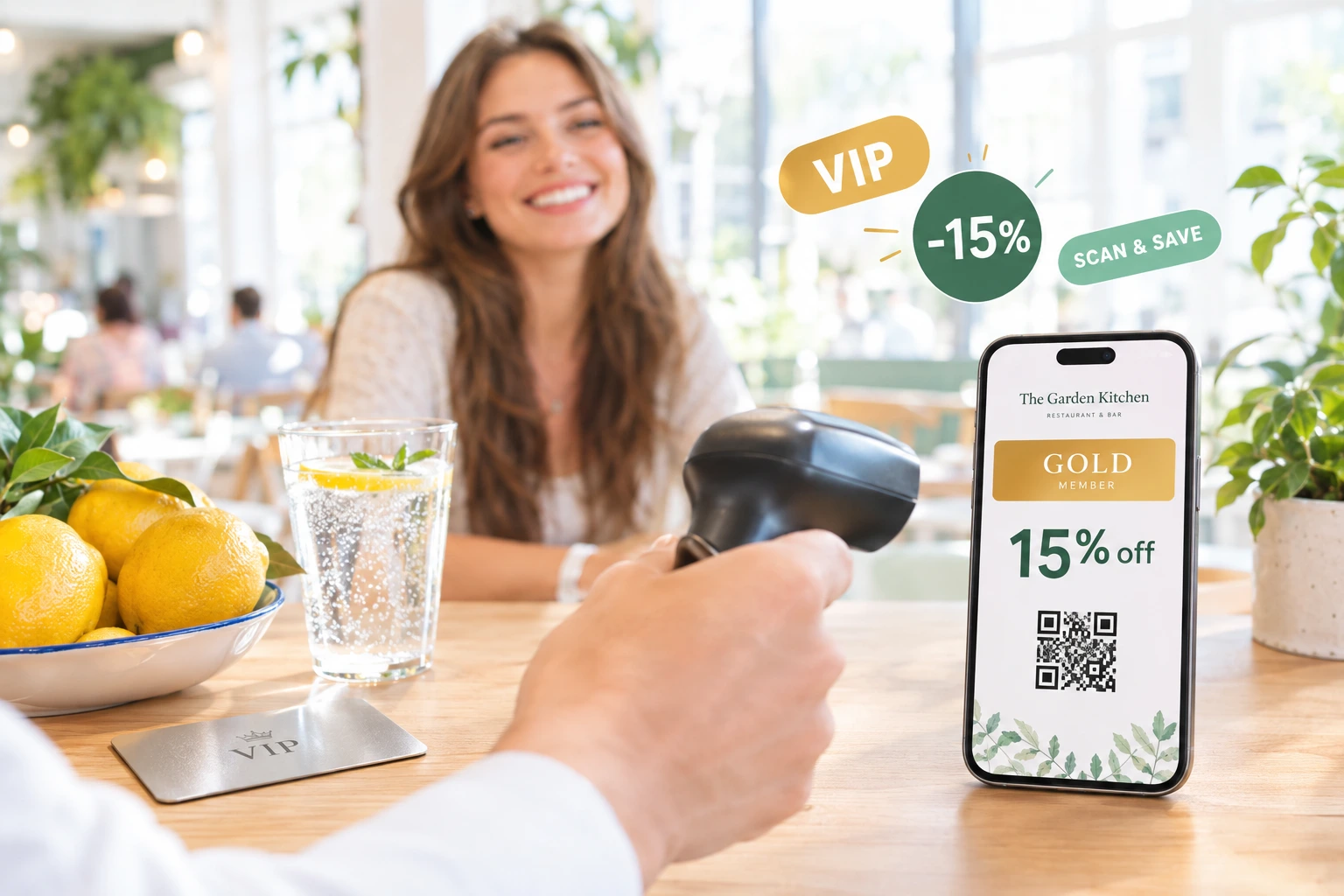
A VIP Discount Card for Your Restaurant's Regulars
Give your best guests a club card with their own discount — at the table, for pickup and for delivery. Staff scan it at the table, online it applies itself, and it lives in Apple Wallet or Google Wallet.
What is the VIP discount card?
The VIP discount card is your restaurant's club card, given by you to the guests you choose: regulars, corporate clients, partners, friends of the house. You set up tiers — Silver, Gold, Platinum or names of your own — each with its discount and its colour, and issue a card to a guest from the admin in a few clicks.
The guest receives the card by e-mail or SMS, adds it to their phone's wallet and has it with them wherever they order from you. A waiter scans it at the table, and a signed-in guest finds the card's discount already applied in the online checkout. The tier decides the percent everywhere, so nobody has to remember who gets what.
Why give your regulars a card
Recognition guests can see
A card in their phone wallet, with their tier and your brand on it, tells a regular they matter to you. They see it every time they open the wallet.
One card, every channel
The same card works at the table, for pickup and for delivery — in the online checkout, at the call centre and on the waiter's screen.
Your rules, down to the hour
A tier can give one percent everywhere, or a different percent for table, pickup and delivery, each only in the hours you choose — for example more off at lunch than in the evening.
No guesswork at the table
The waiter scans the card and the tier's percent goes on the bill. Staff choose no amount, so the discount is the same on every shift.
How It Works
Create the programme and its tiers
In Loyalty → Loyalty Cards, name the programme and add tiers with a name, a discount and a colour. Switch a tier to a different discount per order type if table, pickup and delivery should differ.
Issue a card to a guest
On the Manage Cards screen, find an existing guest or create one on the spot — name, e-mail, phone and, for a company, its details — pick the tier and issue the card. A guest holds one active card per programme.
The guest adds it to the phone
The guest gets an e-mail or SMS, following your notification settings, with a link to their card: the QR code, the discount and buttons to add it to Apple Wallet or Google Wallet.
Used at the table and online
A waiter scans the QR code or types the 8 characters printed under it and applies the discount to the bill. Online, a signed-in guest finds the card's discount already applied at checkout.
What the card programme does
Tiers with your names and colours
Create as many tiers as you need. Each has a name, a discount percent and a colour that marks it in the admin and on the wallet card.
- Silver, Gold, Platinum — or names of your own
- A discount percent per tier
- A colour per tier, shown on the card
- Edit a tier and the cards already saved on phones follow
A different discount per order type and hours
Set a tier to differ by order type and give the table, pickup and delivery each its own percent, optionally limited to a schedule from your operating hours. Outside those hours, or on an order type without a rule, the card gives no discount.
- Its own percent at the table, for pickup and for delivery
- Each limited to a schedule, such as lunch from 11:00 to 16:00
- Judged on your venue's clock when the order is placed or the card is scanned
- The wallet card lists each order type with its hours
At the table, online and on the phone
Every place that prices an order follows the same rule, so the guest gets the same discount wherever they order from you.
- The waiter scans the QR with the camera or a scanner, or types 8 characters
- A signed-in guest gets the discount at checkout without typing a code
- The call centre sees the card and its percent for the chosen order type
- On a bill opened on your connected POS, the discount goes onto the till's own bill
Control over every card
A searchable list of every card with its guest, tier and state. Switch a card off and its discount stops; send the card e-mail again when a guest cannot find it.
- Search by guest name, e-mail, phone or card code
- Switch any card on or off at any time
- Staff notes on each card
- Choose whether the card adds up with your automatic promotions
Also included
Small details that make the card easy to run.
Discount and cashback on one pass
If you also run cashback, a guest's VIP discount and cashback balance can sit on the same wallet card.
Recalculated when the order type changes
If a guest switches from delivery to pickup at checkout, the card's discount is recalculated for the new order type.
Schedules that cannot vanish by accident
An operating-hours schedule that a card rule uses cannot be deleted, so a card never silently becomes valid at all hours.
Where restaurants use it
Regulars at the table
A regular shows the card from the phone, the waiter scans it and the discount is on the bill. No name to look up, no plastic card left at home.
Corporate clients
Add the client with the company's details and give its people a tier of their own. Their lunches get the agreed discount without anyone having to ask.
Lunch venues
A tier with a bigger discount at the table only during lunch hours rewards the midday regulars, while evenings stay at the normal price.
Pickup and delivery
Give card holders a discount on pickup to bring them to your counter, or on delivery when that is where you want them to order.
Partners and friends of the house
Suppliers, neighbours, the office next door — a card with its own tier replaces the list of who-gets-what kept behind the bar.
Restaurant groups
A card from the main restaurant's programme is honoured at its branches too, at the table and online.
A Restaurant VIP Card That Works Wherever Guests Order
A VIP or club discount card is the simplest loyalty scheme a restaurant can run: a chosen guest gets a set percentage off. The hard part has always been the practice — a plastic card left at home, a list behind the bar, a discount that depends on who is on shift. Ordering.Tools turns it into a digital card that is applied the same way at the table, online and over the phone.
Per order type and per hour
Not every discount should apply everywhere at all times. A tier can give one percent at the table during lunch, another on delivery all day and nothing on pickup. The rule is checked on your venue's clock at the moment of the order or the scan, and an order type without a rule gets no card discount.
In Apple Wallet and Google Wallet
Each card has its own page with a QR code and buttons to add it to Apple Wallet or Google Wallet. The pass carries your colours, the tier and its discount, and it updates itself when the tier changes or the card is switched off.
Given by you, or sold as a subscription
The cards you issue from the admin are yours to give to the guests you choose, free of charge. Where paid club cards are switched on for your venue, the same tiers can also be sold as a monthly or annual subscription on your website.
VIP discount card — questions
Is the VIP card free for guests?
Yes. The cards you issue from the admin are free — you decide who gets one. Where paid club cards are switched on for your venue, the same tiers can also be sold as a monthly or annual subscription.
How does a guest get the card?
You issue it from Loyalty → Loyalty Cards → Manage Cards. The guest receives an e-mail or SMS, depending on your notification settings, with a link to their card, from where it is added to Apple Wallet or Google Wallet.
Can the discount differ for delivery and for the table?
Yes. Set the tier to differ by order type and give the table, pickup and delivery each a percent, with optional hours from your operating schedules. An order type without a rule gets no card discount.
Does the card add up with my other promotions?
You decide in the programme settings: follow your venue's general discount rule, let the card replace your automatic promotions on that order, or let them add up — unless your venue allows only one discount per order.
What does the waiter have to do?
Open the table's bill, tap Loyalty card, scan the QR code or type the 8 characters printed under it, and apply. The percent comes from the tier — the waiter chooses no amount.
Can I switch a card off?
Yes. Switching a card off stops its discount at the table and online, and the card on the guest's phone shows that it is no longer valid.
Give Your Regulars a Card
Set up your tiers and issue the first card from Loyalty → Loyalty Cards. The guest can add it to their phone right away.
Related features
Other tools restaurants use alongside this one.
A club card your guests keep on their phone, not in a drawer. Their discount, their cashback balance and your photo — and the card updates itself every time something changes.
Learn moreGuests buy your VIP card online for a month or a year, pay with the card methods you already use, and get their discount on every order straight away. Each payment adds its months to the same card.
Learn moreCustomers earn a percentage of every order back as real money in their wallet, ready to spend on the next visit. Set it up in 60 seconds, switch it off any time.
Learn moreReward a guest's first order, their tenth, or the moment their spend passes a milestone — automatically. Add a birthday email with a personal discount code, and let your loyalty programme say thank you while you run the kitchen.
Learn more