
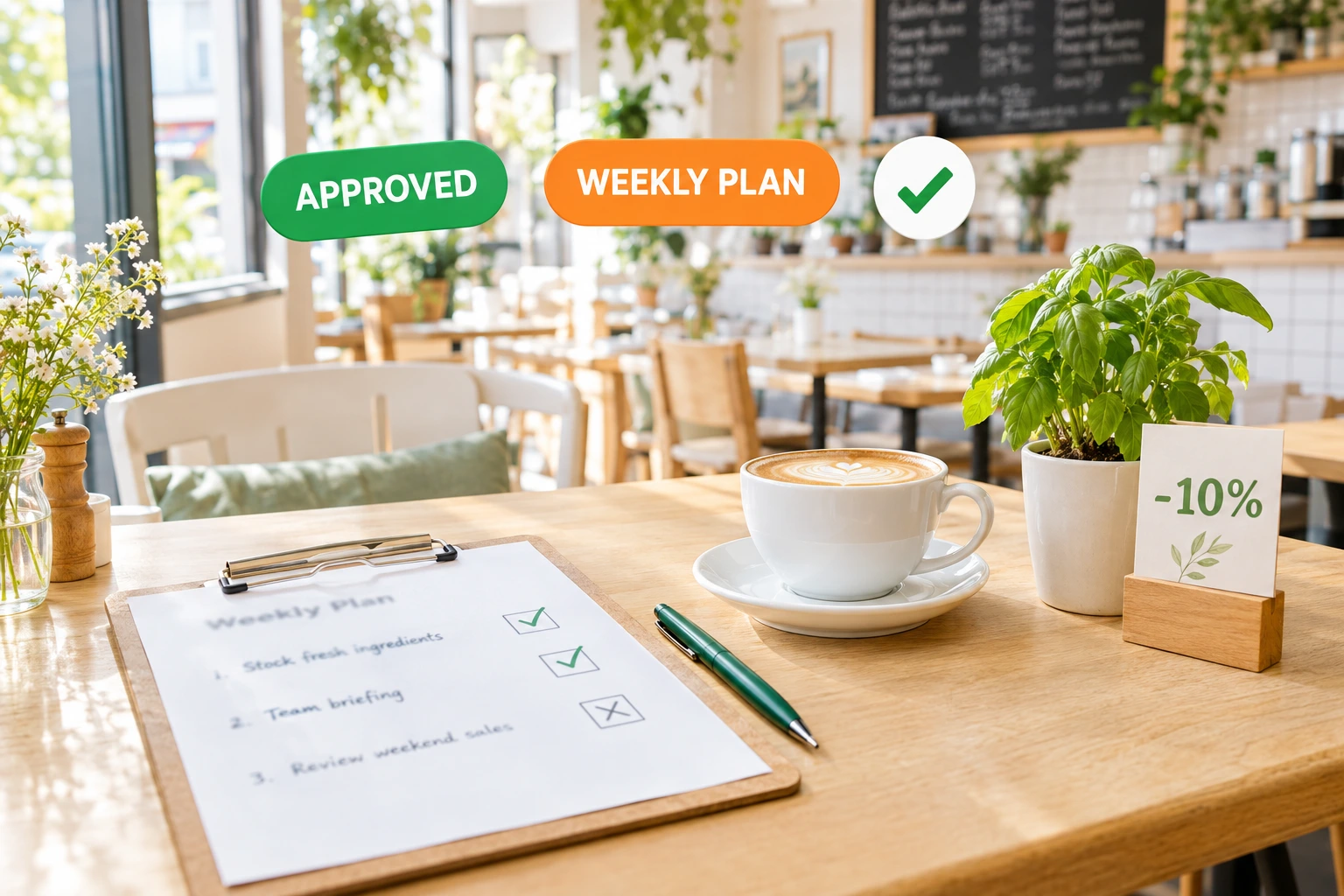
A Weekly Marketing Plan for Your Restaurant — You Approve Every Step
Once a week the AI marketing agent reads your own figures and proposes campaigns, a promo code and replies to unanswered reviews. You approve, edit or reject each item. Only what you approve goes out.
What is the AI marketing agent?
The AI marketing agent prepares your marketing week for you. On the day you choose, it looks at your orders and revenue for the last four weeks against the four before, your busiest days, your best sellers, how many guests you can reach on each channel and how your last ideas performed. From that it proposes a short plan: e-mail, Viber or SMS campaigns, a promo code, and replies to your unanswered reviews.
Nothing is sent on its own. You get a push and an e-mail, open the plan in Marketing, and decide item by item — approve, edit or reject. Approved items run at their time through the same campaign, promo and review tools you already use, with every consent check and opt-out in place. Afterwards you see the orders and revenue that came through each item's own link.
Why let an agent plan your marketing
Marketing That Actually Happens
A ready plan lands every week. Instead of staring at an empty campaign screen, you review a few concrete proposals in minutes.
Your Decision, Every Time
No item is ever approved automatically. An edited item needs approving again, and an item nobody approved expires at the end of its week.
Spend Stays Inside Your Limits
You set a weekly and a monthly cap for paid messages. With no cap set, nothing paid goes out — only free items like e-mail from your own domain, promo codes and review replies.
Results You Can Read
Each executed item shows the orders and revenue that came through its own link, what it cost and how many times its promo code was used.
How It Works
Turn It On and Set the Rules
Your venue's administrator turns on the AI marketing module, then switches on the weekly plan and chooses the day, the kinds of items, the spend caps, your tone of voice and how often one guest may be contacted.
The Agent Proposes a Plan
On your chosen day the agent reads your figures and proposes up to three campaigns, a promo code and replies to recent low-rated reviews still waiting for an answer — each with its audience, its cost and the reason it was suggested.
You Approve, Edit or Reject
You get a push and an e-mail. Open the plan, change the text, the audience or the time, and approve only what you want. Approving is done by a person in the admin — never by a tool or an API.
It Runs and Reports Back
Approved items go out at their time through your existing campaign, promo and review tools. The Results tab then shows what each one brought in.
Built to Be Trusted With Your Guests
A Plan From Your Own Numbers
The proposals start from your venue's figures, not a generic template: recent orders and revenue, your busiest weekdays, your best-selling dishes, the guests you can reach and how earlier items performed.
- E-mail, Viber and SMS campaigns
- A promo code within sensible limits
- Replies to unanswered low-rated reviews
- Your tone notes in every text
Approval Is Always a Person
Each item is approved in the version you saw. Change it, and it waits for a new approval. Before it runs, the system checks again that the approver may still decide, the module is on and the spend fits the caps.
- Approve, edit, reject or withdraw each item
- No automatic approval for any kind of item
- Unapproved items expire with their week
- Settings and caps are the administrator's decision
Guests Protected
Campaigns reach only guests who agreed to hear from you, on the channel they agreed to. A guest receives at most the number of messages per week you set — by default one — counted across your whole group.
- Consent and opt-outs checked by the usual sender
- A weekly limit of messages per guest
- No guest names, contacts or review texts sent to the AI
- Your own saved customer segments as audiences
Honest Measurement
Every agent campaign carries its own tagged link to your website. A share of the eligible guests — 10% by default — is held back, so you can compare those who got the message with those who did not.
- Orders and revenue through each item's link, over 14 days
- A held-out group for a fair comparison
- Real cost and revenue per €1 spent
- Promo code uses per item
Who It's For
Owners Without a Marketing Team
You know you should send a campaign every week. The agent drafts it; you spend a few minutes deciding.
Quiet Weekdays
The plan sees which days are slow and can propose a campaign or a promo code aimed at them.
Venues With Reviews Piling Up
Recent low-rated reviews without an answer get a drafted reply for you to approve or rewrite.
Delivery and Pickup Kitchens
Bring back guests who have not ordered for a while with a message to the audience the plan picks — and see who returned.
Restaurant Groups
Each venue keeps its own plan and its own decisions; a read-only group view shows them side by side, and the per-guest limit counts across the group.
Careful Spenders
Start with no spend cap and only free items go out. Raise the cap when the results convince you.
An AI Marketing Assistant for Restaurants That Asks First
Most restaurant owners know marketing works when it is regular — and that is exactly what slips when the kitchen is busy. The Ordering.Tools AI marketing agent turns your own data into a weekly plan of campaigns, offers and review replies, and leaves every decision to you.
Proposals, Not Autopilot
The agent only writes proposals. A person approves each one in the admin, and an approval covers exactly the version that person saw. There is no tool, API or chat command that approves on your behalf.
Within Your Budget and Your Guests' Wishes
Paid messages stay within the weekly and monthly caps you set. Guests are contacted only with their consent and no more often than your weekly limit allows.
Results by Link, Compared With a Held-Out Group
Each campaign links to your site with its own tag, so its orders and revenue are counted separately. Holding back a small share of guests shows what the message changed.
Questions about the AI marketing agent
Will the agent send anything without my approval?
No. Every item waits for a person to approve it in the admin. An item you edit needs a new approval, and items nobody approved expire at the end of their week.
What can the agent propose?
E-mail, Viber and SMS campaigns to your existing audiences or your own saved segments, a promo code, and replies to recent unanswered reviews with a low rating.
How do I control what it costs?
You set a weekly and a monthly cap for paid messages. With no cap set, nothing paid is sent. Free items — e-mail from your own domain, promo codes and review replies — always fit.
Does the AI see my guests' personal data?
No. The agent works from counts and figures — orders, revenue, reachable guests per channel — and the names of your best-selling dishes. Guest names, contacts and review texts are never part of its input.
How do I know whether it worked?
Each item has its own tagged link. The Results tab shows the orders and revenue that came through it within 14 days, the cost, promo code uses, and a comparison with the guests held back from the campaign.
How often will a guest hear from us?
No more than the weekly limit you set, one message by default, counted across your venue group. Only guests who agreed to receive marketing are ever contacted.
Get a Marketing Plan Every Week
The AI marketing agent is off by default. Your venue's administrator turns it on from its own screen, then switches on the weekly plan.
Related features
Other tools restaurants use alongside this one.
Reach your customers directly via Email, SMS, WhatsApp, and Viber — with GDPR-compliant consent built into every order.
Learn moreStop tab-switching between Google, Yelp, Facebook, TripAdvisor, and Foursquare. We pull every review live, you reply once with an AI-drafted response, and never miss the SLA again.
Learn moreCreate codes your guests type at checkout — a percentage, a fixed amount or free delivery — and decide who can use them, on which dishes, for which order type and until when.
Learn moreGuests add your website to their phone or computer like an app. You reach them with a notification on the lock screen — order updates they asked for, and offers to the guests who said yes.
Learn more