
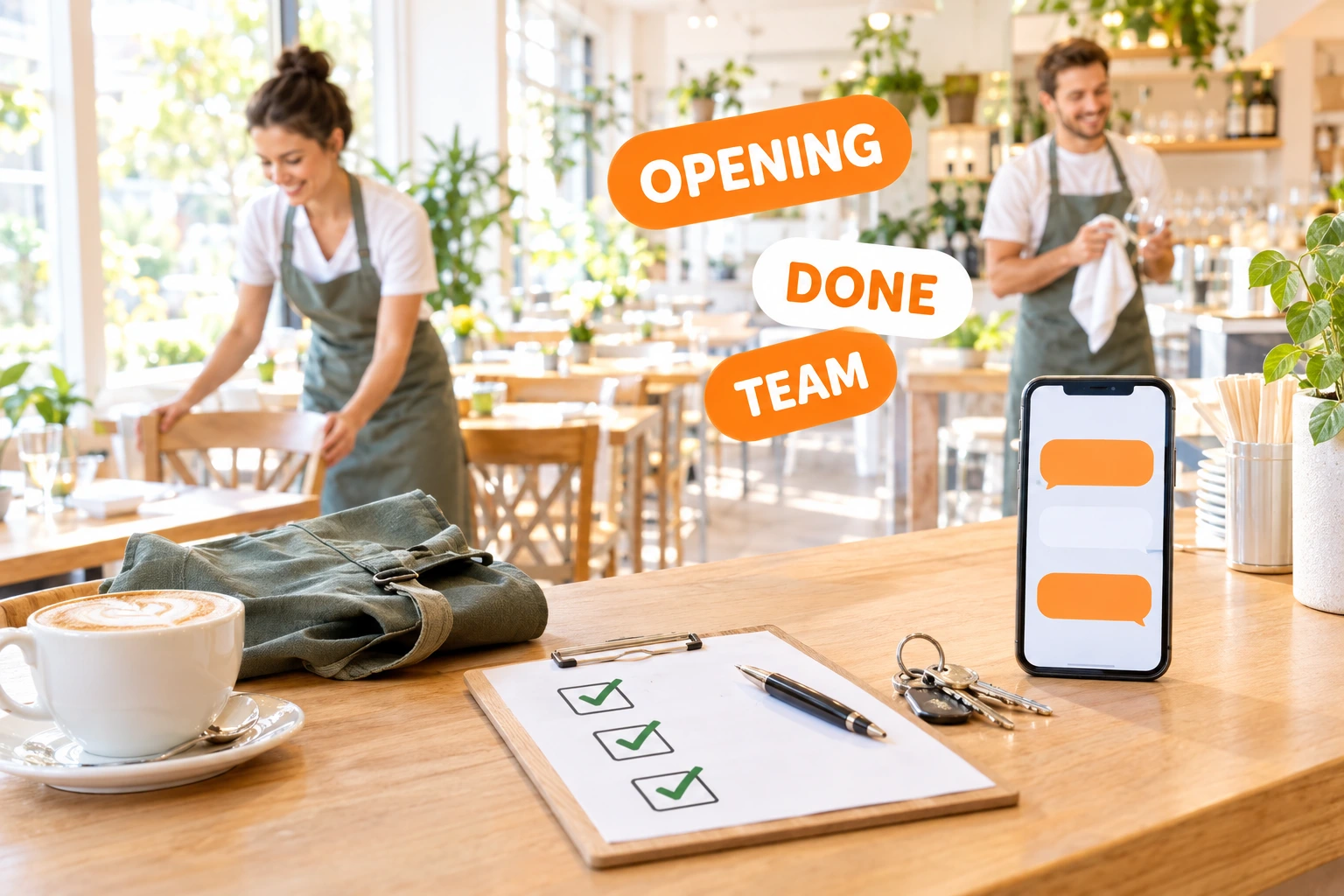
Team Chat, Checklists and Shift Tasks — In the Same Place as Your Orders
Channels and direct messages for the people who work at your venue, opening and closing checklists ticked on the kitchen tablet with a PIN, and one-off jobs with a name and a due day. Shift talk stops living in personal group chats.
What is team chat and tasks?
Team chat gives your venue its own conversations: channels such as "Kitchen" or "Floor" that a manager creates, and direct messages between two colleagues. Messages arrive live and as a push notification on the browser or the staff app. Only people who work at the venue can join, and a direct conversation is read by its two people only.
Checklists — opening, closing, "toilets checked at 14:00" — run on the same tablet station as your HACCP logs: each item is ticked by a person with their PIN, at the times you set. One-off tasks cover everything else: a title, a note, who should do it and by which day. Every task is closed by a real person, never automatically.
Why keep the team's talk here
Work Chat Stays at Work
Shift swaps, deliveries and "we're out of lemons" go to the venue's own channels, not to a personal group chat that former staff still read.
Opening and Closing Done the Same Way Every Day
The checklist shows what is due and what is late. You see who ticked each item and when — no more "I thought someone else did it".
The Right Person Hears About It
Push notifications go to the members of the conversation. Anyone can mute a busy channel without leaving it.
Private Where It Should Be
A direct conversation is visible to its two members only — not to managers and not to Ordering.Tools. Someone who leaves the venue loses access.
How It Works
Turn On the Team Screen
Your venue's admin switches team chat on in Staff → Team. Checklists and tasks become available where HACCP logs are on, because they use the same tablet station.
Create Channels
A manager creates channels and adds the people who belong in them. Anyone on the team can start a direct conversation with a colleague.
Set Up Checklists and Tasks
Write your opening, closing and daily checklists with their times. Add one-off tasks for the shift and assign them to a person or to anyone.
The Team Ticks Them Off
Staff tick checklist items and close tasks on the station with their PIN, or in the admin panel as themselves. Managers see what is done, late or missed.
What Your Team Gets
Channels and Direct Messages
Named channels for the kitchen, the floor or the managers, and one-to-one conversations between colleagues — all inside your venue.
- Managers create channels and choose the members
- Direct messages between exactly two people
- Edit your message within 5 minutes
- Messages kept for 12 months, then removed
Live, With Push
New messages appear without refreshing, and a push reaches the other members on the browser and the staff app.
- Push on web, Android and iOS staff app
- Mute any conversation for yourself
- Unread counts per conversation
- Catches up after a lost connection
Opening, Closing and Daily Checklists
Checklists use the HACCP station: scheduled on your venue's clock, ticked with a personal PIN, never edited after the fact. They stay out of the HACCP inspector report.
- Opening, closing and general lists
- Late and missed items shown on the Tasks tab
- Who ticked what, and when
- Copied to a branch with the HACCP set-up
One-Off Tasks
For the jobs that come up once: change the bulb over table 6, call the fish supplier, clean the terrace awnings. Each task has a due day and, if you want, one person.
- Title, note, assignee and due day
- An assigned task can be closed by its assignee only
- Done on the station with a PIN or in the panel
- Two taps at once are recorded once
Who It's For
Restaurants With Several Shifts
The morning shift leaves a note in the kitchen channel; the evening shift reads it before service.
Cafés With an Opening Routine
Machines on, pastries in, terrace out — the opening checklist is ticked by whoever opens, every day.
Bars Closing Late
The closing list makes sure the last person out has locked up, cleaned the taps and switched off the grill.
Owners Who Are Not Always On Site
See which tasks are done and which are late without phoning anyone.
Venues With Seasonal Staff
New people join the channels on day one; when they leave, they lose access to the venue's conversations.
Hotel Restaurants
A managers' channel and a kitchen channel keep breakfast, lunch and dinner teams on the same page.
A Team Chat Built for Restaurant Staff
Restaurant teams often run on personal messengers: the group chat outlives the job, mixes work with private life and has no structure. A venue's own team chat keeps work conversations inside the platform the team already uses for orders.
Opening and Closing Checklists That Get Done
A checklist on the kitchen tablet, ticked with a personal PIN at the right time, gives you a daily routine that does not depend on memory.
Tasks With a Name and a Day
One-off tasks have a due day and, if you choose, a person. Only a real person closes a task — on the station with a PIN, or in the admin panel.
Private by Design
Only people who work at the venue can join its chat, a direct conversation is read by its two members only, and messages are deleted after 12 months.
Questions about team chat and tasks
Who can use the team chat?
People who work at your venue and sign in to the admin panel. Someone who no longer works there, or who only has platform access, cannot read the venue's conversations.
Can a manager read direct messages?
No. A direct conversation is visible to its two members only — not to managers and not to Ordering.Tools. Managers can moderate messages in channels.
Can we send photos or files?
Not yet. Team chat is text only for now.
How long are messages kept?
Twelve months. Older messages are deleted automatically every night.
Do checklists appear in the HACCP report for the inspector?
No. Checklists use the same tablet station and PINs as the HACCP logs, but they are kept out of the inspector PDF, the deviations and the HACCP notifications.
Can an AI assistant or an integration post messages or close tasks?
No. Messages are posted and tasks are completed only by a signed-in person or by a person with their PIN on the station.
Give Your Team Its Own Channel
Team chat is off until your venue's admin turns it on in Staff → Team. Checklists and tasks come with the HACCP module.
Related features
Other tools restaurants use alongside this one.
Fridge temperatures, cleaning, goods-in and hygiene checks recorded by your staff on one shared tablet with a personal PIN. Late checks turn red, missed ones are flagged, and the inspector gets a clean PDF.
Learn moreDrag-and-drop weekly schedule for the whole team. Copy last week to next week with one click, approve time-off requests inline, and let staff claim open shifts from their phone.
Learn moreUpload once, get notified before they expire. Manager-uploaded only (anti social-engineering); staff see their own copies on their phone; expiry watcher pages you 30/14/3 days out.
Learn moreOpen a tip pool for a period, define percentage splits per role (60% servers / 30% kitchen / 10% bar), and the platform distributes the total across staff in proportion to their clocked hours in each role. One transaction, one audit row, zero spreadsheets.
Learn more