
Moving Off GloriaFood? Bring Your Menu Over in Minutes
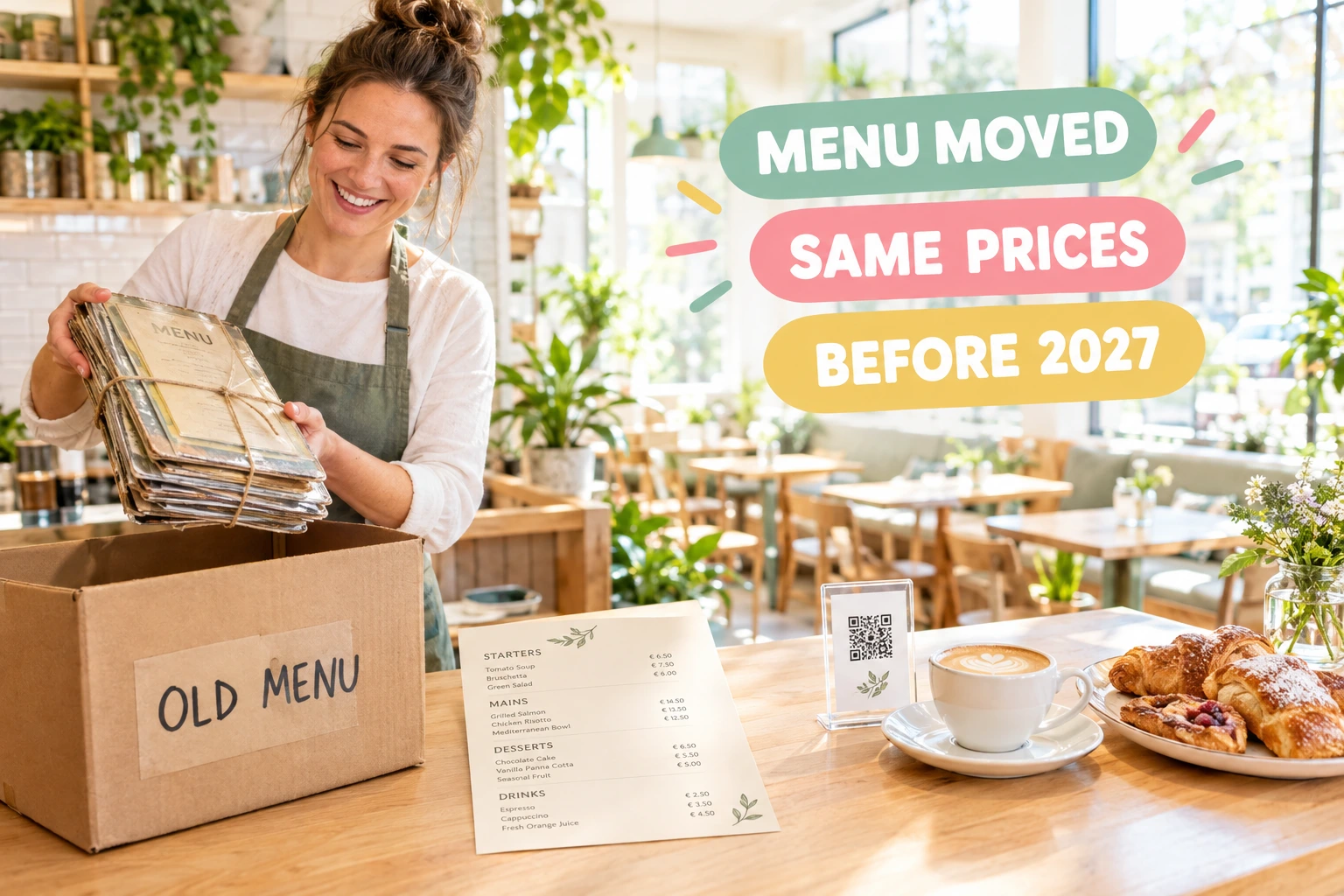
GloriaFood closes on 30 April 2027. Ordering.Tools reads your categories, dishes, prices and option groups through GloriaFood's own menu API, shows you everything before it is written, and keeps your existing menu untouched. Or let our team do the move with you.
What is the GloriaFood import?
It is a guided import that reads your restaurant's catalogue through GloriaFood's official Fetch Menu API. You create a key in your GloriaFood admin, paste it in once, and we read your categories, dishes, prices, descriptions and option groups. The key is used for that one read and is never stored.
Before anything is written you see a full review: every dish, every option group and every point that needs your decision. Nothing that already exists on your venue is changed — categories are reused by name and running the import again never doubles your menu. What the menu API does not carry, such as photos and opening hours, is listed so you know exactly what is left.
Why move this way
No Retyping the Menu
Hundreds of dishes and options come over in one go instead of days of copy and paste. Your team checks the result rather than rebuilding it.
Your Prices Stay Your Prices
Prices are read as they are, in your currency. A menu in a different currency is refused rather than converted, and sized dishes wait until you confirm how their prices work.
Review Before Anything Changes
Every warning is shown before the import — a dish that will be hidden, a group whose limit was adjusted, a size that needs your answer. You decide, then import.
Help When You Want It
Prefer not to do it yourself? Our team can run the whole move with you: the menu, the opening hours, delivery zones, payments and a test order before you go live.
How It Works
Create a Key in GloriaFood
In your GloriaFood admin, enable the "Fetch Menu" integration and copy the key. It only reads the menu; it gives no access to your orders.
Paste It and Choose the Details
Paste the key, say which language your GloriaFood menu is written in and, for sized dishes, whether the size prices are added to the dish price or are the full price.
Review Everything
See every category, dish and option group as it will be imported, with the price the guest will pay and a plain list of warnings.
Import and Finish
Import in one click. Then add photos, opening hours, delivery zones and payments — or let our team do these with you.
What Comes Over, and How
Your Catalogue, as It Is
Categories, dishes, prices and descriptions are written into your Ordering.Tools menu. Vegetarian, vegan and gluten-free tags carry over too.
- Categories reused by name — no duplicates
- A dish already in its category is left as it is
- Inactive GloriaFood items arrive hidden
- Your currency only — nothing is converted
Option Groups That Keep Their Rules
Toppings, sauces and sides keep their choices, prices and limits: required or optional, minimum and maximum, and quantities where GloriaFood allowed them.
- Required groups stay required
- Minimum and maximum choices carried over
- Category-wide groups added to every dish in it
- Option prices added on top, as before
Sizes Done Properly
A sized menu waits until you tell us whether the size price is added to the dish or is the full price — nothing is guessed. You can bring sizes over as real sizes of one dish, each with its own price.
- You confirm the size-price meaning first
- Review shows every size with the price the guest will pay
- Optional: sizes as real sizes of one dish
- Size-specific extras supported where every size asks the same
Optional Extras You Switch On
Three more things can come over, each only when you tick it: pickup-only or delivery-only dishes, dishes served on certain days and hours, and allergens matched by their exact name.
- Pickup or delivery limits on dishes
- Days and hours as a schedule, once you confirm your week start
- Allergens linked only on an exact name match
- Anything not matched is listed for you to set by hand
Who It's For
Pizzerias with Many Sizes
Small, medium and large with their toppings come over as sizes of one pizza, each at its own price, instead of being typed in again.
Takeaways with Long Menus
A menu of hundreds of items with sauces and sides moves in one guided import, checked rather than rebuilt.
Restaurants That Sell Pickup and Delivery
Dishes you only sold for delivery or only for pickup can keep that limit when you tick it.
Owners Short on Time
Ask our team to do the move with you, including the parts the menu API cannot carry, so you go live well before the deadline.
Restaurants with a Customer List
Bring your customer list over through our customer import from a CSV or Excel file, alongside the menu.
Groups with Several Locations
Each location's GloriaFood key brings its own menu, and every import is reviewed on its own venue.
A GloriaFood Alternative You Can Move to Now
GloriaFood closes on 30 April 2027, and every restaurant using it needs a new place to take orders. Ordering.Tools gives you online ordering, QR menus, payments and delivery on your own website, and the GloriaFood import moves your menu so you do not start from zero.
Built on GloriaFood's Official Menu API
The import uses GloriaFood's published Fetch Menu API with a key you create. It reads the menu only, the key is used once and never stored, and every field is mapped from GloriaFood's documented format.
What You Still Set Up
The menu API does not include photos, opening hours, delivery zones and fees, payments or past orders. The review lists these so nothing is forgotten; photos can be added per dish or with our AI photo import.
Moving Before the Deadline
Leave time to test. Import the menu, set up hours, zones and payments, place a test order, then switch your website's order button. Our team can do the whole move with you on request.
Questions about moving from GloriaFood
When does GloriaFood close?
GloriaFood closes on 30 April 2027. We recommend moving well before that date, so you have time to test ordering on your new setup.
Do you keep my GloriaFood key?
No. The key is used once to read your menu and is never stored or logged. It only reads the menu and gives no access to your orders.
Are photos imported?
No — GloriaFood's menu API does not include image addresses. You can upload photos per dish or use our AI photo import afterwards.
What happens if I run the import twice?
Nothing is doubled. Categories are reused by name and a dish that already exists in its category is skipped, so you can safely run it again after a change.
Can I bring my customers over?
Yes, through Customers → Import, which reads a CSV or Excel file. You match the columns of your export in the import wizard.
Can you do the move for me?
Yes. On request our team runs the whole migration with you: the menu, hours, delivery zones, payments, notifications and a test order before you go live.
Move Your GloriaFood Menu Today
The GloriaFood import is off until you need it. Your venue's admin turns it on in one click from the import screen — or contact us and we will do the move with you.
Related features
Other tools restaurants use alongside this one.
Upload a photo, PDF, or Word document of your existing menu. Claude reads every category, item, price, and allergen — you review the result and commit a complete menu in one click.
Learn moreYou're updating your menu in 5 different places. Every price change means editing your website, your QR menu, your ordering page, and hoping nothing gets missed. Update once in Ordering.Tools -- it syncs everywhere instantly.
Learn moreEvery "Extra cheese" and "Make it large" adds to your bottom line. Structured customization replaces messy notes with clear options that increase order value and eliminate kitchen confusion.
Learn moreCustomers earn a percentage of every order back as real money in their wallet, ready to spend on the next visit. Set it up in 60 seconds, switch it off any time.
Learn more