
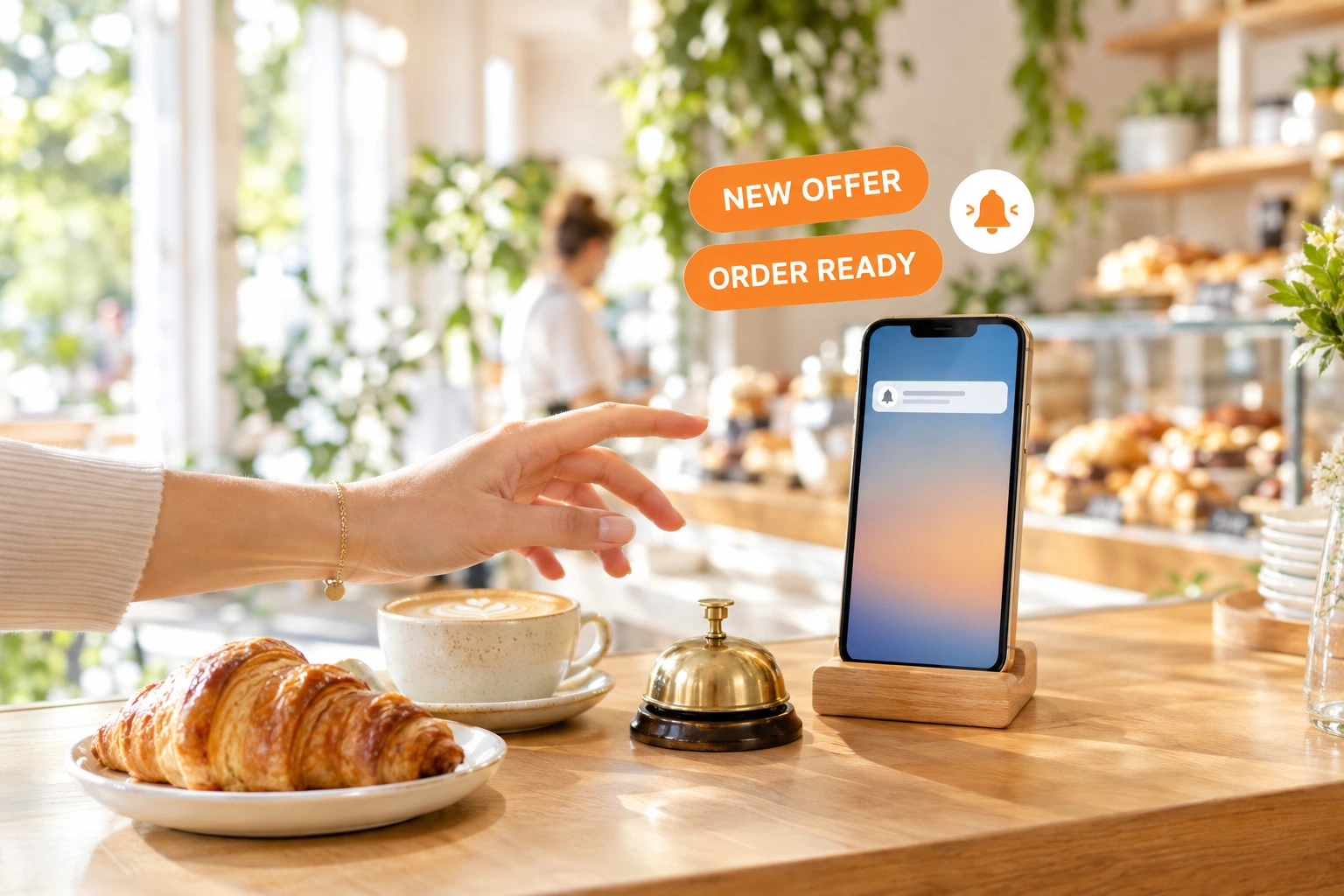
Your Restaurant's Own App and Push Notifications to Your Guests
Guests add your website to their phone or computer like an app. You reach them with a notification on the lock screen — order updates they asked for, and offers to the guests who said yes.
What is App & push?
Your ordering website can already be installed on a phone or a computer like an app: an icon on the home screen, your name, your colours. App & push turns that into a direct line. A guest who installed it — or who turned notifications on in their browser — can receive push notifications from your restaurant, with no store download and no new account.
You see how many devices installed your app, how many have notifications on, and how many blocked them or stopped answering. You send a push campaign with a title, a picture and a link to a page of your own site. And where you choose, the guest's own order updates — confirmed, ready, on the way — arrive as a push as well.
Why talk to guests by push
A Channel You Own
The notification comes from your restaurant, through your own website. No marketplace stands between you and the guest who installed your app.
No Cost per Message
A push campaign has no per-message charge and needs no SMS balance. Send it whenever you have something worth saying.
Only Guests Who Said Yes
Offers go only to guests who ticked "send me offers by notification" for your venue and still have a working device. Consent is checked again for every guest at send time.
Know Who Can Hear You
Installed, notifications on, blocked, expired — every device has a clear status, so you know your real reach before you write a word.
How It Works
Turn It On
Your venue's administrator turns on App & push from its own screen under Outreach. Until then nothing changes on your website — no prompt, no extra request.
Guests Install and Allow
Inside the installed app a small card asks the guest whether to allow notifications — one tap, never on first load. Your site's notifications page lets any guest turn them on or off at any time.
Check on Your Own Phone
Open the notifications page on your own device, read its test code, type it in the admin and send a test push. It reaches that device and no other.
Send What Matters
Write a push campaign with a title, text, a picture and a link to your menu, an event or an offer page — and pick which order updates also go out as a push.
Everything You Need for Push
Your Website as an App
The guest keeps your site on the home screen and opens it in one tap. A restaurant group is one app: the main restaurant and its branches share one audience.
- Installed from the browser — no store, no download
- Works on your own domain or on the Ordering.Tools address
- One app and one audience per restaurant group
- No notification prompt on a guest's first visit
A Clear Picture of Your Devices
Every device that installed your app or allowed notifications is counted, with its status. A device the push service no longer knows is marked expired until the guest subscribes again.
- Installed, active, blocked and expired at a glance
- See which devices stopped answering
- Linked to a guest only when they are signed in at your venue
- A guest of one venue group never receives another group's push
Push Campaigns
A campaign has a title, a message, an optional picture and a link to a page of your own website. It is listed with your other campaigns, and consent is checked for every guest when it goes out.
- Title, text, picture and link
- Links stay on your own site
- Only guests who opted in to offers
- Test push to a device that shows its own code
New Audiences for Every Channel
"Installed the app" and "notifications on" become audiences you can pick in any campaign — e-mail, SMS or Viber as well as push.
- Thank the guests who installed your app by e-mail
- Reach the guests with notifications on by push
- Order updates by push, per update, off until you tick them
- The guest's own page to switch notifications and offers
Who It's For
Neighbourhood Restaurants
Tell your regulars about today's special or a new dish, straight to the phone they keep in their pocket.
Pickup and Delivery Kitchens
Let guests know the moment their order is ready or on the way — next to the e-mail and SMS you already send.
Cafés and Bakeries
Announce fresh bakes in the morning to the guests who asked to hear from you.
Bars and Event Venues
Send a push with a link to tonight's event page to the guests who allowed it.
Restaurant Groups
One app for the whole group: the main restaurant and its branches speak to one audience instead of splitting it.
Venues Building Their Own Channel
Turn guests who order on your website into an audience you can reach again — without paying per message.
Push Notifications for Restaurant Guests
Push notifications let a restaurant reach its guests on the lock screen of their phone or the corner of their computer. With Ordering.Tools, your ordering website becomes an app the guest installs from the browser, and every guest who allows notifications becomes part of an audience you own.
An App Without an App Store
Your website is installed like an app — an icon, your name, your colours — straight from the browser. There is nothing to publish and nothing for the guest to download from a store.
Consent First
Marketing push goes only to guests who opted in for your venue group and still have a working device. Order updates by push are off until you choose them, one update at a time.
Measured Reach
Every device has a status — installed, notifications on, blocked or expired — so the number you see before sending is the number of guests you can actually reach.
Questions about App & push
Do my guests need to download an app from a store?
No. They install your website from the browser, like an app, and allow notifications with one tap. Nothing is published in a store.
Does it work on iPhone?
Yes, once the guest adds your site to the Home Screen (iOS 16.4 or later) and allows notifications from inside it. On Android and on computers, notifications also work in the browser itself.
Who receives my offers?
Only guests who ticked "send me offers by notification" for your venue group and have a device with notifications on. Consent is checked again for every guest when the campaign goes out.
Can I send order updates by push?
Yes. In App & push settings you choose which order updates — confirmed, preparing, ready, on the way and more — also go out as a push. Each one is off until you tick it.
How do I test it?
Open your site's notifications page on your own device, read the test code it shows, type that code in the admin and send a test push. It goes to that device only.
Does a push campaign cost anything per message?
No. Push campaigns have no per-message charge and do not use your SMS balance.
Reach Your Guests on Their Lock Screen
App & push is off by default. Your venue's administrator turns it on under Outreach whenever you are ready.
Related features
Other tools restaurants use alongside this one.
Reach your customers directly via Email, SMS, WhatsApp, and Viber — with GDPR-compliant consent built into every order.
Learn moreGet instant browser alerts for every new order — even when the admin tab is closed or the screen is locked. No app installation required.
Learn moreMaterialized RFM scores, lifetime stats, normalized tags, append-only notes, allergen + dietary preferences, GDPR consent audit, double opt-in, and global delete with grace period — all built into your ordering platform. No external CDP, no extra subscription.
Learn moreVerify customer phone numbers with a one-time SMS PIN — once per number. Reduce fake orders, improve delivery accuracy, and build a trusted customer base.
Learn more