
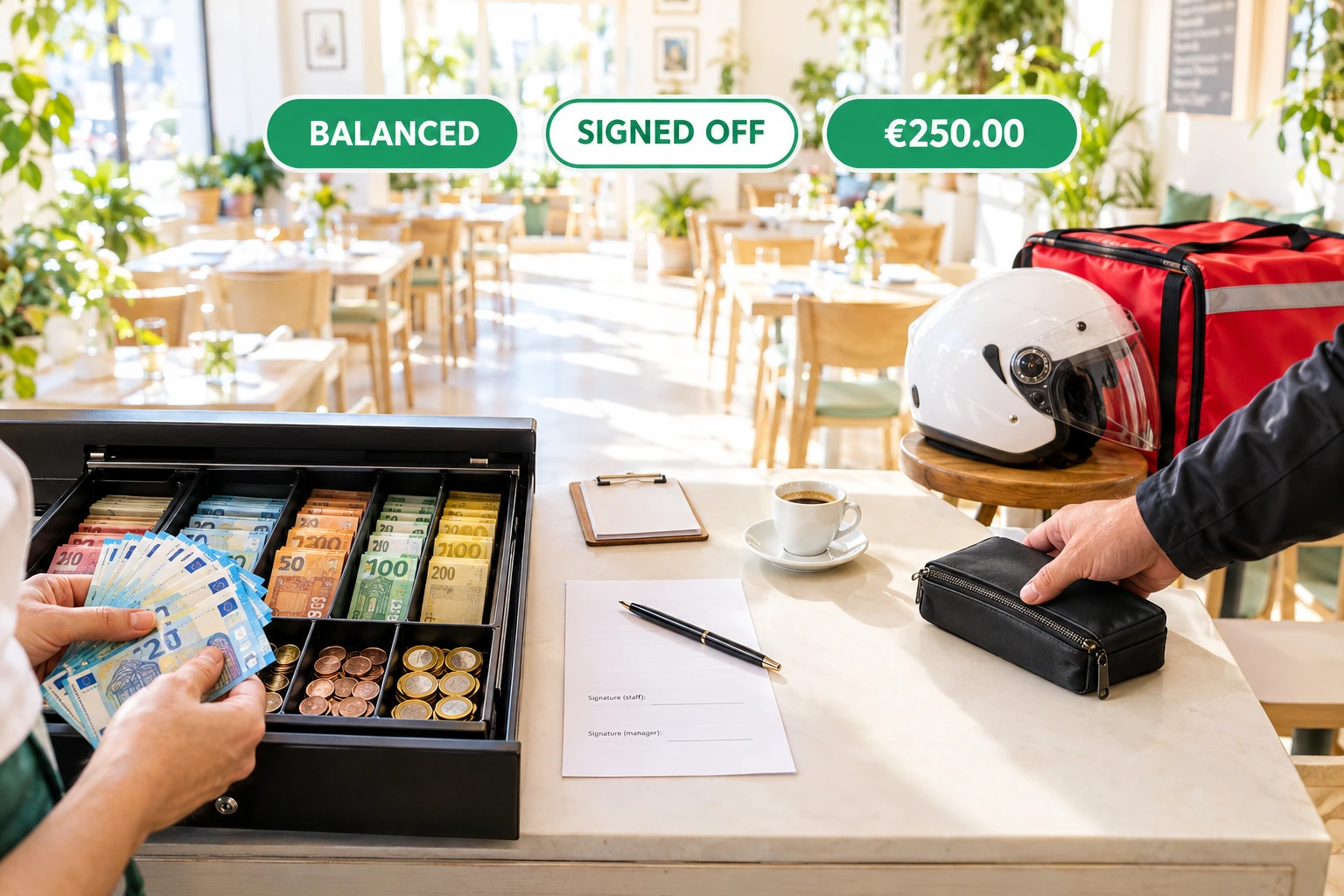
Cash-Up for Restaurants: Till, Waiters' Wallets and Riders' Cash, Counted and Signed
Count the cash at the end of every shift in the three places a venue holds it. Ordering.Tools works out what should be there, the person counts without seeing it, a second person signs, and the day closes only when every cent is accounted for.
What is cash-up?
Cash-up reconciles the cash in the till, in each waiter's wallet and in each rider's bag. A session opens with a float. Cash in, cash out, payouts and cash refunds are recorded as they happen. At the end the holder counts, and the screen shows expected against counted with the whole formula behind it.
Every cash payment taken through Ordering.Tools lands in exactly one place: the rider who collected it at the door, the waiter whose wallet was open, or the venue's till. If none of them was open, it is listed on the day close — never dropped. Riders hand their cash in at the dispatch desk, and the business day closes once every session is signed off.
Why count cash this way
Know Where Every Euro Is
Each cash payment belongs to one holder. Nothing is counted twice, and cash nobody claimed shows up on the day close instead of disappearing.
Honest Counts
With blind count on, the person counting sees the expected figure only after entering theirs. It is hidden on the server, not just on the screen.
Two Names on Every Close
A session is signed off by someone other than the person who counted. Slips print both names, each with a signature line.
Riders' Cash Without Arguments
What a rider must hand in equals their line in the delivery report, so the money in the bag and the dispatcher's paper agree to the cent.
How It Works
Turn It On
Cash-up is off until your venue's admin turns it on from Revenue → Cash-up. Choose blind count, the second signer and the difference that should alert you.
Open With a Float
Open the till, a waiter opens their wallet, riders start their day. Record cash in, cash out, payouts and cash refunds as they happen.
Count and Sign Off
At the end of the shift the holder counts. The screen shows expected, counted and the difference; a second person signs it off and the session locks.
Close the Day
When every session is closed and every hand-in accepted, close the business day. Its totals are frozen, with any unattributed cash listed.
Built for How Cash Really Moves
Three Places Cash Lives
The till, waiters' wallets and riders' cash each have their own session and their own count, on the screen of the person who holds the money.
- One till per venue
- Waiters count their own wallet in the waiter app
- Riders hand in from the driver app
- The dispatch desk counts and accepts or disputes a hand-in
The Formula, in Full
Expected = float + cash sales + cash in + hand-ins received, minus cash out, payouts, cash refunds and cash handed on. Every term is shown and printed.
- Money added up in whole cents
- Records are never edited — a mistake is a correction
- A counted session takes no more money
- Tips are kept out of the expected figure
Alerts and Explanations
A difference at or above your alert level pushes a notice to managers. On a counted session, a "what could explain it" block lists the facts that match the difference.
- Balanced, over, short or alert
- A cash payment of exactly the missing amount
- Refunds in the system never recorded at the till
- It names amounts and records — never a person
The Fiscal Device, If You Want It
Built for the Datecs BC-50: the till's float, cash in, cash out and payouts registered on the device too, and the device's own cash figure shown beside your count — being verified on the device. With another fiscal device, the day close asks for the Z number and total.
- Off by default — one setting inside cash-up
- The device's cash figure as a third column
- Link the Z report at day close
- Cash-up itself is not a fiscal record
Who It's For
Restaurants With Table Service
Each waiter keeps a wallet through the shift and counts it at the end; a manager signs it off.
Venues With Their Own Riders
Riders hand in the cash they collected at the dispatch desk, counted against their own delivery report.
Counters and Takeaways
One till, a float in the morning, a count and a second signature at closing.
Late-Night Bars
A till opened in the evening stays on that night's business day, even after midnight.
Owners Who Are Not on Site
Get a push for a large difference, a disputed hand-in or a session left open from the day before.
Restaurant Groups
Riders hand in at each venue they collected for, and every venue closes its own day.
End-of-Shift Cash Reconciliation for Restaurants
A cash difference is rarely theft. More often a refund was handed out of the drawer and never recorded, or a rider's cash went to the wrong place. Cash-up shows the whole calculation and points to the facts that match the difference, so the conversation starts from numbers, not suspicion.
Blind Counts and a Second Signature
With blind count, the person counting enters what is in the drawer before seeing what should be there. A second person signs the session off, and from then on it cannot change. Both names are on the printed slip.
Riders' Cash Matches the Delivery Report
A rider's cash sales are their line in the day's delivery report. When they hand in, the desk counts against that figure, and any difference is recorded once, on the hand-in.
Readable Through the API, Signed in the Panel
Sessions, hand-ins, days and the variance explanation can be read through the Ordering.Tools API and MCP tools. Signing off, accepting a hand-in and closing a day are always a person's acts in the panel.
Questions about cash-up
Does cash-up replace the Z report?
No. Cash-up is not a fiscal record. It does not replace the fiscal device's Z report or the duty to register cash put in and taken out on the device.
Can the person counting see the expected amount?
Not with blind count on, which is the default. The expected figure and the formula stay hidden until the count is entered.
What happens to cash taken when no wallet or till was open?
It goes to the venue's till if one is open. If nothing was open, it is listed as unattributed on the day close, so it is never lost from the total.
How do riders hand in their cash?
In the driver app a rider sees what they hold at each venue today and hands it in. The dispatch desk counts it and accepts or disputes it; the difference is recorded once.
Can I run several tills in one venue?
Not yet. Cash-up keeps one till per venue, plus a wallet per waiter and the cash of each rider.
Does it work with the Datecs BC-50?
It is built for it, as an optional setting: the till's float, cash in, cash out and payouts registered on the device, its cash figure read at the count, and the Z report printed or linked at day close. This is being verified on the device — ask us to go through it with you on your own device before you rely on it.
Count Every Shift the Same Way
Cash-up is off until your venue's admin turns it on. Switch it on in Revenue → Cash-up when you are ready.
Related features
Other tools restaurants use alongside this one.
Ring up a sale with quick keys, take cash or card and close the day — on the same menu, bills and kitchen as your online orders. Built for the Datecs BC-50, with fiscal receipts and X and Z reports being verified on the device.
Learn moreManage your own drivers, optimize routes, and track every delivery in real time — directly from Ordering.Tools.
Learn moreCreate waiter accounts per venue, run shifts, group tables into sections, and assign servers to specific tables or entire sections — all in one place, live on every device.
Learn moreOrders from your website and QR menus land on your Hype till as new orders, with every item and note. Staff accept them where they already work — and status and sold-out dishes come back on their own.
Learn more