
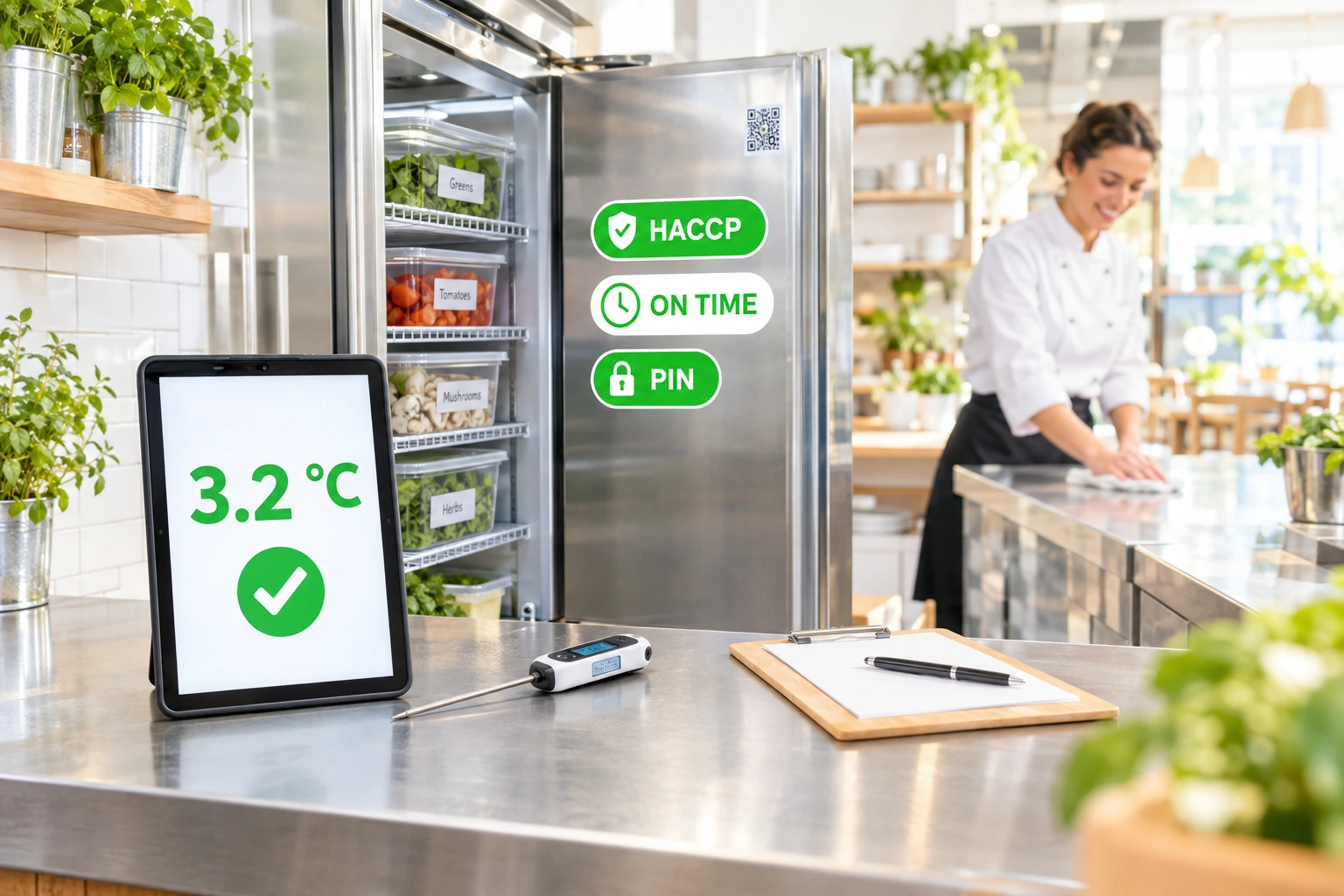
HACCP Logs on a Kitchen Tablet — Filled In On Time, Ready for the Inspector
Fridge temperatures, cleaning, goods-in and hygiene checks recorded by your staff on one shared tablet with a personal PIN. Late checks turn red, missed ones are flagged, and the inspector gets a clean PDF.
What are digital HACCP logs?
Every fridge, freezer, hot-holding unit, fryer and work area gets a QR sticker. You pick the logs you keep from a ready library — fridge and freezer temperatures, cleaning, shift hygiene, goods-in, pest control visits, fryer oil, hot holding, core cooking temperature, allergen information and the weekly verification — and set your own limits and times.
Your team records on a shared kitchen tablet: today's checks are listed, a cook scans the sticker, taps their name, types their PIN and enters the values. A value out of range cannot be saved without the corrective action. Nothing is ever edited or deleted — a mistake becomes a correction, and both stay on the record. The logs support your HACCP plan; they do not replace it.
Why move the HACCP logs off paper
Checks Done on Time, Not Filled In Later
The tablet shows what is due today and turns a late check red. The time of every entry is the server's, so a log cannot be back-filled at the end of the week.
A Record You Can Defend
Every entry carries the person who made it and the limit in force at that moment. Corrections are new rows; the original stays visible, struck through.
Problems Reach the Manager at Once
An out-of-range reading pushes the managers straight away. Missed checks are collected and sent as one summary, with a morning digest of the day before.
The Inspector's PDF in a Click
Pick any period up to three months and download one PDF in your venue's language: every log, every reading, the limits, the corrective actions, the gaps and the verifications.
How It Works
Turn It On and Add Your Points
Your venue's admin switches HACCP on in Staff → HACCP. Add your fridges, freezers and areas, then print the QR sticker sheet.
Adopt the Logs You Keep
Choose logs from the library and set your own limits, times and grace period. The suggested limits are common practice, not law — adjust them to your HACCP plan.
Staff Record With Their PIN
Enrol a tablet as the kitchen station and give each person a PIN. They scan a sticker, pick their name, enter the values and save.
Managers Close and Verify
A manager follows up every deviation in the admin panel and signs the weekly verification. The PDF is ready whenever an inspector asks.
Built for a Real Kitchen
A Library of Ready Logs
Start from logs written for a restaurant kitchen and set them up per point, with your own limits and check times. A venue can also write a log of its own.
- Fridge, freezer, hot holding and core cooking temperatures
- Cleaning, shift hygiene, goods-in with photo of the document
- Pest control visits, fryer oil, allergen information sheet
- Check times on your venue's clock, every day
One Tablet, a Personal PIN
No logins to share and no paper on the wall. The station knows its venue; the PIN proves who stood at the fridge. Repeated wrong PINs lock the person out.
- Today's checks listed, late ones in red
- Scan a sticker to open the right log
- Out-of-range values need a corrective action
- Own mistakes corrected within 24 hours
Temperature Sensors, If You Want Them
Connect any sensor or gateway that can send a reading over HTTPS. Each sensor has its own secret and writes to one log only. A reading out of range waits for a person to record what was done.
- Works with the sensor of your choice — no vendor lock-in
- A short door-opening is not a deviation
- Offline and low-battery warnings
- The nearest reading fills each scheduled check
Groups and Branches
See today's status for every venue of your group in one view, and copy a venue's points and logs to a branch. Each branch keeps its own records.
- Today's counts per venue
- Copy a set-up to a new branch in one step
- New stickers for every copied point
- Records never mixed between venues
Who It's For
Restaurants With a Busy Kitchen
Temperature rounds at 8, 14 and 20 o'clock happen on the tablet, and the manager sees at a glance whether the morning round was done.
Cafés and Bakeries
A short set of logs — fridges, cleaning, goods-in — kept by everyone on shift without a binder on the wall.
Hotel Kitchens
Several fridges, cold rooms and serving areas, each with its own sticker and check times.
Restaurant Groups
One set-up copied to every branch, with today's status of the whole group in one view.
Kitchens With Cold Rooms
A sensor in the cold room fills the scheduled checks; a person records the corrective action when something goes wrong.
Venues Preparing for an Inspection
The last three months in one PDF, with the gaps and corrections shown honestly, ready to hand over.
Digital HACCP Records for Restaurants
Digital HACCP logs replace the paper binder in the kitchen: temperature logs, cleaning logs and goods-in records kept on a tablet, with the time and the person attached to every entry. The record is complete because it is made on the spot.
Temperature Logs That Cannot Be Back-Filled
The time of a reading comes from the server, and an entry is never edited or deleted. A mistake is corrected with a new row, and the PDF prints both.
Corrective Actions Recorded With the Reading
A fridge above its limit cannot be logged without saying what was done. A manager then closes the deviation with a follow-up.
Ready for the Inspector
The PDF carries your company, the site and its food registration number, every log with the limit in force at the time, the missed checks and the weekly verifications.
Questions about digital HACCP logs
Does this replace our HACCP plan?
No. It is where your team keeps the records your plan requires. The suggested limits are common practice, not a statute — set them to what your plan says.
Can staff record from their own phones?
No. Readings are recorded on the venue's enrolled tablet station with a personal PIN, so every entry is tied to a real person at the venue.
Can an entry be changed after it is saved?
Never. A mistake is fixed with a correction — by its author within 24 hours on the station, or by a manager in the panel. The original stays on the record, struck through.
Which temperature sensors work with it?
Any sensor or gateway that can push its readings over HTTPS with a bearer token. We do not integrate or recommend a specific brand. Sensors that can only be polled are not supported.
Can the assistant or an integration record a reading for us?
No. A reading is evidence that a person checked; only a person with a PIN — or a sensor you registered for that log — can record one.
What happens when a check is missed?
When its window closes, the check is marked as missed and the managers get one summary notification. The gap is shown in the log and in the PDF.
Put Your HACCP Logs on a Tablet
HACCP logs are off until your venue's admin turns them on in Staff → HACCP. Set up your points, print the stickers and start today.
Related features
Other tools restaurants use alongside this one.
Channels and direct messages for the people who work at your venue, opening and closing checklists ticked on the kitchen tablet with a PIN, and one-off jobs with a name and a due day. Shift talk stops living in personal group chats.
Learn moreUpload once, get notified before they expire. Manager-uploaded only (anti social-engineering); staff see their own copies on their phone; expiry watcher pages you 30/14/3 days out.
Learn moreTrack every gram. Cost every plate. Re-order automatically when ingredients hit par. Inventory Depth turns Ordering.Tools into a back-of-house operating system — without bolting on a separate tool.
Learn moreDrag-and-drop weekly schedule for the whole team. Copy last week to next week with one click, approve time-off requests inline, and let staff claim open shifts from their phone.
Learn more