
Complete Online
Ordering Platform
Accept orders directly from your customers. Delivery, pickup, and dine-in — with payments, POS integration, and real-time tracking built in.
Part of the Reservation.Tools platform
This is a real booking, taken by an AI
A guest calls on a Friday evening. Nobody puts down a tray. The agent answers, checks what is free, and writes the table into the system while they are still talking — and says in its first sentence that it is an AI.
The words are the transcript of a real call to our demo venue. Both voices are synthesized, so no guest's voice is published.
Six AI features your competitors don't have
Native Bulgarian and Greek AI — phone, menu import, upsells, descriptions, audits, in-admin assistant. Built for the EU market, not retrofitted from the US.
AI Voice Phone Ordering
An AI agent answers your phone 24/7 in EN, BG, EL — takes orders, sends payment links by SMS, hands off to a human when needed. Five free calls a month on every plan.
AI Restaurant Grader
30-second audit of any restaurant — Google profile, reviews, ordering, menu, mobile, hours, social. Letter grade A–F with 10 concrete fixes.
AI Menu Auto-Import
Drop a menu photo, PDF, or supplier list — Claude vision builds your full menu with categories, prices, descriptions and images in one click.
AI Smart Upsells
Cross-sell suggestions tuned to each customer's basket. Two-layer system: fast statistical ranker + LLM contextual suggestions for high-value carts.
AI Admin Assistant
Ask in plain English: "What were my best products last week?", "Why was Friday slow?". Tool-use over your live data, with PII redaction and tier-gated cost.
AI Product Descriptions
Generate appetizing, on-brand descriptions for every product in any of your enabled languages. One click per item or batch the whole menu.
Why this works in EU when US tools don't
Maple, Slang.ai, Toast — all built for English. Our AI stack uses Google Gemini for native Bulgarian and Greek voices, Claude Sonnet for vision and reasoning. The result is restaurant-grade tooling that actually understands your customers.
Reservation
John Smith - 7:00 PM, 4 guests
Pre-Order
3 main courses, 2 drinks
Food Ready When Guests Sit Down
Customers book a table and order their food in advance. When they arrive, the kitchen is already working on their meal. Faster table turnover, happier guests.
- Orders automatically linked to reservations
- Kitchen starts prep before guests arrive
- Guest info synced - no re-entering details
- Faster table rotation during peak hours
One System for Every Way Your Customers Order
Dine-in at the table, pickup at the counter, delivery to the door. Every order flows through one system you control. One menu, one dashboard, all order types.
- Dine-in orders tagged by table number
- Pickup with scheduled time slots
- Delivery with zone-based pricing and address validation
- Enable or disable any order type per venue in seconds
All Order Types
One System
Live in Under 30 Minutes
Add your menu, configure your channels, start taking orders. That's it.
Upload Your Menu
Add products, set prices, upload photos. Or send us your existing menu and we set it up for you.
Choose Your Channels
Enable dine-in, pickup, or delivery. Set operating hours, delivery zones, and payment methods for each.
Orders Flow In
Orders appear on your kitchen screen, thermal printer, or admin panel. Customers get status updates automatically.
One System for Everything
Menu, orders, payments, delivery, kitchen screen - all in one place
Ask Your Data
Type a question in plain English, Bulgarian, Greek, or Turkish. Get a charted answer in seconds, backed by your live orders.
Flexible Payments
Card, cash, POS terminal - let customers pay the way they prefer.
Delivery Zones & Fees
Draw your delivery area on a map. Set fees by distance. Customers see if they're covered before ordering.
POS Integration
Connect with Barsy POS and other terminals. Orders flow directly into your existing setup.
Sizes, Variants & Add-Ons
Small, medium, large. Extra cheese. No onions. Customers customize, the kitchen gets it right.
Promos That Drive Orders
Percentage off, free delivery, first-order discounts. Run promos on your terms, not a platform's.
Live Order Tracking
Customers see their order status update in real time. Fewer phone calls asking 'where is my food.'
Advance Orders
Customers pick a date and time. You see it on your schedule and prepare accordingly.
Automatic Notifications
Customers get email updates at every step. You get alerted the moment an order comes in.
Customer Accounts
Customers register once, reorder in seconds. You build a direct relationship with every guest.
Multiple Locations
Run all your venues from one dashboard. Separate menus, shared login.
Customer Data You Own
See who orders, what they order, how often. Your data, not locked inside a delivery platform.
Allergen Info Built In
Tag products with 14 major allergens. Customers filter by dietary needs. You stay compliant.
Menu Control
Update prices, descriptions, and availability from your phone or laptop. Changes go live instantly.
Your Brand, Your Pages
Your logo, your colors, your domain. Customers see your restaurant, not a third-party marketplace.
Multi-Language Menus
Serve tourists and locals in their language. Switch menu languages with one click.
Works on Every Phone
No app install. Customers open the menu in their browser on any device.
Digital Tipping
Customers tip at checkout. Staff gets more tips when it's easy and optional.
Loyalty & Rewards
Points, tiers, and vouchers that bring customers back without discounting everything.
Thermal Printer Support
Orders print silently on your 80mm kitchen printer. No manual copying, no missed tickets.
Kitchen Display Screen
Orders appear on a screen in the kitchen. No paper tickets. Nothing gets lost.
SMS Order Updates
Text messages at every order step. Customers stay informed without downloading anything.
Browser Push Alerts
Get notified of new orders in your browser, even when the admin tab is in the background.
Google Review Requests
After every completed order, customers get an invite to leave a Google review. More reviews, better ranking.
Group Orders
Share a link with your team. Everyone adds their meal, each person pays their share. One order to the kitchen.
Group Ordering for Teams
One link, the whole team orders. Each person picks their meal and pays their share. No more collecting cash or spreadsheets.
- Share a link - everyone adds their own items
- Each person pays only for what they ordered
- One combined order goes to the kitchen
- Each participant gets their own receipt by email
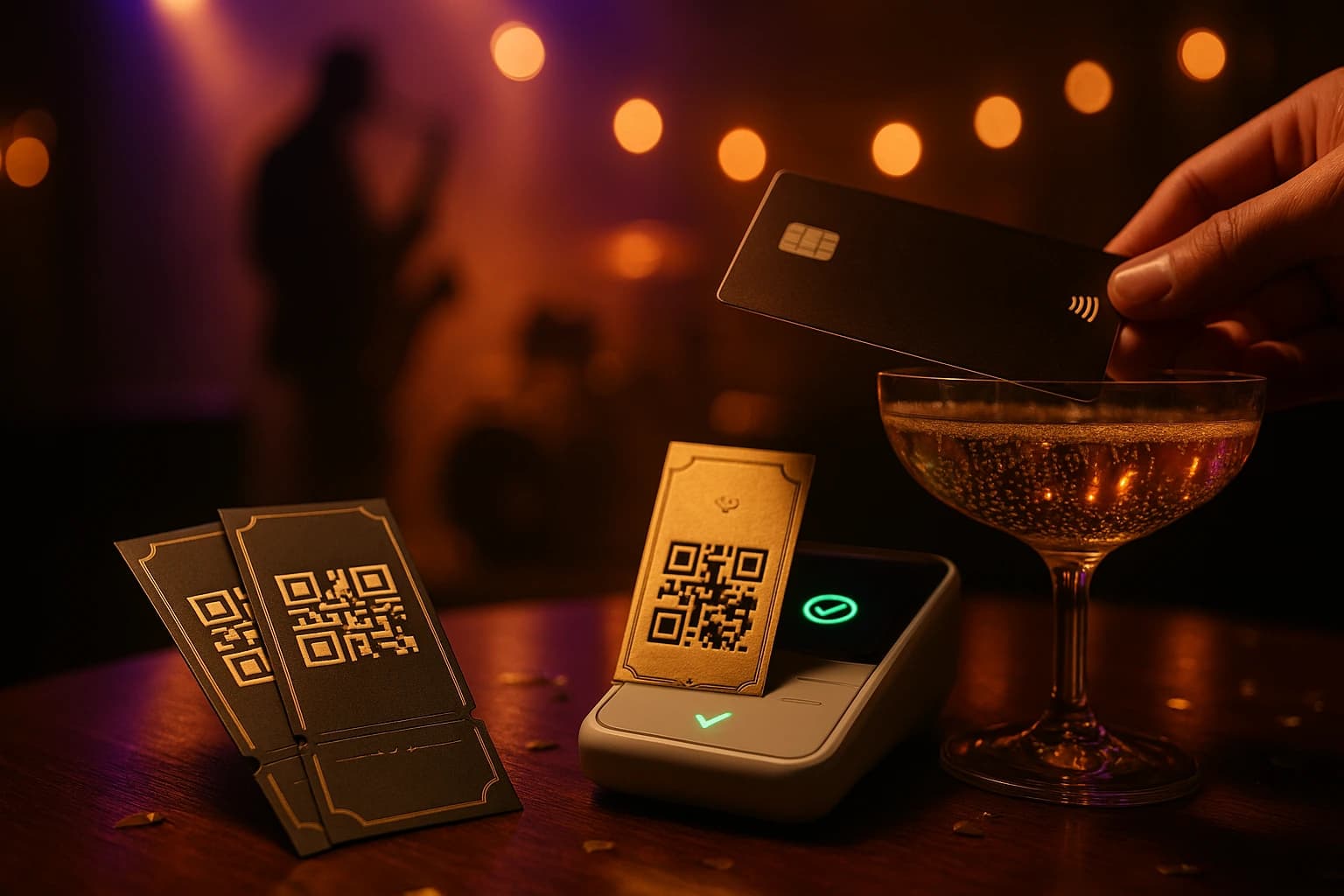
Sell tickets on your Reservation.Tools floor plan
Concerts, tastings, New Year's Eve — the floor plan your host already runs in Reservation.Tools becomes the seat map, and tickets sell straight from your own website, free or paid.
- Your Reservation.Tools floor plan becomes the seat map — guests pick their exact place
- Personal QR tickets with Apple & Google Wallet passes and door check-in
- Every purchase lands in your reservation book with the buyer's name
- Ticket-only nights block regular online reservations automatically
The Full Restaurant Operating System
Reservations, ordering, kitchen management, analytics - one platform, one login
Reservations
Table bookings and floor management
Orders
Digital menus and direct ordering
Analytics
Sales data and customer insights
Common Questions
Straight answers, no jargon
How long does setup take?
Most restaurants are live within 30 minutes. Add your products, generate QR codes, and you're taking orders. If you send us your existing menu, we'll set it up for you at no extra cost.
Do my customers need to install an app?
No. Customers scan a QR code and the menu opens in their phone browser. Nothing to download, no account required to browse.
Can I match the menu to my brand?
Yes. Your logo, your colors, your own web address if you want it. Customers see your restaurant, not a generic marketplace.
How does the reservation pre-ordering work?
When a customer books a table through Reservation.Tools, they get a link to pre-order food. The order is attached to their reservation so the kitchen can start before they arrive.
What languages are supported?
You can run your menu in multiple languages at the same time. Customers pick their language. Currently supported: English, Bulgarian, Greek, and Turkish, with more being added.
What order types can I accept?
Dine-in (scan at the table), pickup (customer collects), and delivery (to their address). Enable or disable each one per venue.
What payment methods work?
Stripe card payments with 3D Secure, MyPOS terminals, Barsy POS integration, and cash on pickup or delivery. You choose which methods to offer.
Can I run promotions?
Yes. Percentage discounts, fixed amounts off, free delivery, first-order offers, and scheduled promotions that activate automatically. Both promo codes and auto-applied deals.
How do allergens work?
Tag each product with allergens from the standard list of 14. Customers can filter the menu to hide anything they're allergic to. Dietary labels like vegetarian, vegan, and gluten-free show automatically.
Can I add sizes and extras to products?
Yes. Create size options (Small, Medium, Large) with different prices, and add modifiers like extra toppings or sides. Customers choose during ordering and the kitchen sees exactly what was selected.
Your Orders. Your Customers. Your Revenue.
Set up your menu today and start taking orders directly from your customers.