
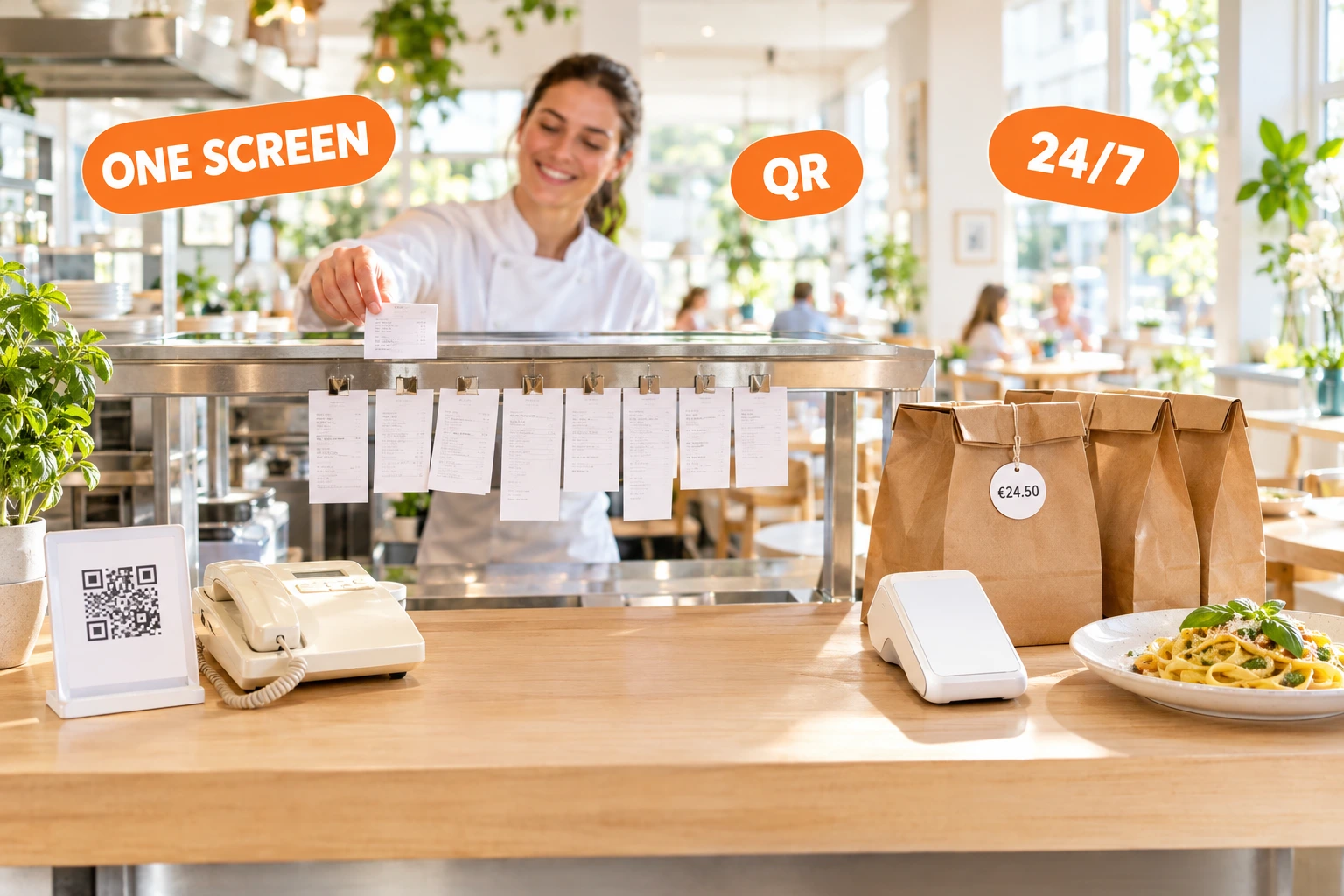
One Online Ordering System for Every Order Your Restaurant Takes
Your own website and QR menu, an AI agent on the phone, and Wolt, Glovo and Bolt orders on the same screen — with payments, POS, delivery and loyalty in one place.
In short
A restaurant online ordering system takes orders on the restaurant's own website, QR menu and phone, and sends them straight to the kitchen. Ordering.Tools does this and also puts Wolt, Glovo and Bolt orders on the same screen, connects to the POS and handles payments, delivery and loyalty — in English, Bulgarian, Greek and Turkish.
What a restaurant online ordering system does
Guests order and pay without calling: from the restaurant's website, a QR code on the table, a link on Instagram or Google. The order goes straight to the kitchen screen or printer with the right options, notes and payment status, and the guest sees when it is ready.
Most restaurants also sell through delivery platforms, and that is fine — they bring new guests. Your own ordering channel is the one where the menu, the price, the guest relationship and the data stay yours. A good system runs both side by side, without extra tablets, retyping or missed orders.
How to choose: a checklist
Ask every provider these nine questions. A system that fails one of them will cost you time every day.
- 1
Does it cover every channel?
Website, QR at the table, pickup, delivery and dine-in should be one menu and one order list — not three tools that disagree about what is sold out.
- 2
What happens when the phone rings at rush hour?
Phone orders are still a big part of takeaway. Ask whether calls are answered and written down when nobody on the team is free.
- 3
Do marketplace orders land in the same place?
If every delivery app has its own tablet, someone retypes orders and mistakes follow. Look for platform orders next to your own, and one place to change the menu.
- 4
Does it work with your till and kitchen?
Orders should reach your POS, kitchen printer or kitchen screen without being typed in again.
- 5
Does it follow your country's receipt rules?
Online sales still need the right fiscal documents. In Bulgaria that means fiscal receipts and the НАП rules for e-shops — ask exactly how they are handled.
- 6
Can guests order in their own language?
Tourists and expats order more when the menu and the checkout speak their language.
- 7
Are the guests and their data yours?
You should see who orders, reach them with loyalty and campaigns, and be able to export the list.
- 8
Can you read the price on one page?
Monthly fee, commission, per-order and card fees. Ask the provider to run your real monthly volume through it and give you one total.
- 9
Who sets it up?
Menu import from a photo or another system, and a person who helps with payments, zones and the first test order, decide how fast you go live.
What Ordering.Tools does
Every point on that checklist, in one system.
Your own ordering website and QR menu
Guests order pickup, delivery or to the table from your own site and domain, or by scanning the QR code on the table. No app to install.
An AI agent that answers the phone
It picks up every call 24/7, takes the order from your live menu, confirms the total, sends a payment link by SMS and hands over to your staff when needed.
Wolt, Glovo and Bolt on one screen
Platform orders arrive next to your own on the same board and kitchen screen, and the menu is published to them from one place.
Your POS, printers and kitchen screen
Orders go into Barsy, Hype or r_keeper, print on kitchen printers or show on a kitchen display.
Fiscal receipts and НАП rules in Bulgaria
Fiscal receipts built for the Datecs BC-50 (being verified on the device), and the НАП e-shop regime: a sales document for card-paid delivery orders and the monthly audit file.
Payments through your own bank
Card payments through Stripe, myPOS, BORICA, Viva.com, DSK Bank or SumUp, Apple Pay and Google Pay where your provider offers them, and cash.
Delivery with your drivers or a courier
Delivery zones and fees, your own drivers with a driver app and live tracking, or Wolt Drive couriers.
Guests who come back
Loyalty points, cashback and Apple or Google Wallet cards, plus e-mail and SMS campaigns to the guests who ordered.
Four languages
The platform runs in English, Bulgarian, Greek and Turkish, and your menu can be translated into the languages your guests speak.
How to start
Create your venue
Sign up and start on the free plan.
Bring your menu
Import it from a photo or from GloriaFood, or send it to us and our team enters it.
Connect what you already use
Your payment provider, POS, printers and delivery platforms.
Go live
Put the QR codes on the tables and the order button on your website, Instagram and Google profile.
Pricing at a glance
Current plans, straight from our pricing page. Paid plans combine a monthly fee with a commission on orders.
Free
€0
20 orders/month
Starter
€30 / month
Unlimited
5% on all orders
Pro
€60 / month
Unlimited
3% on all orders
Questions restaurants ask before choosing
What is a restaurant online ordering system?
It is software that takes orders from guests online — on the restaurant's website, through a QR menu or by phone — and sends them to the kitchen with the payment and status. Ordering.Tools also brings the restaurant's Wolt, Glovo and Bolt orders onto the same screen, so the team works from one list.
How do I choose an online ordering system for my restaurant?
Check nine things: every channel in one menu, phone orders, marketplace orders in the same place, your POS and kitchen, local receipt rules, guest languages, who owns the guest data, a price you can read on one page, and help with setup. Ordering.Tools covers all nine in one system.
Is there a free online ordering system for restaurants?
Ordering.Tools has a free plan with a monthly order limit, so you can start without paying. Paid plans raise the limit and add features for a monthly fee plus a commission on orders. Current prices are always on the pricing page.
Can I keep selling on Wolt, Glovo and Bolt?
Yes. Ordering.Tools does not replace the delivery platforms: it brings their orders onto the same board and kitchen screen as your own and publishes your menu to them from one place. Your own website becomes the channel where guests order from you directly.
Does it work with my POS?
Ordering.Tools connects to Barsy, Hype and r_keeper, so online orders go into the till. Without a POS, orders print on a kitchen printer or show on the kitchen display.
Does it handle fiscal receipts and НАП rules in Bulgaria?
Ordering.Tools supports the НАП e-shop regime under Наредба Н-18: a sales document for card-paid delivery orders and the monthly audit file, switched on per venue. Fiscal receipts are built for the Datecs BC-50 fiscal printer and are being verified on the device.
Do guests need to download an app?
No. Guests order in their phone's browser — from your website, a QR code or a link. An account is optional and keeps their order history.
How long does it take to start?
You sign up and bring your menu in from a photo, from GloriaFood or by sending it to our team. Then you connect payments, POS and delivery zones, place a test order and go live. Our team can do the setup with you.
Put every order in one system
Start on the free plan, or show us your menu and we will set it up with you.