
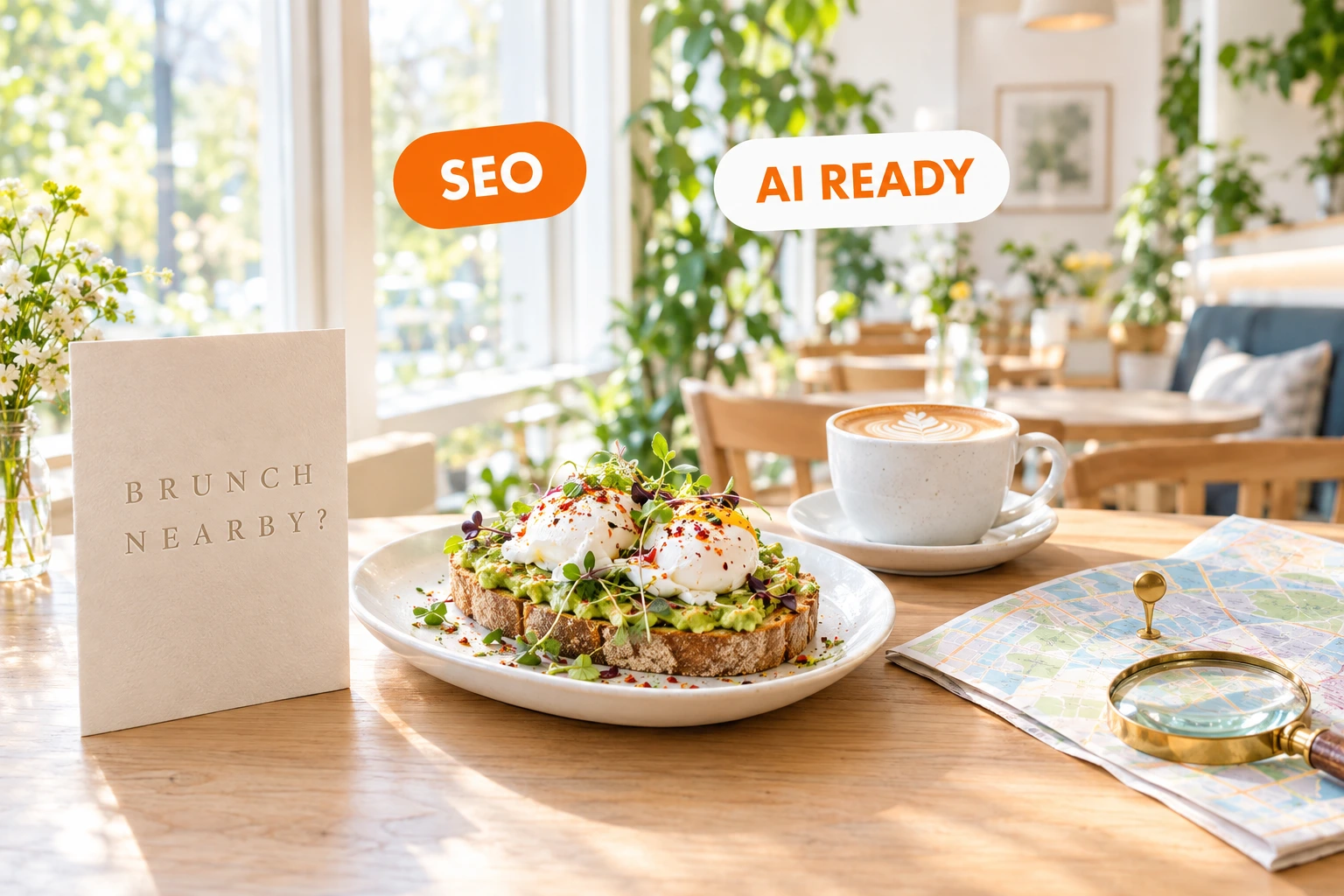
Found on Google and in ChatGPT
Every restaurant website on Ordering.Tools is built for search from day one: each dish has its own page, every page carries structured data, and your sitemap updates itself whenever you change something. You don't have to do anything.
What your site does for search, without you
When a guest searches for “pizza near me” or “brunch in Plovdiv”, or asks ChatGPT where to eat tonight, the answer comes from pages that machines can read. A PDF menu or a photo of the menu board tells them nothing. On Ordering.Tools the menu is real text: every category and every dish has its own address, price, photo, allergens and description, in every language you serve.
Around that text we add what search engines and AI assistants look for: a title and description for every page in the guest's language, Schema.org structured data for the restaurant, the menu and each dish, a sitemap with every dish and every language, a robots.txt that lets Google and the AI crawlers in, and an llms.txt file that shows AI assistants where your menu is. It is on for every restaurant, on every plan, the Free plan included. We don't promise a position on Google — nobody honest can — but we make sure nothing on our side stands in your way.
Why it matters for your restaurant
Every dish can be found on its own
A guest searching for “beef tartare” or “vegan burger” lands straight on that dish's page, with photo, price and an order button — not on a homepage they have to dig through.
Google understands your restaurant
Address, map position, opening hours, phone, cuisine, price range and links to your social profiles are written in the format Google reads. Your website and your listings tell the same story.
Ready for ChatGPT, Claude and Perplexity
AI crawlers are explicitly allowed, your menu is published in machine-readable form, and Ordering.Tools has a ChatGPT plugin and a Claude connector that read live menus. When a guest asks an assistant what to eat, your menu is there to be read.
Nothing to set up, nothing to maintain
Add a dish, change a price, mark something sold out: the page, the structured data and the sitemap follow on their own, and Bing and the other IndexNow search engines are notified on every save. No plugins, no SEO agency, no monthly checklist.
How it works
You build the menu
Add categories, dishes, photos and translations in the admin — or import the menu you already have.
We publish it for machines too
Every page gets its title, description, canonical address, language versions and structured data. Every dish gets a page of its own.
Search engines hear about it
Your sitemap lists every page in every language with the date it last changed, and every save notifies the search engines that accept instant updates.
Guests find you and order
From a Google result, an AI answer or a shared link, the guest lands on your dish or your menu and orders straight from your site.
What is built into every site
Structured data on every page
Schema.org markup tells search engines and AI assistants exactly what is on each page, instead of letting them guess from the layout.
- Restaurant: address, map position, hours, phone, cuisine, price range, social profiles
- Menu: every section and dish with price, allergens, diet labels and translations
- Each dish: its own page with photo, price and whether it can be ordered right now
- Events, photo gallery, FAQ and breadcrumbs marked up too
A page for every dish, in every language
Your menu is not one long page. Every category and every dish has its own readable address, and every language has its own version that search engines are told about.
- Dish and category pages with the dish name in the address
- Language versions linked to each other (hreflang), so Google shows each guest the version in their language
- A sold-out or out-of-hours dish keeps its page — it just can't be ordered for the moment
- A dish you remove for good sends visitors on to its category instead of a dead page
Sitemap, robots.txt and llms.txt, kept current for you
The files search engines and AI tools read first are generated from your live menu, so they are never out of date.
- A sitemap with every page, dish and language, and the date each one last changed
- Bing and the other IndexNow search engines notified the moment you save
- Search engines welcome, and the AI crawlers of OpenAI, Anthropic, Perplexity, Google and Apple explicitly allowed
- An llms.txt file that points AI assistants straight to your menu
Your own domain, and a safe move from your old site
On the Pro plan your site runs on your own domain, and everything above runs there too. If you already have a website, its search positions move with you instead of starting from zero.
- Sitemap, robots.txt and llms.txt served on your own domain
- Your Ordering.Tools address redirects permanently (301) to your domain, so search signals add up in one place
- Old website addresses redirected permanently to their new pages
- A list of broken links visitors still arrive on, so none is missed
Switch these on when you want them
Each one plugs into the same search set-up.
Your menu in more languages
Turn on extra menu languages — German, Romanian, Russian, French, Italian and more — and each one gets its own menu and dish pages in your sitemap, for tourists who search in their own language.
A blog on your own site
Switch the blog on and every article gets its own page, its own title and description, and a place in your sitemap. Seasonal menus, events and stories become more ways to be found.
Star rating from your reviews
With review management on, your average rating from Google, Facebook and other review sites is added to your restaurant's structured data — never made up from too little data.
Your titles, your words
Every page has a sensible title and description from the start. If you want, write your own for any page, in every language.
Where it pays off
A tourist searches in their own language
A visitor from Germany searches for “Schnitzel Sofia”. With German switched on, your dish page in German is there to be found, with its photo and price.
A guest asks ChatGPT where to eat
Someone asks ChatGPT for a place with gluten-free dishes. The assistant can read your menu, your allergen labels and your hours instead of guessing from a photo of a menu board.
You change the menu on Monday
You add three new dishes and drop one. Their pages, the structured data and the sitemap update when you save — nobody has to remember to update anything.
The salmon is sold out tonight
You mark it sold out. Its page stays online and keeps showing in search — guests see it isn't available right now instead of an error page.
You move from your old website
Your old site has ranked for years. Before the switch, every old address is mapped to its new page with a permanent redirect, so search engines carry the old pages' signals over to the new ones.
A new restaurant on the Free plan
You start on the Free plan. Your menu, dish pages and structured data are published for search exactly as on the paid plans — being found costs nothing.
Restaurant SEO that is built in, not bolted on
Most restaurant websites are made to look good. Search engines and AI assistants don't look — they read. Ordering.Tools builds your site from your menu data, so the same source feeds the page the guest sees and the markup the machines read. The two can't drift apart.
What we do, and what we don't promise
We take care of the technical side: readable pages, structured data, sitemaps, language versions, redirects and fast notice of changes. Where you appear in Google also depends on things only you control — your reviews, your Google Business Profile, your photos and what people say about you. We don't sell rankings and we don't promise a place on page one.
Why it matters for AI assistants too
ChatGPT, Claude, Perplexity and Gemini answer restaurant questions from sources they can read with confidence. Structured menus with allergens, prices and opening hours are exactly that. For the AI side in depth — the ChatGPT plugin, the Claude connector and the public menu API — see AI Discoverability.
Included in every plan
Being visible in search is part of the service, on the Free plan as well as the paid ones. Your own domain comes with the Pro plan; extra menu languages and the blog are switches you turn on when you want them.
Restaurant SEO — frequently asked questions
Is SEO included in the Free plan?
Yes. Every restaurant website on Ordering.Tools, on every plan including Free, gets the same set-up: a page for every dish, structured data, a sitemap with every language, robots.txt and llms.txt. Your own domain is part of the Pro plan.
Do I need to do anything to appear on Google?
Nothing technical. Fill in your menu with good names, descriptions and photos, and keep your address and opening hours current — the rest is generated for you. For the restaurant itself, a complete Google Business Profile and regular reviews help as much as the website does.
Can you guarantee a first-page position on Google?
No — and be careful with anyone who does. Rankings are Google's decision. What we take care of is the technical side of your site: readable pages, correct structured data, a current sitemap and no broken links when you change your dishes.
Will ChatGPT and other AI assistants find my menu?
Your site lets in the crawlers of OpenAI, Anthropic, Perplexity, Google and Apple, publishes the menu in structured form and lists it in an llms.txt file. Ordering.Tools also has a ChatGPT plugin and a Claude connector that read live menus. Whether an assistant recommends a place is its own decision, but your menu is there to be read.
What happens in search when a dish is sold out?
Nothing bad. The dish page stays online and shows that it can't be ordered right now, so it doesn't drop out of search overnight. A dish you remove for good sends visitors on to its category instead of an error page.
My current website ranks well. Will I lose that if I move?
That is what the redirect manager is for. Every old address is mapped to its new page with a permanent (301) redirect, and a list shows the old links visitors still arrive on, so none is missed. Google advises keeping redirects for at least a year after a move; ours are never removed automatically.
Does my site work in several languages for search?
Yes. Each language has its own address, and the versions are linked with hreflang so search engines show every guest the right one. You can also switch on extra menu languages — German, Romanian, Russian, French and more — for tourists who search in their own language.
How do search engines learn about a change?
Your sitemap carries the date each page last changed, so Google sees it on its next visit. Bing and the other search engines that use IndexNow are notified the moment you save.
Be found by the guests who are already searching
Put your menu on Ordering.Tools and it is ready for Google and AI assistants from day one — on the Free plan too.
Related features
Other tools restaurants use alongside this one.
Every Ordering.Tools menu is automatically discoverable inside ChatGPT, Claude, Perplexity, Gemini and any other AI assistant — with the customer's full menu, allergens, prices and translations on tap. Zero per-venue setup, custom-domain venues included.
Learn moreStack full-width sections, drag them into the order you want, and publish. Every section is built for restaurants: menu sliders, offer carousels, photo mosaics, location cards, opening hours, reservation forms. Your fonts, your colours, your brand — running on the same platform that takes your orders.
Learn moreWhen customers scan your QR code, they see your name, your colors, your logo. Not a marketplace. Not a third-party app. You.
Learn moreTourists scan your QR code and see the menu in their own language. No waiting for staff to explain. No pointing at pictures. They order confidently and spend more. We translate your menu for you.
Learn more