
Order Updates Where Your Customers Actually Are: Viber for Bulgarian and Greek Restaurants
Viber order notifications for restaurants in Bulgaria and Greece: branded messages in your business name, the same events as email and SMS, plus a fallback.
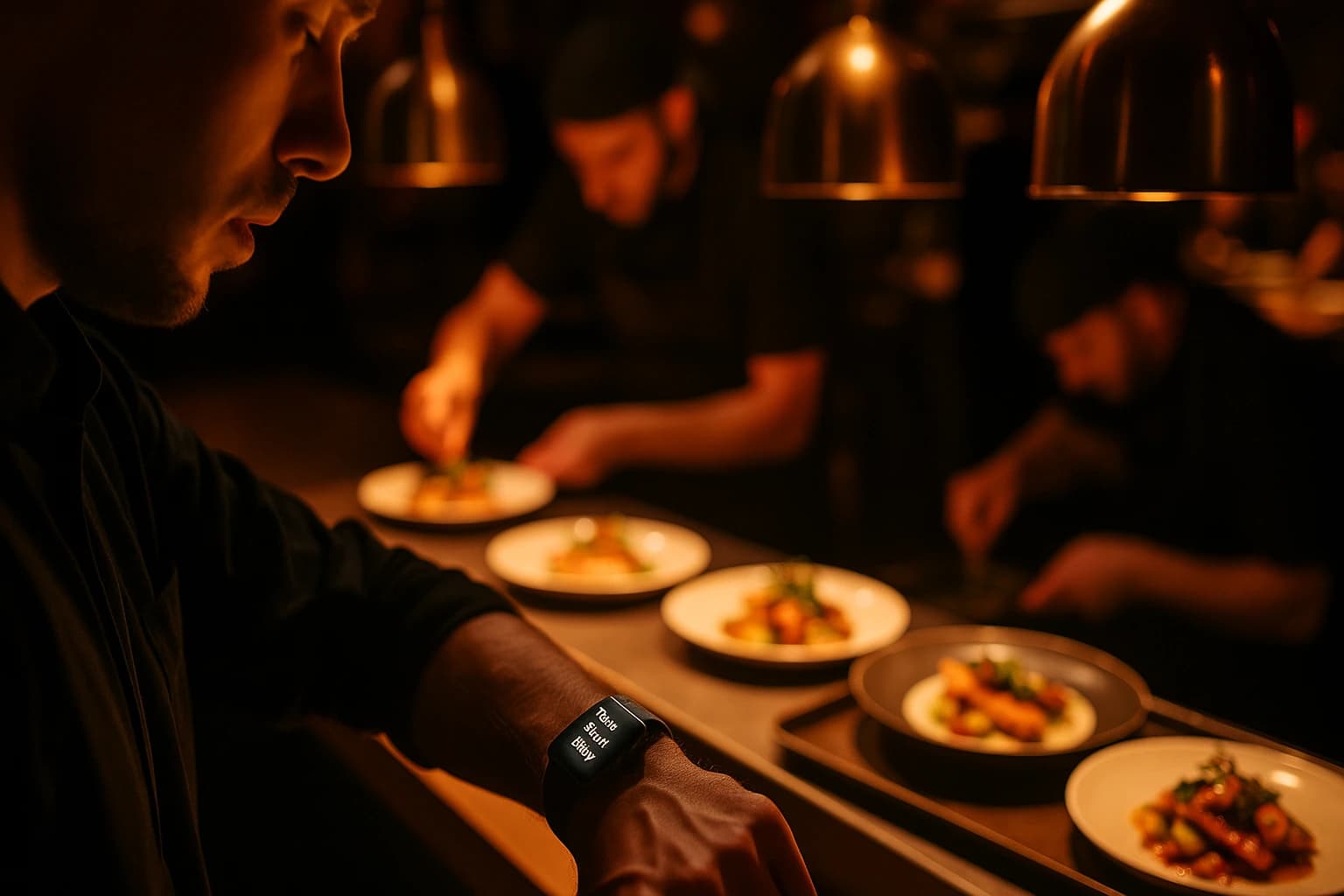
Open the phone of a customer in Sofia or Thessaloniki and look at which app carries their day. The family group chat is on Viber. The school class group is on Viber. The building's residents argue about the elevator on Viber. It is the app where messages from people who matter arrive — which is exactly why a message that lands there gets seen, and seen quickly.
Now look at how most restaurants tell that same customer their order is ready. An email, which gets read tonight. A bare text from a number they do not recognise. Or nothing at all — the customer is left to keep refreshing a tracking page. The mismatch is plain: the update is time-sensitive, and it is being sent everywhere except the app that person actually opens. Viber order notifications close that gap.
The Channel Mismatch Most Restaurants Never Notice
An order update is only worth sending if it is seen at the right moment. "Your order is ready for pickup" matters now — in thirty minutes it is an apology. Email is excellent as a record: the confirmation with the full breakdown, the receipt to forward. It is not a channel people watch minute by minute. SMS does land immediately and works on any phone, but it costs per message and arrives as plain text from a sender the customer may not recognise.
None of that makes email or SMS wrong. It makes them incomplete. The question worth asking is not "which channel is best" in the abstract — it is "where is my customers' attention already". In Bulgaria, where Viber is a daily habit for millions, and for a large share of guests in Greece and across the Balkans, the honest answer is Viber. Sending order updates there is not chasing a trend; it is meeting an existing habit.
What a Viber Order Update Looks Like to Your Customer
The customer places an order and, as it moves through the kitchen, messages arrive in their Viber: order confirmed, being prepared, ready for pickup, out for delivery. Each status change fires automatically — nobody on your staff types anything. The text is the same locale-aware wording used for SMS, so a guest who ordered in Greek reads the update in Greek and a guest who ordered in English reads it in English.
Two details do most of the work. First, the message comes from your restaurant's own Viber Business sender name — your brand, not an anonymous number — so the guest knows who is writing before they read a word. Second, there is nothing to install. Your customers keep the Viber they already have on their phone. No download, no account to create, no code to enter. The updates simply arrive.
A status update from "Trattoria Marco" reads differently than one from an unfamiliar five-digit number. The sender name is the trust. It is the difference between a message that gets opened from the lock screen and one that gets swiped away on instinct.
What It Changes Operationally
The first change is measured at your counter: fewer "where is my order?" calls. Those calls happen because the customer has no better source of truth than your phone line. Give them updates in an app they check anyway, and the question is answered before it is asked — while your staff stays on food instead of the phone.
The second change is cost. You send through your own Viber Business account, so the per-message price sits on your own agreement with Viber — often lighter than SMS — and Ordering.Tools adds no markup on messages sent through your account. You are not renting a channel from your ordering platform; you are plugging in one you already own.
The third change is that there is nothing new to manage. Viber slots into the same per-event notification matrix that already runs your email and SMS. You tick Viber on the events that should fire it, and every send is recorded in your notification log alongside the rest — one system, one place to check what went out.
How to Turn It On
1. Connect your Viber Business account
The prerequisite is a Viber Business account registered with Viber — many venues that care about this channel already have one for their guests. In Messaging settings, open the Viber card and paste the auth token and sender ID that Viber issued to your business.
2. Verify the connection
Click Verify. Ordering.Tools calls Viber to confirm the credentials actually work before anything goes live — you find out in seconds, not after a night of silently failed sends.
3. Pick the events that fire
In notification settings, tick Viber on the order events you want guests to receive. It is the same matrix you already use for email and SMS, so the decision is per event, not all-or-nothing. Many venues start with ready-for-pickup and out-for-delivery — the two moments guests actually wait on.
4. Updates reach your guests
From then on, every status change on the ticked events is delivered over Viber from your brand name, with delivery status recorded in your notification log. Nothing else in your workflow changes.
If the credentials break later — revoked, expired, replaced — the integration is flagged, an admin banner tells you, and Viber sends are skipped while your other channels keep firing. A broken channel never means silent customers.
Not Everyone Is on Viber — and That Is Fine
Viber is a channel choice, not a religion. Some of your customers do not have it, and no channel — not this one, not SMS, not email — reaches everyone by itself. That is exactly why the notification system is a matrix rather than a single switch: email carries the full order record, SMS covers guests without Viber, and browser push alerts your own team. The channels run side by side; adding Viber takes nothing away from the others. Four questions tell you whether to turn it on:
- •Do your regulars already message your business on Viber? If the channel is where your guests are, this decision makes itself.
- •Do you have a Viber Business account, or are you ready to register one? The sender name and per-message pricing come from Viber, not from your ordering platform.
- •Which two or three order events do your guests actually wait on? Start with those instead of ticking everything.
- •Is SMS or email staying on as the safety net? Keep at least one channel that reaches customers without Viber.
That is the whole discipline: the right notification channel is the one your customers open, at the moment the update matters. For a pizzeria in Plovdiv or a grill house in Kavala, that channel is very often Viber. For a venue whose guests are mostly foreign tourists, it may not be. Decide from your own dining room, not from a generic best practice.
Where to Start
If your business already has a Viber presence, the setup is a short evening's work: connect, verify, tick two events, place a test order and watch the message arrive from your own brand name. If you do not, register the Business account with Viber first — that part is between you and Viber — and connect it once the credentials are in hand.
The Viber Notifications feature page walks through the connection screen by screen. The Order Notifications feature page shows the full matrix — email, SMS, Viber and push side by side — and the SMS Notifications feature page covers the channel most venues keep as the fallback. And if you are still deciding which order events deserve an alert at all, our guide to automated order status alerts compares the channels and the moments that actually reduce phone calls.
Frequently asked questions
How do restaurants send order notifications over Viber?
Through their own Viber Business account. In Ordering.Tools, you paste the auth token and sender ID that Viber issued to your business, click Verify to confirm the credentials work, and tick Viber on the order events you want customers to receive. From then on, every status change on those events — confirmed, preparing, ready, out for delivery — is sent automatically from your brand name.
Do customers need to install anything to get Viber order updates?
No. Updates arrive in the Viber your customers already have on their phone. There is nothing to download, no account to create and no code to enter — the message simply appears in the app, sent from your restaurant's own Viber Business sender name.
What order updates can a restaurant send over Viber?
The order-status events from the notification matrix: order confirmed, being prepared, ready for pickup, out for delivery and the rest. Each event is toggled individually, and the text is the same locale-aware wording used for SMS — a customer who ordered in Greek gets the update in Greek.
Is Viber cheaper than SMS for restaurant notifications?
It often is, but the exact figure depends on your own agreement with Viber. You send through your own Viber Business account, so the per-message cost sits on your Viber bill, and Ordering.Tools adds no markup on messages sent through your account. Per-message pricing is often lighter than SMS, which is priced per message per carrier.
What happens if a customer does not use Viber?
They still get notified. Viber is one column in a per-event notification matrix that also runs email and SMS, so customers without Viber are covered by the other channels you keep on. And if your Viber credentials ever break, the integration is flagged with an admin banner and Viber sends are skipped while email and SMS continue firing.
Try Ordering.Tools for Free
Set up your digital menu in under 2 minutes. No credit card required.