
Online Ordering for Restaurant Chains and Franchises: One Brand, Many Kitchens
Online ordering for restaurant chains and franchises: route orders to the right branch, keep per-branch menus, hours and zones, see the whole chain at once.
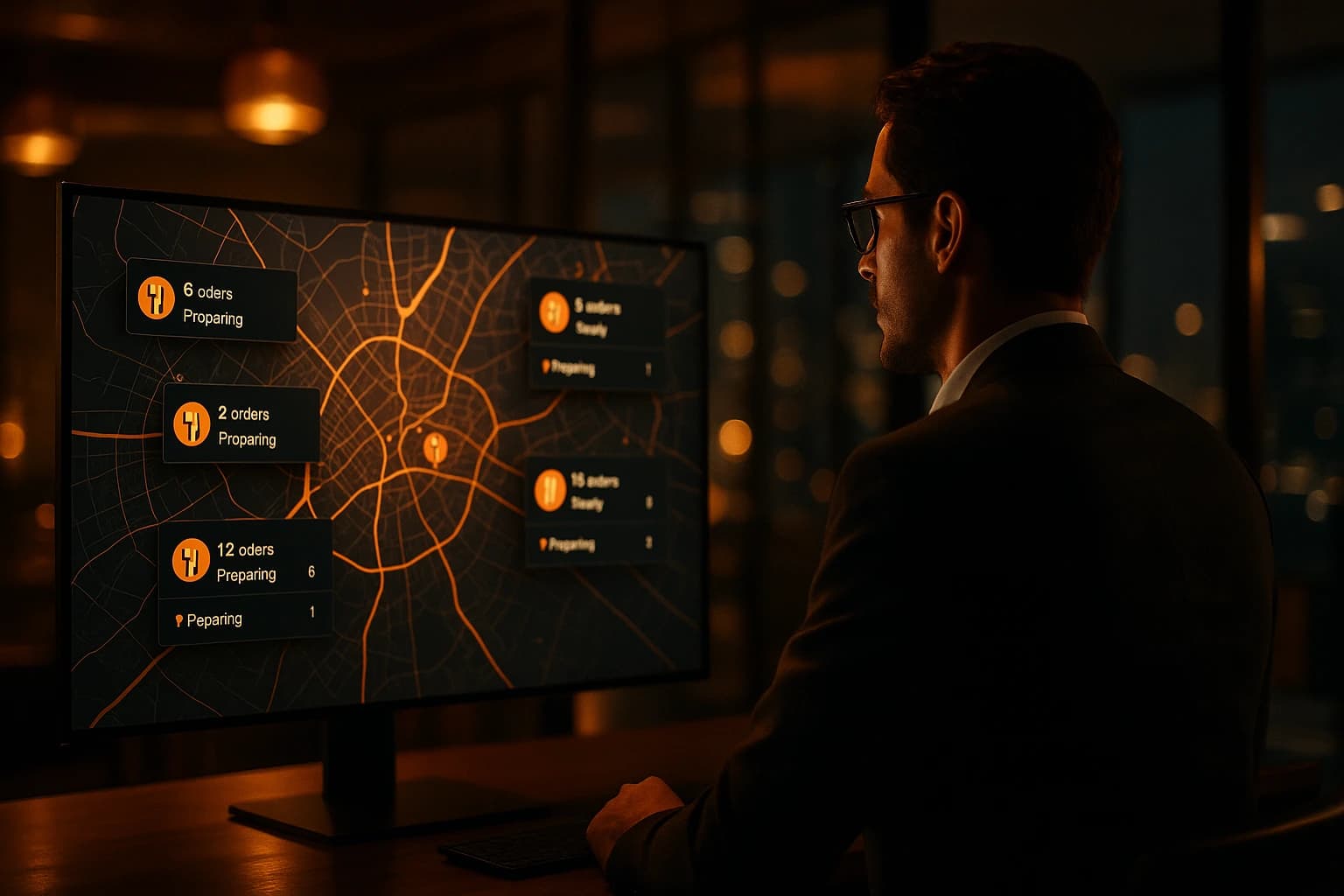
A customer on the north side of town opens your website, orders two pizzas and pays. The order prints in your south-side kitchen — forty minutes away, a trip its driver will never make. Or it reaches the right branch, but that branch closed an hour ago, and the order sits unseen until the morning shift finds it next to an angry email. Run one restaurant and this problem does not exist. Run five under one name, and it is the default.
Chains fail online in ways single venues never see. A single venue has one menu, one kitchen, one set of hours, one delivery area — the site can only be right. A chain has five of each and one website, and every gap between the two becomes a wrong order, a refund, and a customer who concludes the brand let them down. Not the branch. The brand.
The Failure Modes Only Chains Have
An order lands in the wrong kitchen because the site never asked which kitchen was in play. A dish shows as orderable everywhere while one branch ran out at noon. The seasonal special only two branches make is displayed at all five. The site advertises one set of hours while every branch keeps its own. And a delivery address squarely inside branch three's area books at branch one — which rejects it or sends a driver across town.
None of these are staff mistakes, and no briefing fixes them. They are structural: one storefront was asked to speak for many kitchens without being told anything about them.
One Site, Many Kitchens: Routing Is the Whole Game
The answer is not five websites. A chain runs one customer-facing site — one domain, one brand, one cart — and the customer never leaves it or thinks about branches unless they want to choose. Behind that site, every order must resolve to exactly one kitchen before it is placed. There are two ways, and a chain needs both.
Pickup: the customer picks the location
For pickup, the choice belongs to the customer. Show the brand's locations with addresses — nearest first when the customer shares where they are — and let them pick. With a single collection point there is nothing to ask: the location is preselected and the customer confirms. A search by city or address does the same job, landing the customer on their closest branch.
Delivery: the address picks the location
For delivery, the customer should never guess which branch covers their street — a wrong guess is what produces the cross-town order. They type an address; the system checks it against every branch's delivery zones and routes the order to the nearest branch that covers it. If none does, the customer is told before they build a cart — an honest "we don't deliver there yet" costs less than a paid order a kitchen has to refuse.
Ask before the cart, not at payment
Timing matters as much as the mechanism. Asked at checkout, the question comes after the customer has browsed a menu that may not match their branch and seen fees that may not apply. Ask at the first add-to-cart instead: pickup or delivery, which location or which address. From then on the fee, the available items and the kitchen are settled while they browse — not disputed after they pay.
Every failure mode a chain has online is one question answered too late: which kitchen makes this order? Answer it before the money moves, and the wrong-branch order, the closed-branch order and the cross-town delivery stop happening.
One Menu, Local Truth
Under a shared brand the menu is built once, not five times. One venue — the master — owns the products, categories, photos and descriptions, and every branch inherits them automatically. Rename a dish or swap a photo and the change is live everywhere at once. Nobody emails a spreadsheet to four managers and hopes.
But inheriting is not cloning. Each branch can override any item's price — rents differ, so can prices — or take the master price by leaving it blank. Each branch can hide an item it does not carry, so the seasonal special appears only at the locations that run it. A branch that sells out at noon marks the item sold out for itself alone. The brand menu stays one thing; what each customer sees is the truth of their branch.
Hours and Zones Are Branch Facts
Opening hours and delivery areas are branch facts, and they must live on the branch, not the brand. When an order routes to a location, the fee comes from that location's zones and the order is accepted against its hours. The order then belongs to the kitchen that cooks it — its screens, its printers, its notifications. The owner sees every order in the chain, but each one lands where the food is made.
What Stays Central, What Each Branch Controls
The dividing line worth writing down before you configure anything:
- •Central: the website, the domain and the brand the customer sees
- •Central: the base menu — names, descriptions, photos, categories
- •Central: pricing policy, with branch prices as deliberate exceptions
- •Per branch: availability — what is actually in that kitchen today
- •Per branch: hours, contact details and the delivery area it really serves
- •Per branch: its own orders, kitchen screens and daily numbers
The Franchise Balance: Local Numbers, Shared Brand
Franchises add a political layer to the technical one. A franchisee is not a shift manager: they paid for their territory, answer for their own profit, and want their own numbers and their own day. The brand wants one menu, one look, one standard. Access control is where both are served: the franchisee's team sees their location only — orders, settings, revenue — while the brand sees everything, with an audit trail of who changed what and when.
Local identity fits inside that frame rather than fighting it. A location can carry its own banners, promotions, contact details and hours — while the core menu and the brand's look stay centrally owned. The franchisee runs the day-to-day. The brand enforces the standard without micromanaging it.
A franchisee who trusts their own numbers argues less about the brand's. Give every location a clean view of its own orders and revenue, and the monthly conversation shifts from "prove it" to "what next".
The Owner Sees the Whole Board
The other half of visibility is the owner's. Revenue for the whole brand broken down by venue. Locations compared side by side. The products that sell best across the chain — and the branch where they inexplicably do not. That view turns five gut feelings into one decision: you spot the underperforming location while the problem is a week old, not a quarter old.
If the chain runs its own drivers, the same logic extends to delivery: one dispatch board across every branch, and a shared driver pool that can fulfil orders from any venue in the network — a quiet branch's driver takes on a slammed one's backlog instead of watching it.
Where to Start
Start with a map, not software. List your locations, their real hours and the delivery area each honestly serves — overlaps and holes included. Decide which location's menu the others inherit, and write down your pricing policy: one price everywhere, or branch exceptions under a stated rule. Every wrong-branch refund traces back to one of those undecided questions.
Then put it in place. The Restaurant Chains feature page walks through the master menu, how branches inherit it, and how each one overrides price or availability per item. The Multi-Location feature page covers the management side — per-location access for managers, cross-location reporting for the owner. And if the harder half is operational — keeping five kitchens consistent day after day — our guide on managing multiple restaurants without chaos covers the systems that make it hold.
Frequently asked questions
How does online ordering work for a restaurant chain with multiple locations?
The chain runs one customer-facing website with the brand's shared menu. Before the order is placed, it is resolved to exactly one branch — the customer picks a pickup location, or their delivery address is matched against each branch's delivery zones. The order then lands at that branch: its kitchen, its hours, its delivery fee.
How do delivery orders get routed to the right branch?
The customer's address is checked against every branch's delivery zones and the order goes to the nearest branch that actually covers it. If no branch covers the address, the customer is told before checkout instead of being routed to a kitchen that would refuse the order.
Can each location in a chain have different prices and menu items?
Yes. The menu is built once on a master venue and every branch inherits it automatically. Each branch can then override the price of any item, hide items it does not carry, and mark items sold out for itself — without affecting the other locations or splitting the brand menu into copies.
Do franchisees see other locations' orders and revenue?
No. Access is scoped per location: a franchisee's team sees only their own orders, settings and numbers. The brand owner sees every location, with an audit trail of who changed what. That split gives franchisees real local control while the brand keeps oversight.
Does a restaurant chain need a separate website for each location?
No — one site serves the whole chain better. Customers find one brand, one menu and one cart, and the system routes each order to the right branch behind the scenes. Separate sites split the brand's online presence and still do not answer the routing question.
Try Ordering.Tools for Free
Set up your digital menu in under 2 minutes. No credit card required.