
Loyalty Programs
Set up Points, Voucher, and Card loyalty programs to reward customers and drive repeat orders.
Overview: Three Loyalty Modules
Ordering.Tools offers three independent loyalty programs, each activated separately. The Points Program rewards customers with points for every order — redeemable for discounts and free items. The Voucher Program auto-issues a free-product promo code after every qualifying order — delivered by email with a validity window you control. The Loyalty Card Program lets you issue personal discount cards (with QR codes) to VIP or corporate clients — each card carries a permanent tier discount applied via promo code at checkout.
All three programs can run simultaneously on the same venue. Each integrates with the existing Promotions system — no changes to your checkout flow are needed.
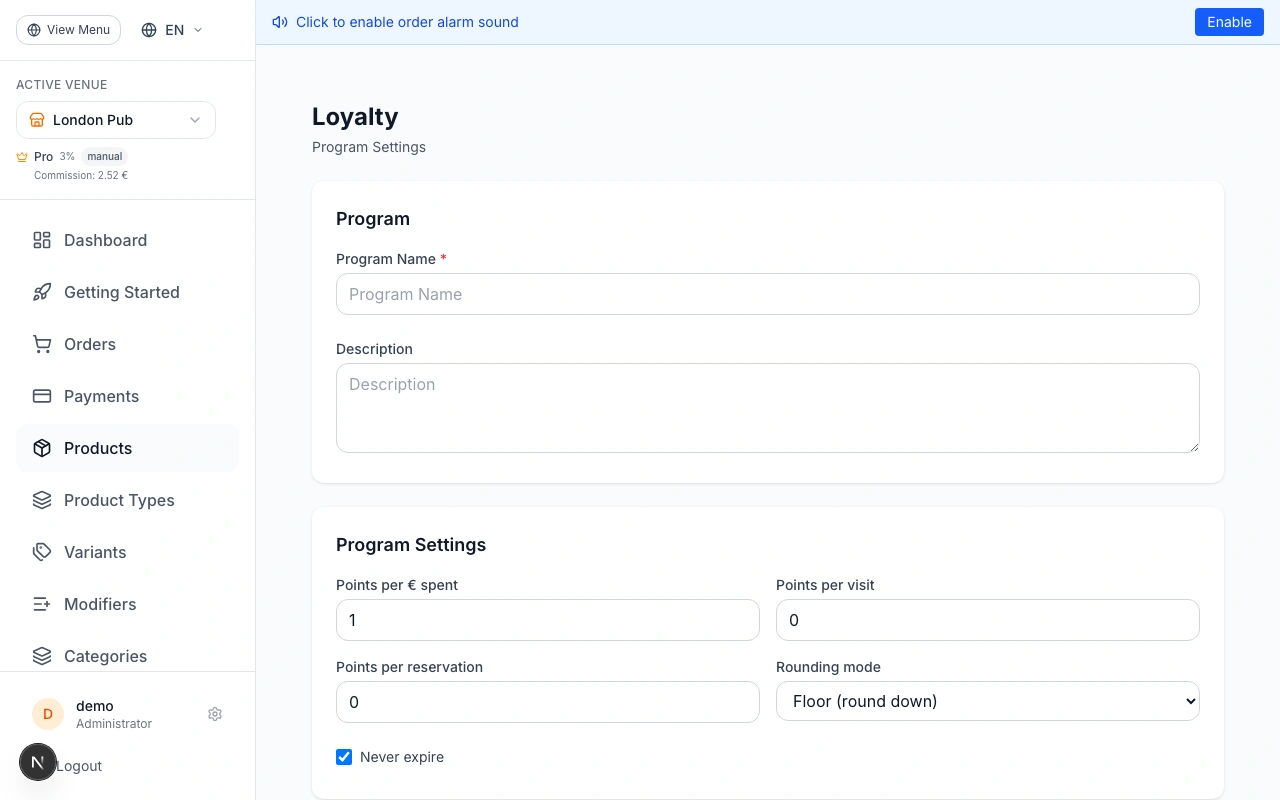
Set Up the Points Program
Go to Admin → Loyalty → Points Program. Click 'Create Program', give it a name (e.g. 'Coffee Club Rewards'), and configure: Points per currency unit (e.g. 1 point per 1 EUR), optional bonus points per visit or reservation, point expiry, and rounding mode. Click Save. Then go to Tiers to define VIP levels (Silver, Gold, Platinum) with point thresholds and earning multipliers. Go to Rewards to define what customers can redeem — percentage discount, fixed amount, free delivery, or a free item. Each redemption generates a one-time promo code automatically.
Start simple: 1 point per currency unit, no expiry, one reward tier. The 'Earn X points' preview appears at checkout automatically once the program is active.
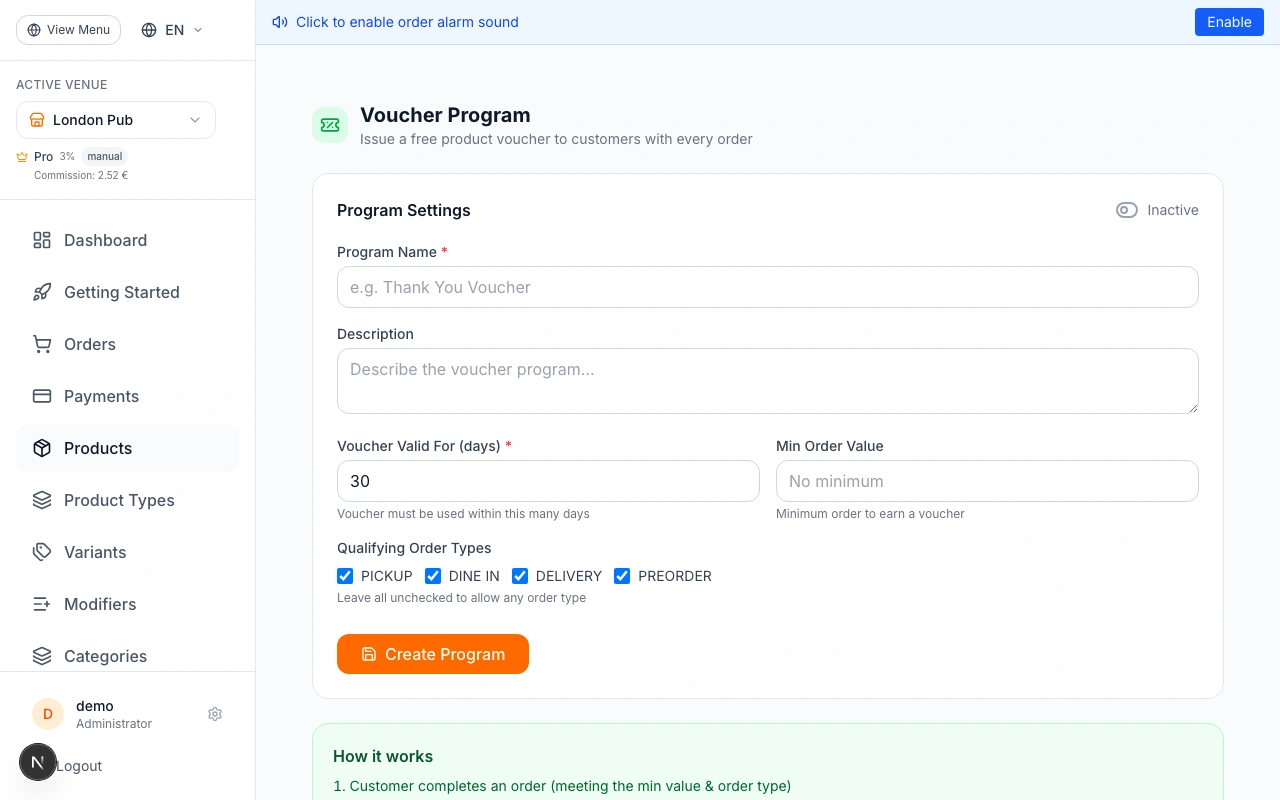
Set Up the Voucher Program
Go to Admin → Loyalty → Voucher Program. Set the validity window (how many days the customer has to use the voucher), an optional minimum order value, and which order types qualify. Then add the product(s) offered as the free item. When active, every qualifying completed order automatically generates a unique 100%-off promo code for the chosen product. The customer receives the code by email and can see it in their loyalty account.
Great for 'free dessert with your next order' campaigns. Choose a low-cost item like a coffee or cookie to maximize margin while delighting customers.
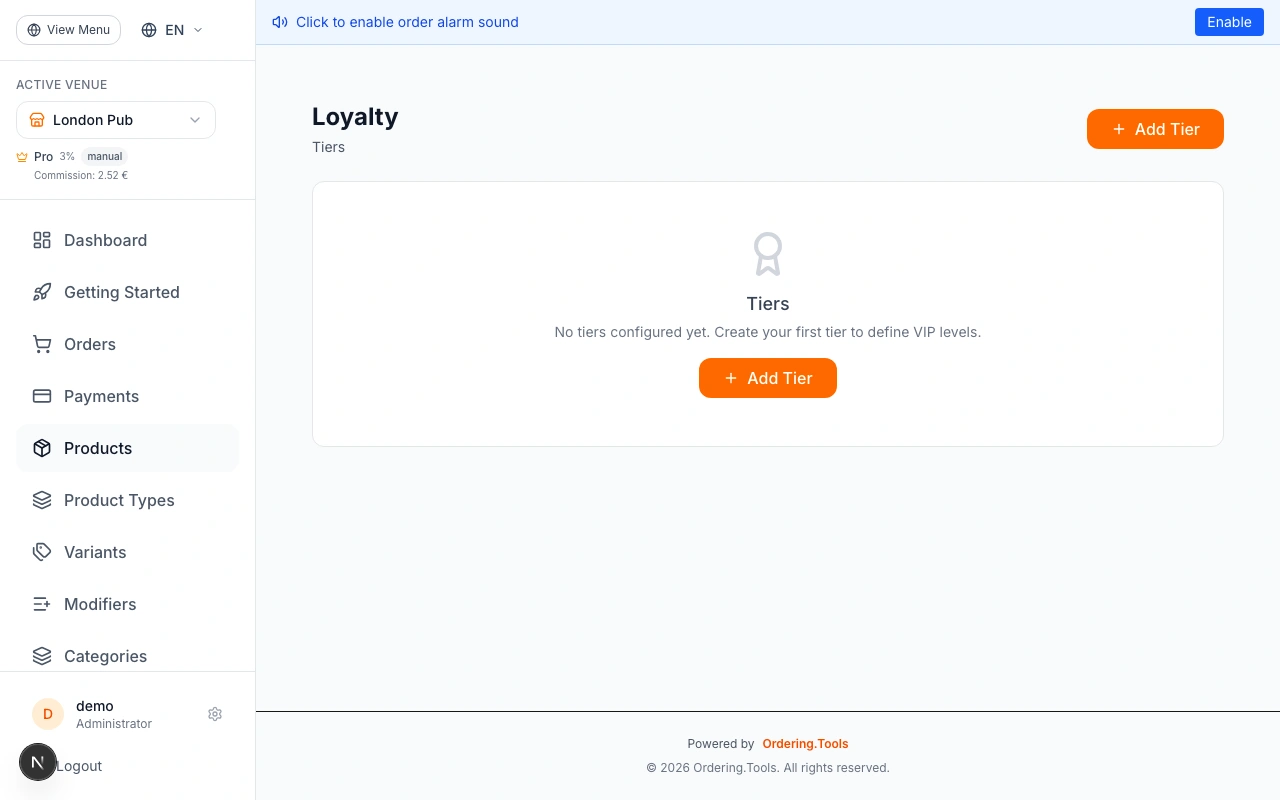
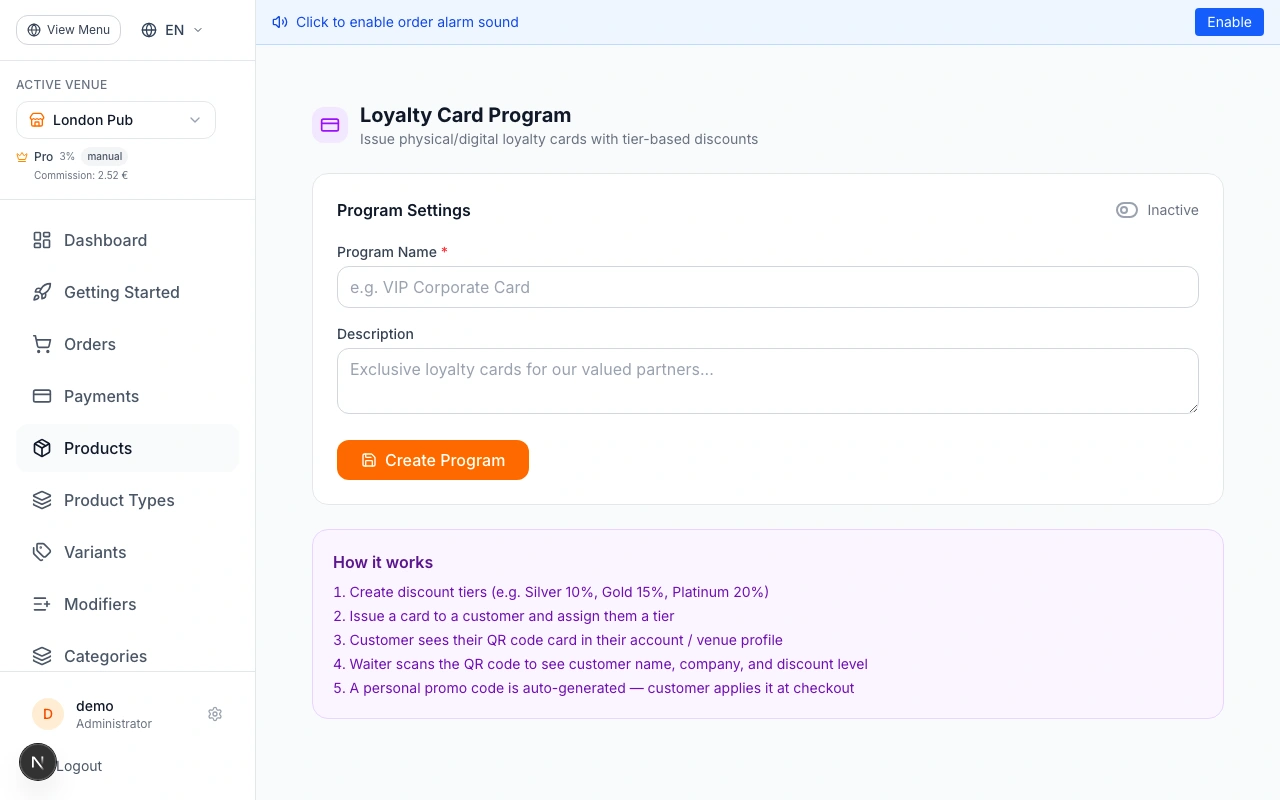
Set Up the Loyalty Card Program
Go to Admin → Loyalty → Loyalty Cards. Create the program and define discount tiers — for example: Silver (10% off), Gold (15% off), Platinum (20% off). To issue a card: click 'Manage Cards', then 'Issue Card', search for a customer by name or email, select their tier, and click Issue. A unique QR code card and personal discount promo code are generated. The customer sees their digital card in their account profile. For corporate clients, edit the customer record to add Company Name, VAT number, and address — these appear when a waiter scans the QR.
Staff with admin access can scan a customer's QR code at Admin → Loyalty → Scan Card to see the customer's name, company, tier, and discount percentage in real time.
Customer Experience
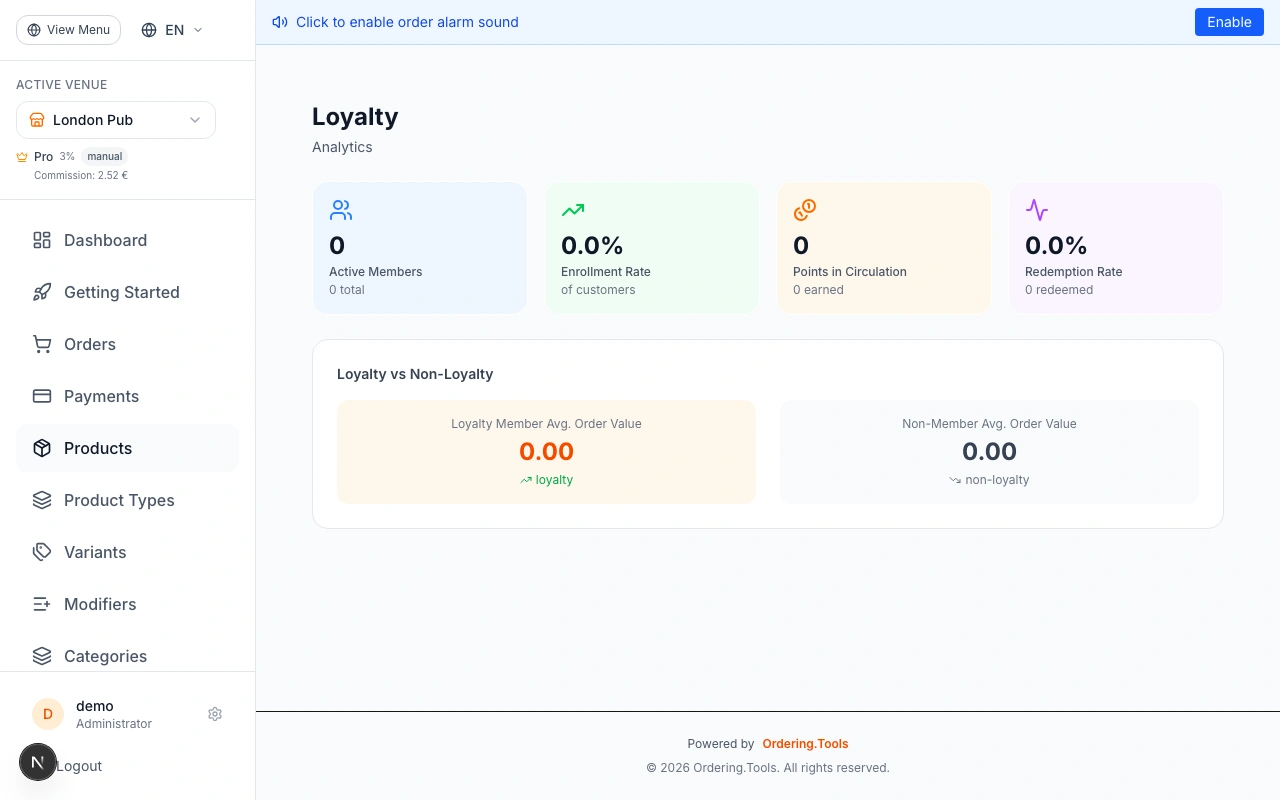
Customers access their loyalty hub at Account → Rewards. The dashboard shows points balance, tier level, progress to next tier, active challenges, and referral code. From the Rewards tab they can redeem points — a promo code is instantly generated. Voucher codes appear in their account and via email. Loyalty card holders see their digital card with QR code and personal discount code under Account → Rewards → My Card.
No app download required. Everything works in the browser. Customers can share their referral link to earn bonus points when friends place their first order.
Advanced: Earning Rules, Challenges & Automations
Earning Rules let you run double-points events — configure a multiplier or flat bonus for specific products, categories, order types, or time windows. Challenges create gamification: 'Order 5 times this month' awards bonus points when completed. Automations trigger rewards based on customer behavior — birthday bonuses, first-order welcome rewards, inactivity win-back offers, and milestone rewards at spending thresholds.
Start with a Birthday automation — award 2x points or a free item on a customer's birthday. It is one of the highest-ROI loyalty actions.
Ready to Get Started?
Apply what you've learned and set up your restaurant in minutes