
The Driver App
For drivers: go online, take a delivery from the restaurant to the customer, use the map and the chat with the dispatcher.
Sign in and your deliveries
Sign in at the restaurant's usual sign-in page with the phone number and password the restaurant gave you. The app opens on My Deliveries: every order assigned to you, with its status, address and customer.
Add the app to your home screen — it opens like any other app and keeps you signed in.
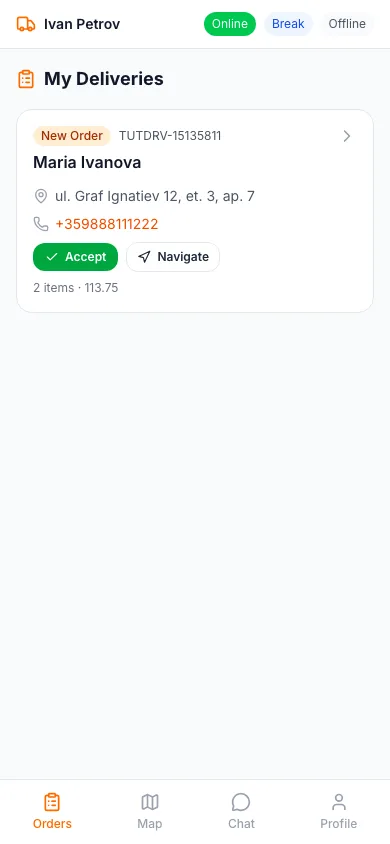
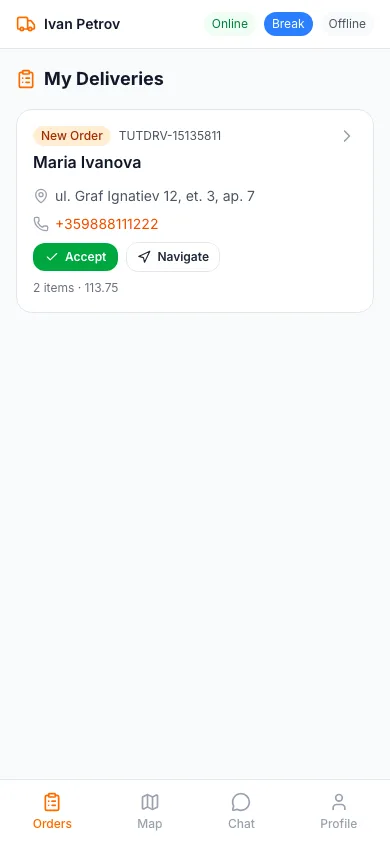
Online, Break, Offline
The switch at the top sets your status.
- Online: you can receive new deliveries
- Break: new assignments pause while you rest
- Offline: you are not working
The restaurant only assigns orders to drivers who are online.
Keep the app open while you work: it shares your position with the restaurant only while you are online.
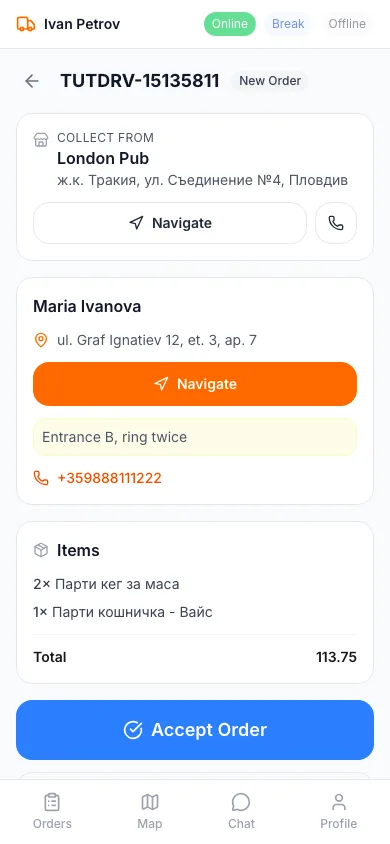
Accept and pick up
Open a delivery to see the address, the customer's notes and phone, what is in the bag and the amount to collect. Accept it with the big button. At the restaurant, check the bag, tick the box and mark it picked up — the customer's tracking page then shows the order on its way.
Can't take a delivery? Use the button under Accept and give a reason, so the dispatcher can give it to someone else.
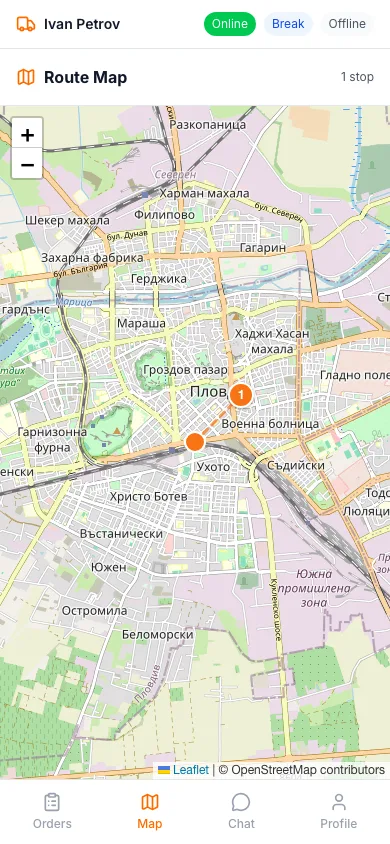
Map and delivering
The Map tab shows where you are, your stops in order and the route. At the customer's door, open the delivery and mark it delivered; you can add a photo as proof of delivery or skip it.
Chat and profile
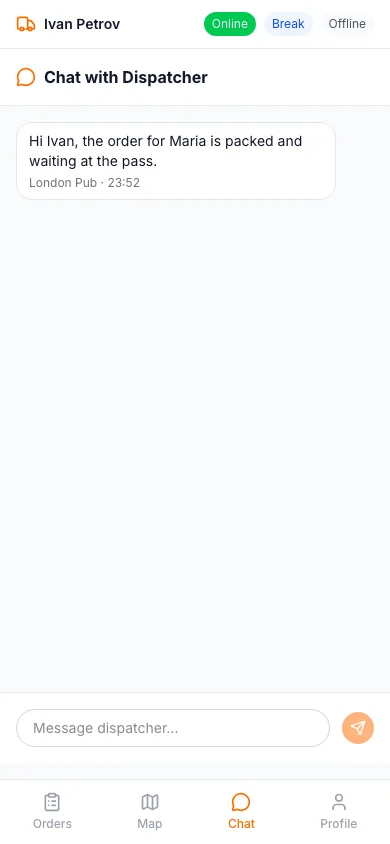
Chat is your line to the restaurant's dispatcher — write when an address is wrong or the customer does not answer; they see it at once and reply there. Profile shows your details and status; sign out there at the end of your shift.
On a shared phone, always sign out: the next driver then starts with nothing of yours.
Ready to Get Started?
Apply what you've learned and set up your restaurant in minutes