
Blog
Guides, comparisons, and expert tips on digital menus, online ordering, and restaurant technology.

What to Look for in an Online Ordering System: A Restaurant Buyer's Guide
Switching or replacing your restaurant online ordering system? Evaluate by capability, not brand name: languages, EU/GDPR data ownership, channels, pricing transparency, API, POS, loyalty, and onboarding.

GloriaFood Migration Checklist: Move Your Restaurant Ordering Before the 2027 Shutdown
GloriaFood is being retired by Oracle on 2027-04-30. A calm, ordered checklist to export your menu, save your customer list, pick a replacement, rebuild, test a real order, and switch links before the deadline.
GloriaFood Is Closing: What Restaurants Should Do Before 2027-04-30
Oracle is shutting down GloriaFood on 2027-04-30. Here is the plain fact, what it means for your ordering widget, what to export first, and a calm calendar so you migrate and go live well before the deadline.
Restaurant Tech Trends in Bulgaria and Greece: What We Consistently See in Venues Going Digital
Practical, on-the-ground observations of how restaurants in Bulgaria and Greece are going digital — QR menus in tourist venues, EN/BG/EL menus, owning your channel, phone and Viber ordering, and the shift to one unified system.
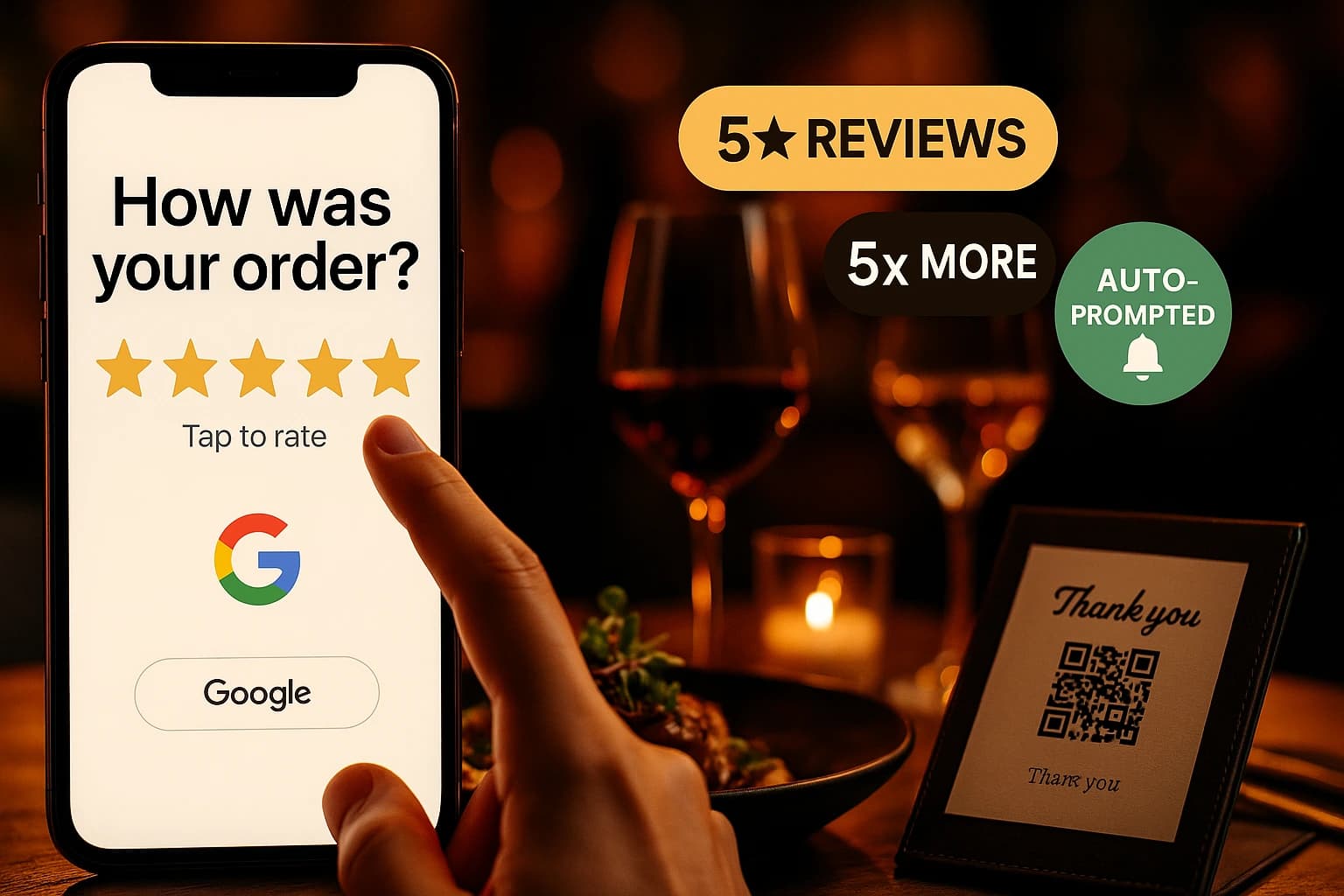
How to Respond to Negative Restaurant Reviews (Without Making It Worse)
One angry review sits at the top of your profile and every reply you draft sounds wrong. Here is the four-part reply that works, the mistakes that make it worse, and how to handle food, service, delivery and fake reviews.

Get Your Restaurant Found by AI: How Customers Discover Venues Through ChatGPT and AI Search
Customers now ask AI assistants where to eat — and the assistants answer from structured, machine-readable data, not from pretty websites. Here is what AI actually reads, and how your venue becomes one of the answers.
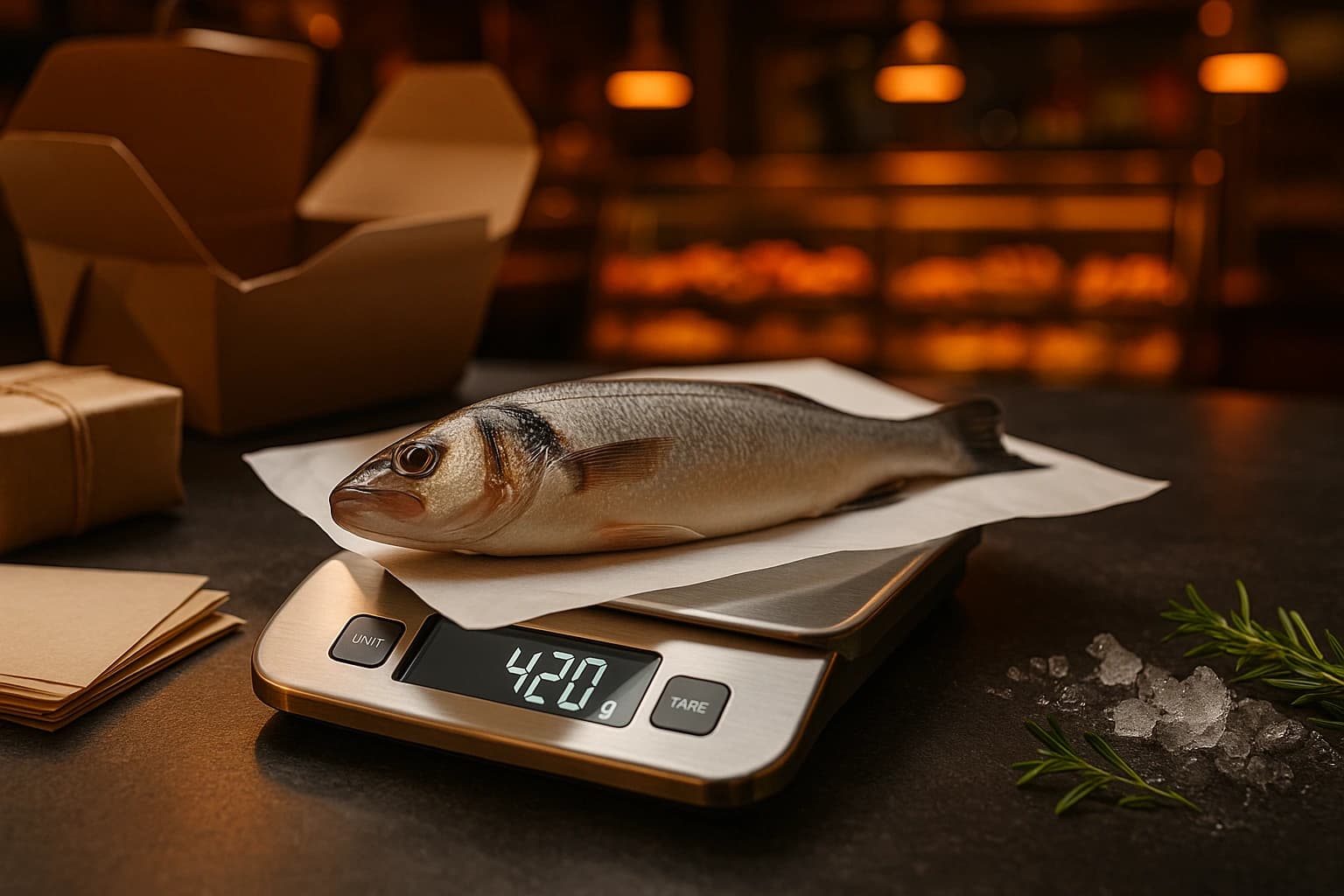
Selling Takeaway Food by Weight Online: How to Stop Guessing the Portion and Stop Losing the Difference
Fish, meat, salads and home-cooked food sold by the kilo do not fit fixed online portions. Here is how by-weight ordering actually works — the customer picks a range, the kitchen weighs, and only the real amount is charged.

Restaurant Push Notifications: How to Win Back Customers Who Ordered Once and Drifted Away
Web push notifications re-engage customers who ordered once and drifted away — no app install needed. When to send, how to earn the opt-in without being pushy, and how to measure re-orders.
Restaurant Delivery Zones That Protect Your Margins: How to Draw Them Right
One flat delivery fee and a single big radius quietly lose money on every far order. Learn how to draw delivery zones with per-zone fees, minimum orders, and drive-time limits so self-delivery stays profitable.
Ready to Digitize Your Menu?
Start for free - set up your digital menu in under 2 minutes.